
Olymp AI Scalper Robot
Verified
Analytics AI Tools
Olymp AI Scalper Robot is a browser extension for Olymp Trade that streams live signals and supports auto-trade with configurable risk filters.
- Category
- Analytics
- Listed
- Jun 11, 2026
- Updated
- Jun 12, 2026
What does Olymp AI Scalper Robot do?
Olymp AI Scalper Robot is an AI-powered browser extension that turns your Olymp Trade tab into a live trading terminal. It streams real-time signals while you trade fixed-time options, and docks a control panel directly into the Olymp Trade workflow so you can choose strategies and manage execution.
You can run it in Auto-Trade OFF mode (signals stream into the panel and you place trades) or Auto-Trade ON mode (the bot places trades based on your configured trade size and filters). It also includes a demo-to-live toggle, so you can start with Olymp Trade’s practice balance and then switch to live when you’re satisfied with your setup.
The extension is built around discipline controls: you can set timeframes, select from built-in strategies (Fast Trades for M1–M5, Turbo Breakout, and Master AI), and use a minimum return (win-rate) filter to screen out lower-confidence setups. An in-panel signal log shows what was executed, filtered, or skipped and why, helping you review decisions after a session.
Works on desktop browsers only, including Chrome and Firefox (plus major Chromium/Firefox variants). It runs while your Olymp Trade tab is open and reconnects automatically if the feed drops.
Does Olymp AI Scalper Robot work on Olymp Trade Demo?
Yes—Demo Mode is enabled on first install so the extension runs against Olymp Trade’s demo balance. When you’re ready, switch to Live from the popup.
Can I use signals without auto-trading?
Yes. Turn Auto-Trade OFF to stream signals into the panel and confirm trades manually. Turn Auto-Trade ON to have the bot place trades using your configured size and filters.
How does the bot control which trades it takes?
Use the minimum return rate (win-rate) filter to screen out setups below your floor. You can also select specific strategies and timeframes in the panel so the bot only acts within your chosen scope.
What happens if I close the Olymp Trade tab?
The extension runs only while the Olymp Trade tab is open. Closing the tab pauses signal delivery and any auto-trading; everything resumes when you reopen and reconnect.
Does it require my Olymp Trade password?
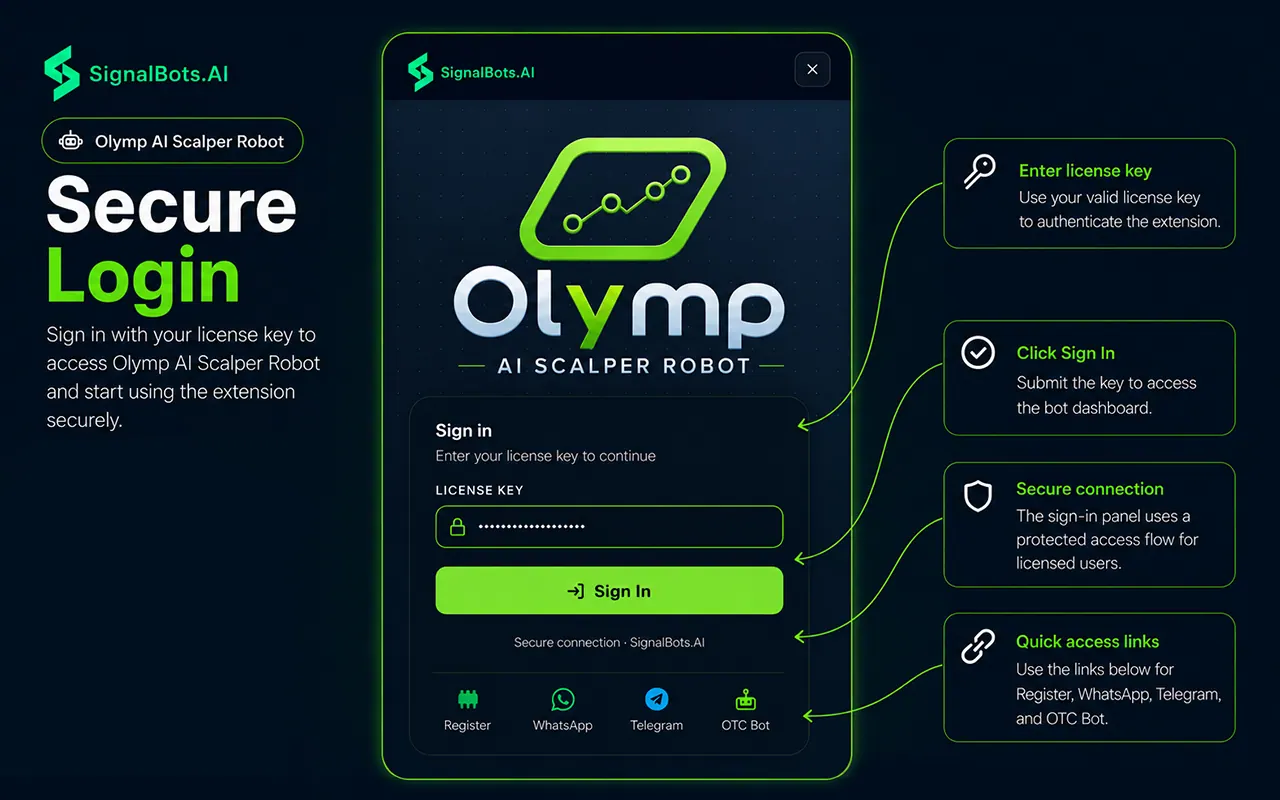
No. You log into Olymp Trade normally in your browser, and the extension activates using its own license key rather than asking for your broker password.
Is Olymp AI Scalper Robot available on mobile?
No—it's desktop-only. The extension supports desktop browsers (Chrome/Chromium and Firefox variants) rather than mobile browsers.
Is this your tool?
Upgrade Olymp AI Scalper Robot to Pro for featured-first placement, a newsletter feature and ongoing listing management.