
ObjectRemover
AI Design Tools
ObjectRemover removes unwanted people, objects, text, logos, and more from MP4/MOV videos using prompt-based AI in your browser.
- Pricing
- Free
- Category
- Design
- Listed
- Aug 16, 2026
- Updated
- Aug 17, 2026
Promoted
 AI Checker PlusAI detector that highlights which passages AI wrote. Free check, no sign-up. Plagiarism too.
 RewindType any X/Twitter handle. Get their year back as a narrated video story. Then ask it anything.
 KurodyneSell the tools from your AI side projects. Listing is free.
 Sidrune AI85% off. Stable Claude API for agent developers. Pay as you go. Invoices & refunds available.
 Pixmax.aiPixmax.ai is an all-in-one AI workspace for videos, visual stories, and marketing content.
 SEOify - Improve your SEO & rankingsBuild links to rank in Google. Improve your DR with links you can start building now.Advertise here270,000+ people visit Dang.ai every month.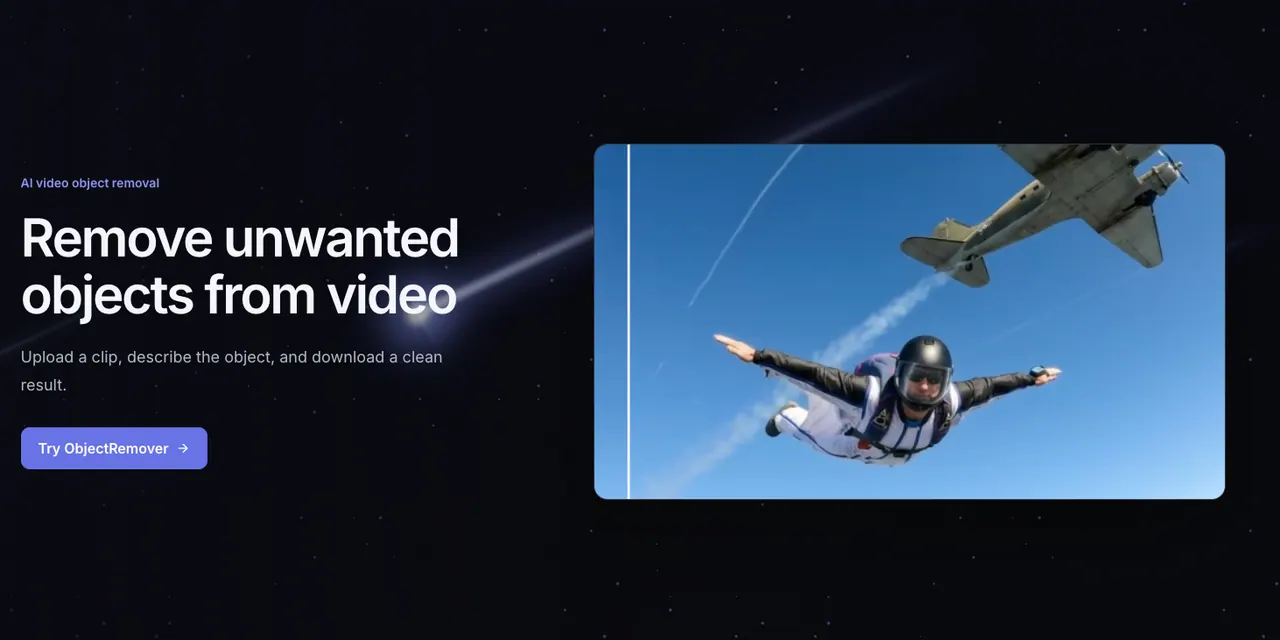
What does ObjectRemover do?
ObjectRemover is a browser-based AI video object remover that helps you clean up footage by removing one targeted person, object, text element, logo, watermark, or visual distraction from a clip.
Workflow is straightforward: upload an MP4 or MOV, write a short English prompt describing what to remove, then generate and review the result. The tool processes the target across consecutive frames and reconstructs the covered area so the surrounding scene stays consistent.
It’s built for common cleanup tasks such as removing background passersby, cleaning product/still-life shots, removing text overlays, and reducing distractions around your subject. You can also preserve the original audio for the processed video, and download the cleaned result after the job completes.
How do I remove an object from a video online?
Upload an MP4 or MOV, describe the unwanted person/object/text/logo in a specific English prompt, and generate the cleaned result. Review the edges, texture, and motion continuity before downloading.
What video formats and specifications are supported?
ObjectRemover supports MP4 and MOV uploads with an upper limit of 1080p and 60fps. File size limits and total processing limits depend on your plan.
Does it remove moving people or objects?
It can remove a target that moves through the clip because the system tracks the element across consecutive frames. Consistency can drop with fast motion, heavy blur, occlusion, reflections, or complex camera movement.
Do prompts need to be written in English?
Prompts should be written in English, and shorter prompts usually produce more stable results. The prompt is used as written.
Can it keep the original audio in the cleaned video?
Yes—there’s an option to keep the original audio when creating your upload. Sign in is required to upload.
How are credits calculated and what do they mean?
Billing uses five-second units: one credit covers one billable second, and each job rounds up to five-second units. Plans include monthly credit amounts and processing limits.
This listing is claimed
Own ObjectRemover? Sign in with the email used to claim it to manage this listing, or upgrade to Pro for featured-first placement and a newsletter feature.