
mp4totext.ai
AI Transcription Software Tools
Convert MP4 (and other video/audio formats) into searchable AI transcripts with timestamps and speaker labels in your browser.
- Pricing
- Free
- Category
- Transcription
- Listed
- Sep 7, 2026
- Updated
- Sep 7, 2026
Promoted
 AI Checker PlusAI detector that highlights which passages AI wrote. Free check, no sign-up. Plagiarism too.
 RewindType any X/Twitter handle. Get their year back as a narrated video story. Then ask it anything.
 KurodyneSell the tools from your AI side projects. Listing is free.
 Sidrune AI85% off. Stable Claude API for agent developers. Pay as you go. Invoices & refunds available.
 Pixmax.aiPixmax.ai is an all-in-one AI workspace for videos, visual stories, and marketing content.
 SEOify - Improve your SEO & rankingsBuild links to rank in Google. Improve your DR with links you can start building now.Advertise here330,000+ people visit Dang.ai every month.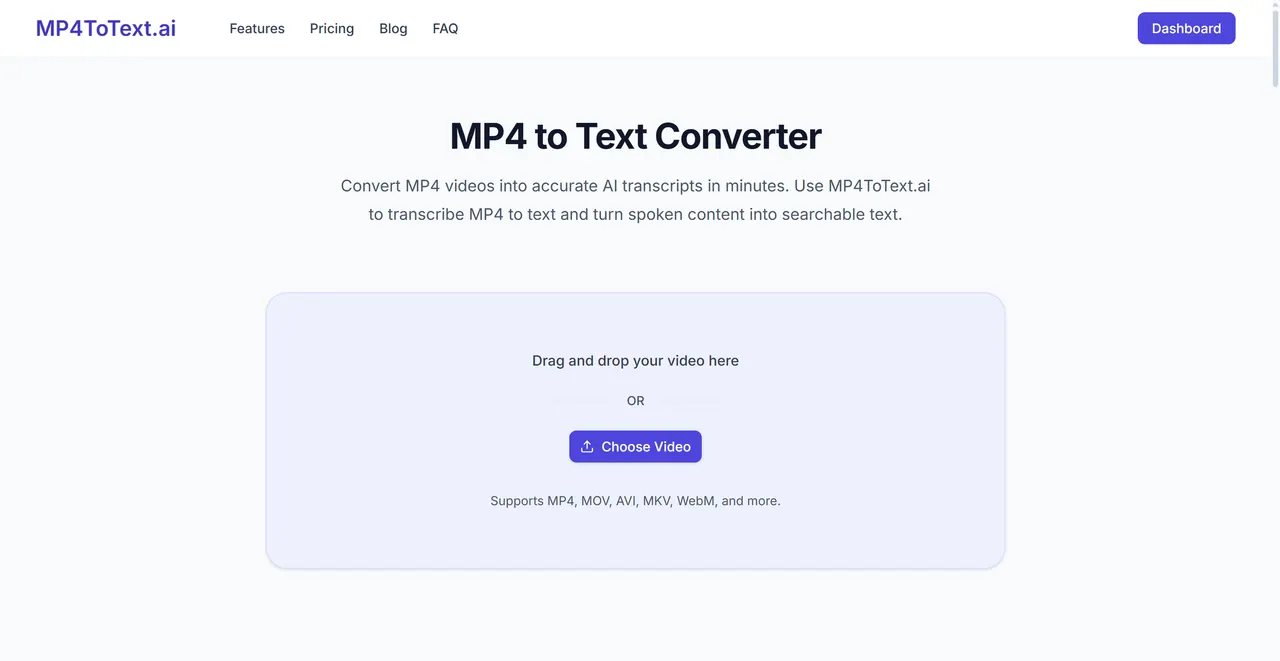
What does mp4totext.ai do?
MP4ToText.ai is an online MP4-to-text converter that turns spoken audio into editable transcripts. Upload a file (or paste a link where supported), and get a timestamped transcript with speaker labels so you can find the exact moment that matters.
It supports MP4, MOV, MKV, WebM, WMV, 3GP, MPG, TS, and more, along with common audio formats like MP3, WAV, M4A, FLAC, and OGG. Choose the spoken language manually or use auto-detect (150+ languages) to generate text in the original language.
After transcription, review and edit the transcript in-browser, then export it in formats such as TXT, PDF, DOCX, CSV, and subtitle files (SRT/VTT). For long recordings, you can also generate summaries and mind maps to quickly understand key points and share results when needed.
What does MP4ToText.ai convert—video or audio?
It converts spoken content in supported video formats (like MP4) into MP4-to-text transcripts. It also supports common audio formats such as MP3, WAV, and M4A.
Do I need to extract audio before uploading?
No. Upload your video and start transcription directly; the tool extracts the spoken audio and produces a timestamped transcript.
Does the transcript include timestamps and speaker labels?
Yes. Transcripts are generated with timestamps, and speaker labels are added to make meetings, interviews, and multi-speaker content easier to follow.
How many languages are supported?
Transcription is available in 150+ languages. You can auto-detect the language or select it manually.
Can I edit, export, or share my transcript?
Yes. You can edit the transcript in your browser and export to formats like TXT, PDF, DOCX, CSV, and subtitles (SRT/VTT). You can also generate a share link when you want to collaborate.
How accurate are the transcripts?
Clear recordings can reach up to 98% accuracy. Accuracy can drop with background noise, overlapping voices, fast speech, accents, names, and specialized terms—use timestamps to quickly verify key parts.
This listing is claimed
Own mp4totext.ai? Sign in with the email used to claim it to manage this listing, or upgrade to Pro for featured-first placement and a newsletter feature.