MiniMaxVion
AI Ecommerce Tools
MiniMaxVion is a browser-based AI creative studio for generating and editing cinematic images and short product videos from prompts and references.
Promoted
 RewindType any X/Twitter handle. Get their year back as a narrated video story. Then ask it anything.
 KurodyneSell the tools from your AI side projects. Listing is free.
 Sidrune AI85% off. Stable Claude API for agent developers. Pay as you go. Invoices & refunds available.
 Pixmax.aiPixmax.ai is an all-in-one AI workspace for videos, visual stories, and marketing content.
 SEOify - Improve your SEO & rankingsBuild links to rank in Google. Improve your DR with links you can start building now.Advertise here270,000+ people visit Dang.ai every month.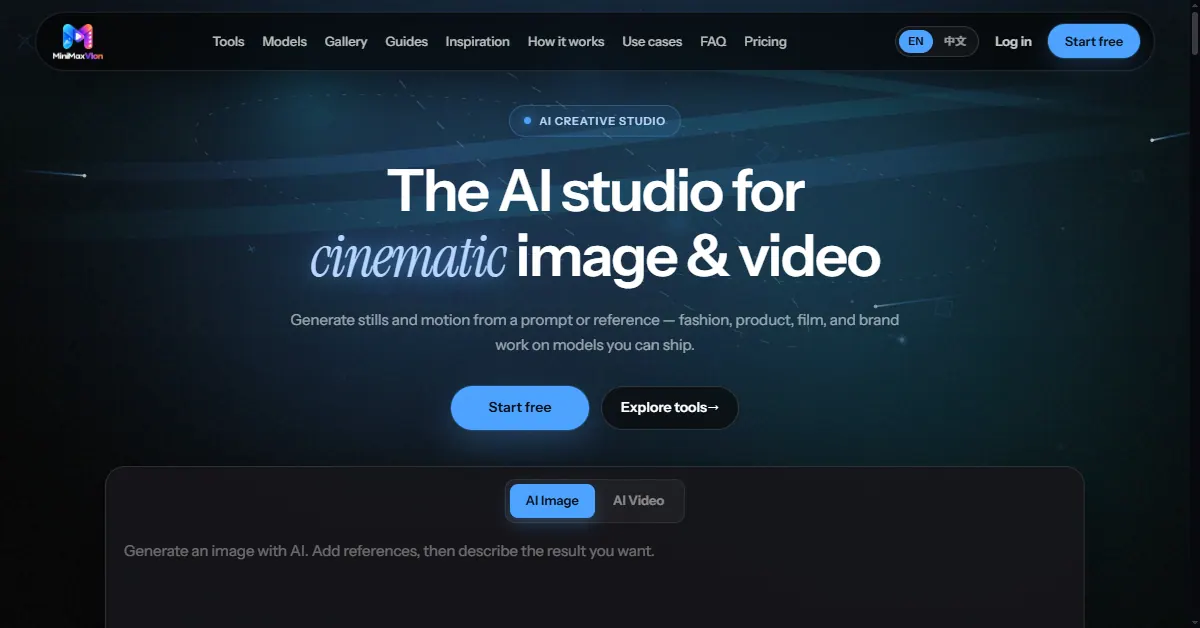
What does MiniMaxVion do?
MiniMaxVion is an AI creative studio for generating and editing cinematic image and video assets in your browser—built to help you create production-ready visuals without a traditional shoot. Create stills and motion from a prompt or reference, then refine results directly on one studio board.
Use it for text-to-image and image-to-image generation, image editing that keeps the subject consistent, and text-to-video or image-to-video to produce short clips. You can also use video edit to rewrite, restyle, or extend an existing clip. The studio supports both still and motion workflows, so you can go from a keyframe to a short sequence without switching tools.
MiniMaxVion is especially useful for e-commerce and product teams: generate clean product hero shots, swap backgrounds, build listing-ready image sets, and create product presenter videos. It also includes marketplace-focused checker tools like an Amazon main image checker and additional listing checkers for other platforms. Beyond products, you can use it for fashion/editorial looks, film-style storyboards, and on-brand visuals for launches, social posts, and pitch decks.
Pricing is credit-based via memberships and one-time credit packs. PayPal memberships renew monthly or yearly until you cancel, and credits stay in your balance without expiring. Membership tiers include Creator, Plus, and Pro, each offering a set of image/video credits and parallel generation limits (details are available in the pricing section).
What can I create in MiniMaxVion?
You can generate cinematic still images and short AI video clips, then edit both frames and clips for refinements. Workflows include text-to-image, image edit, text-to-video, image-to-video, and video edit.
How do I turn a prompt into an image?
Enter a prompt describing the subject, lighting, camera, and mood, then generate a cinematic still. You can iterate by refining lighting, crop, and style on the same studio board.
Can I create video from an image?
Yes. Use image to video to animate a still with camera moves and natural motion, producing a short clip for social or film-style results.
What’s the difference between image edit and video edit?
Image edit helps you modify an existing frame while keeping the subject consistent. Video edit lets you rewrite, restyle, or extend a video clip you already have.
Is MiniMaxVion designed for e-commerce listing visuals?
Yes. It supports product and ecommerce visuals like hero shots, background replacement, and product image sets, with marketplace image checkers such as an Amazon main image checker to help flag common listing image issues.
How does pricing work—do I need a subscription?
You can start free, and you can use memberships that renew via PayPal monthly or yearly until you cancel. Credits are also available through one-time credit packs.
This listing is claimed
Own MiniMaxVion? Sign in with the email used to claim it to manage this listing, or upgrade to Pro for featured-first placement and a newsletter feature.