
MCP Playground Online
AI Data Processing & Analytic Tools
MCP Playground Online is a free browser tool to test MCP servers and clients with live request/response logs and an agent studio.
- Pricing
- Free
- Category
- Data
- Listed
- Jun 21, 2026
- Updated
- Jun 22, 2026
Promoted
 Sidrune AI85% off. Stable Claude API for agent developers. Pay as you go. Invoices & refunds available.
 Pixmax.aiPixmax.ai is an all-in-one AI workspace for videos, visual stories, and marketing content.
 SEOify - Improve your SEO & rankingsBuild links to rank in Google. Improve your DR with links you can start building now.Advertise here270,000+ people visit Dang.ai every month.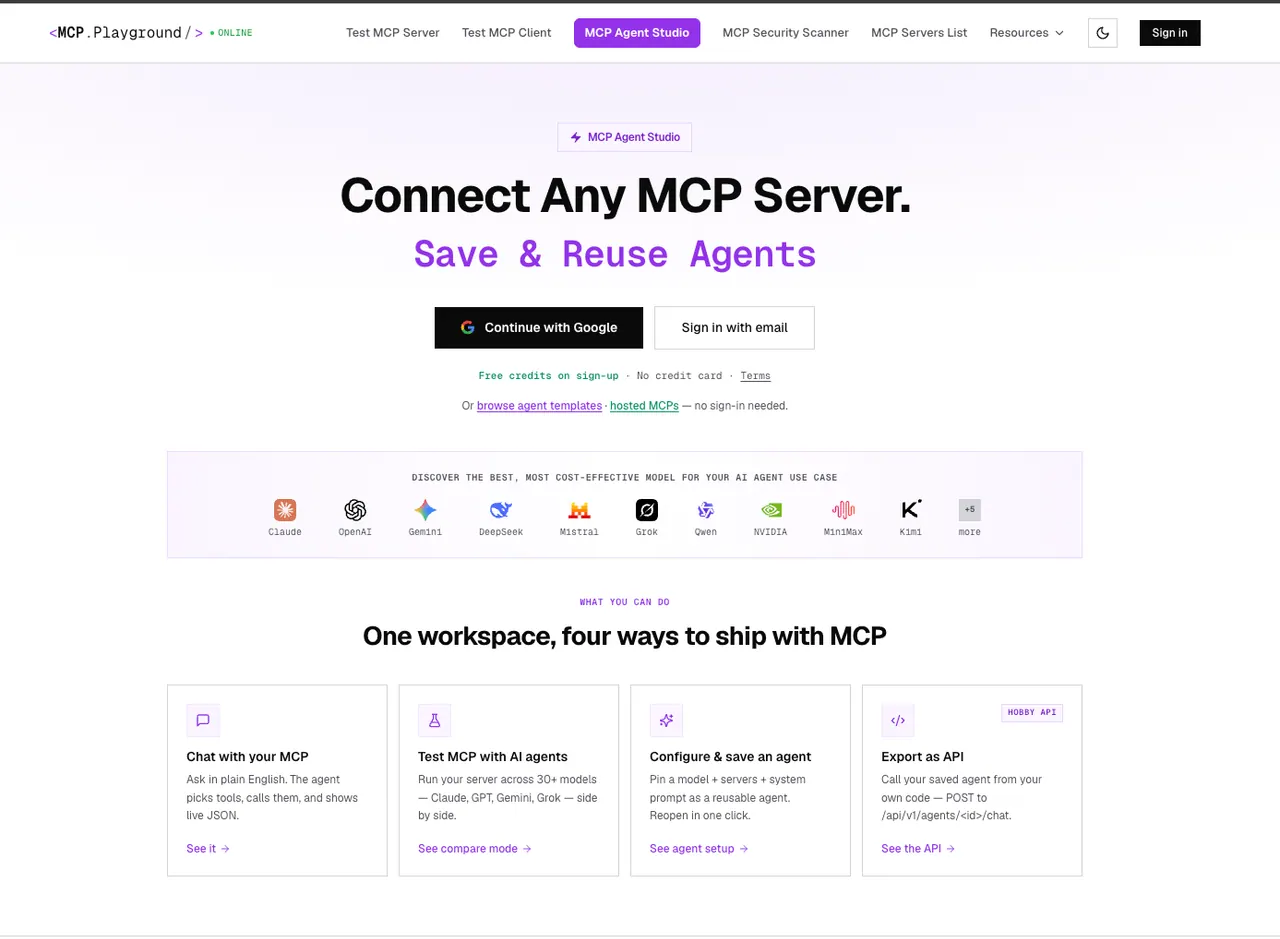
What does MCP Playground Online do?
MCP Playground Online is a free, browser-based testing environment for the Model Context Protocol (MCP). Connect to a remote MCP server by URL, browse its tools, prompts, and resources, and execute commands directly in your browser—no installs or setup.
Use the live JSON-RPC logs to debug behavior with full request/response visibility, including per-call latency. Validate protocol implementations by running real tool calls and inspecting the exchanged JSON for every interaction.
For building workflows, try MCP Agent Studio to build agents for any MCP server using pre-built templates and side-by-side model comparison. You can also run Compare Mode to send the same prompt across multiple models and review outcomes with automatic winner guidance based on accuracy, speed, and credit cost.
Is MCP Playground Online really free, and does it require installation?
Yes—it's offered with free testing tools and free credits on sign-up, and it runs fully in the browser with no install or software setup.
How do I test an MCP server in the playground?
Enter your MCP server URL and connect. After connecting, you can browse available tools/resources, execute tool calls, and review the live request/response logs.
What kind of debugging and logs are available?
You get real-time JSON-RPC request/response logging for tool calls, including per-call latency, so you can inspect what was sent and what was returned.
Can it work with local or non-HTTP MCP servers?
Yes. It supports HTTP and SSE for remote servers, and it can run local CLI (stdio) servers alongside remote HTTP servers.
What is MCP Agent Studio used for?
MCP Agent Studio helps you build agents for any MCP server using templates or by wiring up your server, and it supports side-by-side model comparison in the workflow.
Can I compare multiple models for the same MCP prompt?
Yes. Compare Mode runs the same prompt across up to 4 models simultaneously and shows results live, including winner guidance based on accuracy, speed, and credit cost.
This listing is claimed
Own MCP Playground Online? Sign in with the email used to claim it to manage this listing, or upgrade to Pro for featured-first placement and a newsletter feature.