MakeItAQuote
AI Design Tools
Turn any text or photo into share-ready quote images in your browser, with no sign-up.
- Pricing
- Free
- Category
- Design
- Listed
- Jul 19, 2026
- Updated
- Jul 20, 2026
Promoted
 RewindType any X/Twitter handle. Get their year back as a narrated video story. Then ask it anything.
 KurodyneSell the tools from your AI side projects. Listing is free.
 Sidrune AI85% off. Stable Claude API for agent developers. Pay as you go. Invoices & refunds available.
 Pixmax.aiPixmax.ai is an all-in-one AI workspace for videos, visual stories, and marketing content.
 SEOify - Improve your SEO & rankingsBuild links to rank in Google. Improve your DR with links you can start building now.Advertise here270,000+ people visit Dang.ai every month.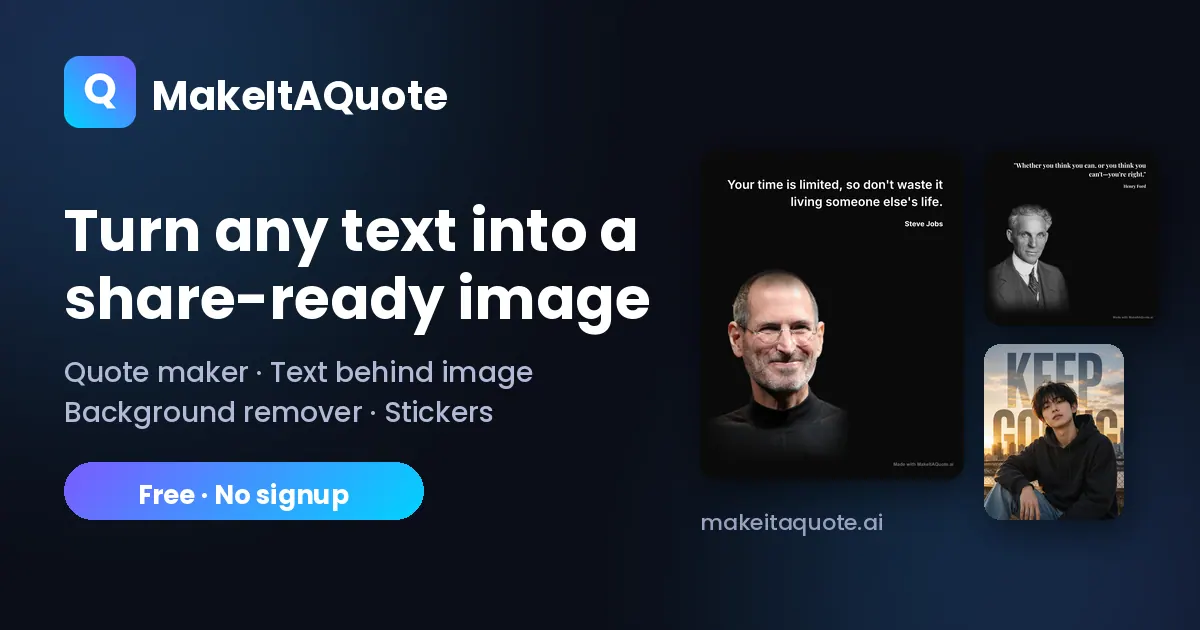
What does MakeItAQuote do?
MakeItAQuote is a free online quote image maker that turns your words into share-ready graphics for every platform. Paste a caption, line, or saying, pick a format, and export a crisp high-resolution PNG.
Choose between a clean gradient text card or a photo quote mode where you add your own image and place the text beside it in color or black & white. You can fine-tune font, size, colors, and alignment to match the vibe you want.
Pick the right size for the feed, Stories/Reels/TikTok, X/LinkedIn/YouTube, or link previews—so your image stays properly framed. Photos are rendered in your browser so your text and photos stay on your device, and downloads are available without sign-up.
Do I need an account or app to use MakeItAQuote?
No—it's an in-browser quote maker with no sign-up or app installation.
Are my photos uploaded anywhere?
No. Your quote is rendered in your browser, so your text and photos remain on your device.
What formats and sizes can I export?
You can export multiple sizes matched to common platforms, including square (1:1), portrait (4:5), Stories/Reels/TikTok (9:16), landscape (16:9), and link preview (1.91:1).
What’s the difference between text card and photo quote mode?
Text card mode uses a gradient-style card for typography only. Photo quote mode lets you include your own image and position the words beside it (in color or black & white).
Can I download my quote image as a PNG?
Yes. You can download a high-resolution PNG. Free downloads include a small watermark.
Can I edit the quote after choosing a size?
Yes. After selecting a format, you can tap edit to adjust font, size, colors, alignment, and photo placement before downloading.
This listing is claimed
Own MakeItAQuote? Sign in with the email used to claim it to manage this listing, or upgrade to Pro for featured-first placement and a newsletter feature.