
LocalBG
AI Design Tools
LocalBG removes image, video, and GIF backgrounds completely offline on your device with no uploads, credits, or limits.
- Pricing
- Free
- Category
- Design
- Listed
- Oct 3, 2026
- Updated
- Oct 23, 2026
Promoted
 KurodyneSell the tools from your AI side projects. Listing is free.
 Sidrune AI85% off. Stable Claude API for agent developers. Pay as you go. Invoices & refunds available.
 Pixmax.aiPixmax.ai is an all-in-one AI workspace for videos, visual stories, and marketing content.
 SEOify - Improve your SEO & rankingsBuild links to rank in Google. Improve your DR with links you can start building now.Advertise here270,000+ people visit Dang.ai every month.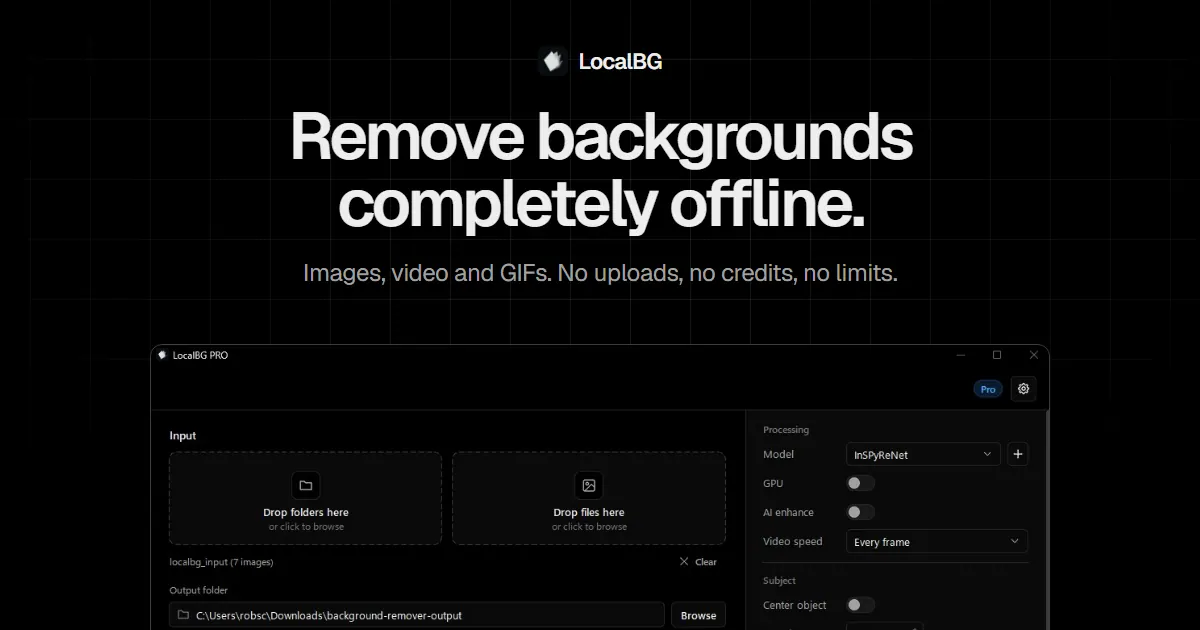
What does LocalBG do?
LocalBG is a fully offline background remover for images, videos, and GIFs. It runs on your own machine, producing clean alpha cutouts and letting you composite subjects onto custom backdrops—without sending files to the cloud.
The app is built for real production workflows. Use the point-and-click GUI for fast cutouts (including comparisons like original vs transparent alpha vs a solid-color backdrop), and process folders for bulk work. You can also fine-tune results with tools like edge despill, drop shadows, floor reflections, auto-centering, and subject spacing.
For automation and private deployment, LocalBG includes an optional CLI and supports self-hosting/private API-style usage, so you can wrap background removal into your own server workflow. The model runs from disk locally, enabling air-gapped/offline use. Your files stay on your device—there’s no upload step for processing.
Free unlimited single-image processing is available. Pro extends to unlimited bulk, video, and GIF processing, with Pro video background removal exporting ProRes 4444 with a real alpha channel (and an MP4 green-screen option). Pro is priced at €8/month excluding VAT, and it includes a 14-day money-back guarantee.
Can I use LocalBG fully offline?
Yes. Background removal runs locally on your machine with no internet connection needed for processing. The only required connections are for license activation/renewal and optional update checks.
Will LocalBG upload or store my photos?
No upload or storage is used for processing. Your images run through the model on your CPU/GPU, and nothing needs to leave your device.
Is there a limit on how many images I can process?
Free processing is unlimited for single images at full resolution with no account requirement or per-image fees. Pro removes the one-at-a-time limit and supports unlimited bulk processing.
Can LocalBG remove backgrounds from videos and keep real transparency?
On Pro, yes. It removes backgrounds frame-by-frame for supported video formats and exports ProRes 4444 with a real alpha channel (plus a green-screen MP4 export option).
Does LocalBG generate new images or invent backgrounds?
No. It uses a segmentation model to find the subject and remove the background, rather than generating new content.
What are LocalBG’s pricing and refund terms?
Free offers unlimited single-image processing. Pro is €8/month excluding VAT for unlimited bulk, video, and GIF workflows, and it includes a 14-day money-back guarantee.
This listing is claimed
Own LocalBG? Sign in with the email used to claim it to manage this listing, or upgrade to Pro for featured-first placement and a newsletter feature.