
Kamai
Verified
AI Data Processing & Analytic Tools
Kamai turns construction blueprint PDFs into structured, traceable takeoff quantities you can verify and export via app, API, or MCP.
- Category
- Data
- Listed
- Oct 1, 2026
- Updated
- Oct 5, 2026
Promoted
 Pixmax.aiPixmax.ai is an all-in-one AI workspace for videos, visual stories, and marketing content.
 Sidrune AI85% off. Stable Claude API for agent developers. Pay as you go. Invoices & refunds available.
 SEOify - Improve your SEO & rankingsBuild links to rank in Google. Improve your DR with links you can start building now.Advertise here270,000+ people visit Dang.ai every month.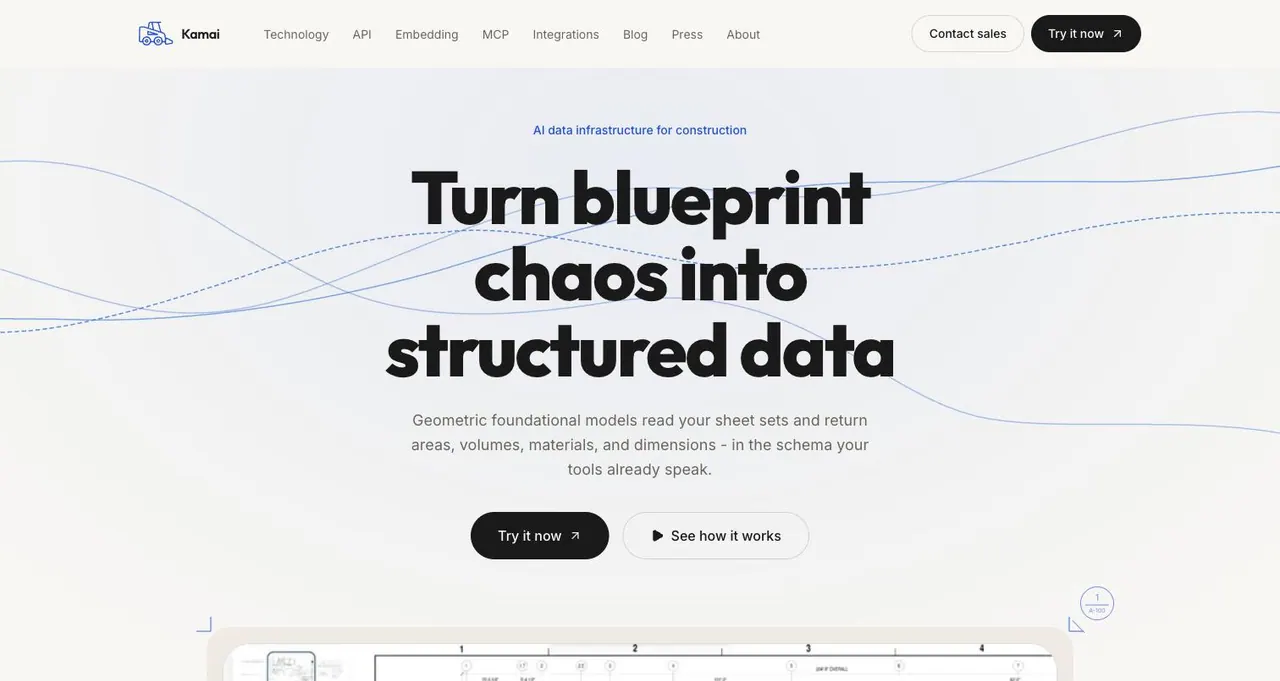
What does Kamai do?
Kamai is an AI takeoff platform for construction teams that turns blueprint sheet sets into structured data. Upload single sheets, multi-discipline drawings, or an entire folder and get extracted areas, volumes, lengths, and counts—organized so your workflow can consume them easily.
Kamai focuses on provenance and reviewability. Quantities are keyed back to the sheet, layer, and geometry they come from, so estimators can trace every number to where it appears on the plan. Visualized detections also help you spot conflicts, gaps, and outliers before bids or buyouts.
Use Kamai in whichever way fits your team: the Kamai web app for a takeoff workspace, the Takeoff API for programmatic access, or the official Kamai MCP server so agents can ingest drawings and read structured takeoff data from AI assistants.
What kinds of drawings can I upload to Kamai?
You can upload a single PDF sheet, multi-discipline sheet sets, or a full folder of drawings. Kamai processes each drawing through the same pipeline.
What takeoff data does Kamai extract from blueprint PDFs?
Kamai extracts areas, volumes, lengths, and counts, along with structured geometry/semantics tied to the drawings it reads.
Can I trace a quantity back to where it appears on the plan?
Yes. Each detected quantity is keyed back to the sheet, layer, and geometry it came from, so you can review it in context.
How do I review what Kamai found for potential issues?
Kamai draws detections back onto the sheet, making it easier to spot outliers, conflicts, or gaps before you use the quantities for pricing or downstream tasks.
How can teams access Kamai outputs?
You can use the Kamai app for interactive review and export, call the Takeoff API for programmatic takeoffs, or use the official Kamai MCP server for agent-based workflows.
Does Kamai support trade-specific extraction?
Yes. Kamai lists solutions by CSI division, including interior finishes (Div 09), plumbing (Div 22), and electrical (Div 26), with additional divisions coming soon.
This listing is claimed
Own Kamai? Sign in with the email used to claim it to manage this listing, or upgrade to Pro for featured-first placement and a newsletter feature.