
Invoiceize
AI Finance Modeling Tools
Invoiceize is a free, no-signup online invoice generator that lets you create, edit, and download clean PDF invoices with Scan & fill.
- Pricing
- Free
- Category
- Finance
- Listed
- Oct 2, 2026
- Updated
- Oct 2, 2026
Promoted
 Pixmax.aiPixmax.ai is an all-in-one AI workspace for videos, visual stories, and marketing content.
 Sidrune AI85% off. Stable Claude API for agent developers. Pay as you go. Invoices & refunds available.
 SEOify - Improve your SEO & rankingsBuild links to rank in Google. Improve your DR with links you can start building now.Advertise here270,000+ people visit Dang.ai every month.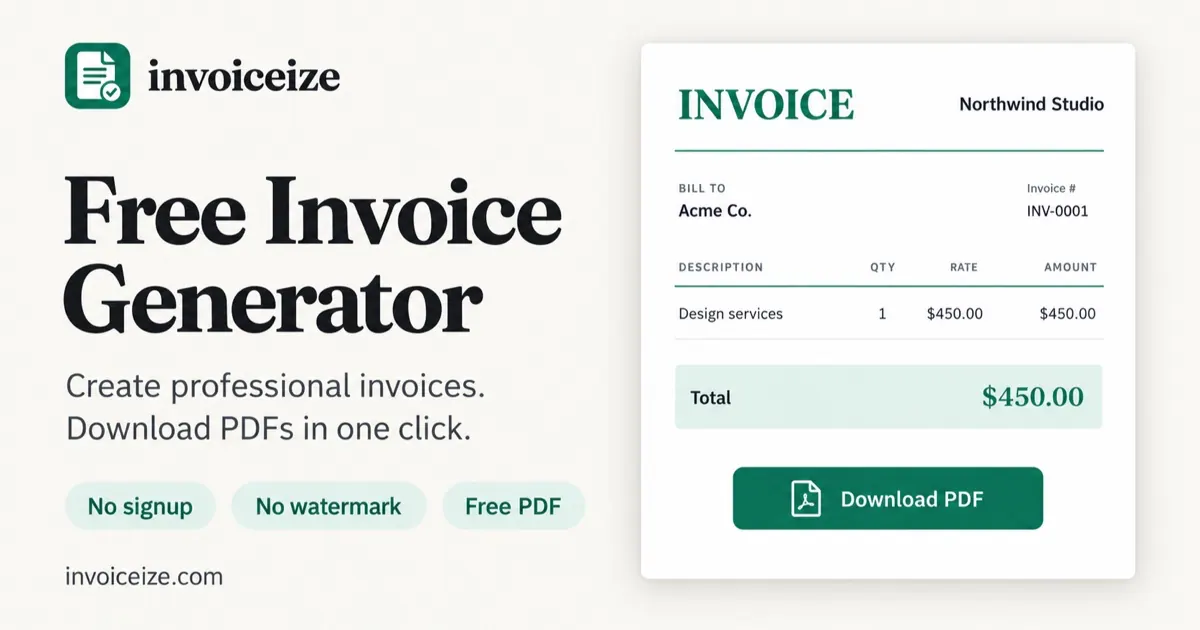
What does Invoiceize do?
Invoiceize is a free online invoice generator for freelancers, contractors, consultants, and small businesses. Create professional PDF invoices directly in your browser without signing up, adding a watermark, or leaving the page. Fill in your business and client details, line items, quantities, rates, currency, tax, discounts, shipping, and payment terms with a live preview that updates as you type.
Choose from Classic, Modern, or Minimal layouts, upload a logo (PNG, JPG, or SVG), and set your brand color and heading fonts. Autosaved drafts stay in your browser so you can reopen, duplicate, or delete invoices anytime. You can also customize invoice wording, add custom fields (like PO number or tax ID), and show or hide sections you don’t need.
Invoiceize also includes receipt and quotation generators using the same editor. The Scan & fill feature supports AI-assisted invoice import to help populate the editor, and you can try it with sample data. Line items can be copied from Excel or Google Sheets and pasted into the invoice so they split into their own columns automatically.
Do I need an account to create invoices with Invoiceize?
No—creating and downloading invoices works without signing up. Your drafts are saved in your browser, and you can clear them anytime.
Is there a watermark on the PDF invoices?
No. Downloaded PDFs are generated without a watermark.
What can I add to an invoice (tax, discounts, due dates, and terms)?
You can include tax, discounts, shipping, payment method/details, and terms such as due date and payment terms. Totals calculate automatically as you edit line items.
How does Scan & fill help?
Scan & fill uses AI-assisted invoice import to populate the invoice editor from existing invoice material. You can also try it with sample data before importing your own.
Can I customize the look and branding?
Yes. Pick Classic, Modern, or Minimal layouts, upload a logo, set a brand color, and choose heading font styles and paper size (A4 or US Letter).
Can I generate other documents besides invoices?
Yes. Invoiceize includes receipt and quotation generators, using the same editor workflow.
This listing is claimed
Own Invoiceize? Sign in with the email used to claim it to manage this listing, or upgrade to Pro for featured-first placement and a newsletter feature.