
JungleMail
Verified
Internal Newsletter Tool
JungleMail helps Microsoft 365 and SharePoint teams create personalized, secure internal newsletters, pulling SharePoint news into inboxes with analytics.
Promoted
 AI Checker PlusAI detector that highlights which passages AI wrote. Free check, no sign-up. Plagiarism too.
 RewindType any X/Twitter handle. Get their year back as a narrated video story. Then ask it anything.
 KurodyneSell the tools from your AI side projects. Listing is free.
 Sidrune AI85% off. Stable Claude API for agent developers. Pay as you go. Invoices & refunds available.
 Pixmax.aiPixmax.ai is an all-in-one AI workspace for videos, visual stories, and marketing content.
 SEOify - Improve your SEO & rankingsBuild links to rank in Google. Improve your DR with links you can start building now.Advertise here330,000+ people visit Dang.ai every month.
What does JungleMail do?
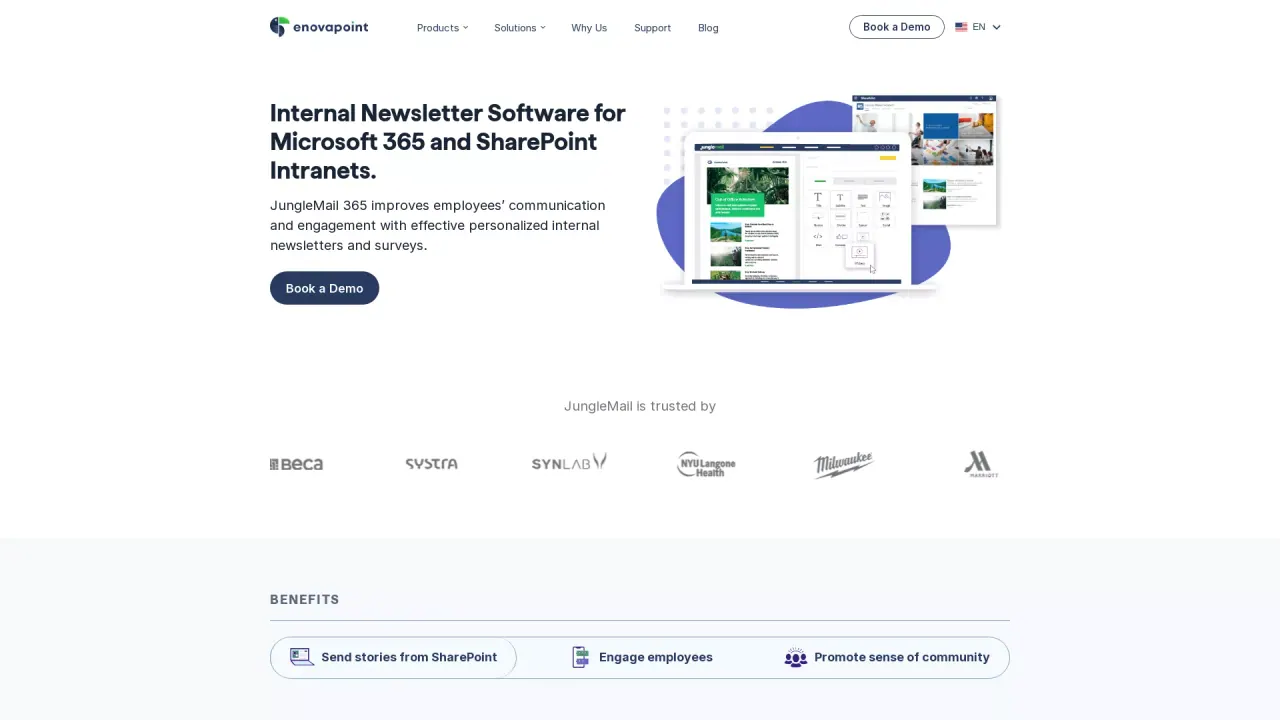
JungleMail is an employee engagement companion built for teams using Microsoft 365 and SharePoint. It lets you create personalized, trackable internal newsletters, target audiences through Microsoft Entra ID, and send beautifully rendered emails to Outlook inboxes at scale.
A core strength is its SharePoint connection: JungleMail can automatically populate newsletters with news from your SharePoint intranet/Communication Site. You can embed SharePoint news and retrieve content based on recipient preferences, helping unlock the right stories for each employee. The tool also supports targeted newsletters where each receiver can get a unique version, based on the subscription preferences and audience segmentation you configure.
Design and operations are handled with a drag-and-drop builder to quickly assemble responsive newsletter layouts using sections, titles, and content blocks. Planning features like a communication calendar help you schedule and manage internal comms in one place, while embedded surveys and polls collect feedback directly from recipients.
To keep improving engagement, JungleMail includes advanced analytics such as opens, clicks, unsubscribes, clickstreams, and survey votes. You can also view trends, sending performance patterns, and AD Profile Based Analytics for insights by user role, department, and location. JungleMail also offers AI assistants (AI Writer and AI Artist) to support writing, translation, and creative workflows, and it supports multilingual newsletters using translation options including DeepL and OpenAI. A free trial is available.
What does JungleMail help you do for internal communications?
Create personalized, trackable employee newsletters, target the right recipients using Microsoft Entra ID, and send secure emails to Outlook inboxes at scale while pulling content from your SharePoint intranet.
How does JungleMail use SharePoint content in newsletters?
It automatically populates internal newsletters with news from SharePoint. It can also retrieve SharePoint/Intranet or Microsoft 365 Communication Site content following recipient preferences, and it supports embedding SharePoint news directly into the newsletter experience.
Can newsletters be personalized for different audiences and recipients?
Yes. You can target newsletters using distribution lists or Microsoft 365 Groups and apply recipient preferences so each receiver can get content tailored to their subscription and audience segment.
What tools are available to build and manage newsletters?
Use a drag-and-drop builder to create responsive layouts, and plan sends with a communication calendar to schedule and manage internal communications in one place.
What kind of analytics does JungleMail provide?
You can measure opens, clicks, unsubscribes, clickstreams, and survey votes, plus see trends such as which content performs best and optimal sending times. You also get analytics by location and AD profile based insights by role, department, and location.
Is there a free trial?
Yes—JungleMail offers a free trial so you can evaluate the platform before committing.
This listing is claimed
Own JungleMail? Sign in with the email used to claim it to manage this listing, or upgrade to Pro for featured-first placement and a newsletter feature.