Imgtoimgai
AI Design Tools
Imgtoimgai.io lets you upload an image and prompt to generate new styles, backgrounds, and scenes with multiple AI models.
- Pricing
- Free
- Category
- Design
- Listed
- Aug 15, 2026
- Updated
- Oct 19, 2026
Promoted
 Pixmax.aiPixmax.ai is an all-in-one AI workspace for videos, visual stories, and marketing content.
 AI Checker PlusAI detector that highlights which passages AI wrote. Free check, no sign-up. Plagiarism too.
 RewindType any X/Twitter handle. Get their year back as a narrated video story. Then ask it anything.
 KurodyneSell the tools from your AI side projects. Listing is free.
 Sidrune AI85% off. Stable Claude API for agent developers. Pay as you go. Invoices & refunds available.
 SEOify - Improve your SEO & rankingsBuild links to rank in Google. Improve your DR with links you can start building now.Advertise here270,000+ people visit Dang.ai every month.
What does Imgtoimgai do?
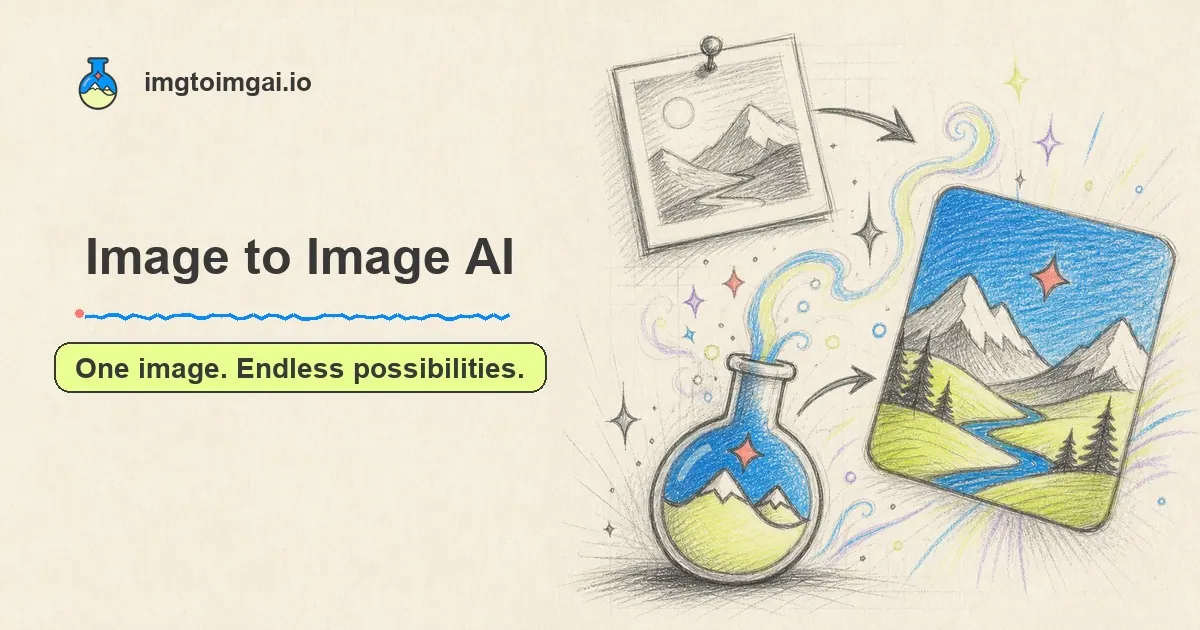
Imgtoimgai.io is an online Image to Image AI generator that turns an existing photo, sketch, or design into a fresh new result. Instead of starting from text alone, you begin with a visual reference and then describe what you want to change—such as the style, background, lighting, colors, outfit, or overall scene.
The tool supports multiple AI models in one workflow, so you can run the same image and prompt through different models and compare outputs. Generation is designed to be fast and easy: upload your image, write a prompt in plain words, choose a model, and then generate. Results are described as having clear details, natural colors, and clean edges, making them suitable for product pages, ads, social posts, and thumbnails.
You can also control output quality with settings like resolution and aspect ratio, and you can download high-resolution results to keep small details crisp. Additional options include watermark toggling and generating multiple images per run, plus the ability to upload multiple reference images to guide the AI.
Pricing is available via Lite, Pro, and Max plans with monthly or annual options (annual includes a 50% savings). Plans list included credits and image/video limits, plus access to all models and AI image tools; all plans include a commercial use license and differ by volume and support level.
What is Imgtoimgai.io (Image to Image AI)?
It’s an Image to Image AI generator that creates a new image from an input image you already have, guided by a text prompt describing what to change and what to keep.
Can I use Imgtoimgai.io to change the background, style, or scene?
Yes. You can prompt for changes like a new background, art style, lighting, color, outfit, or the overall scene, while the source image provides the starting subject and layout.
How do multiple AI models work in the same generator?
You can choose from several available models and generate results for the same photo and prompt across models, helping you compare which output you prefer.
Can I upload multiple reference images for one generation?
Yes. You can upload multiple reference images to help guide the AI for a single generation.
Are downloads available in high resolution?
Yes. You can download the generated results in high resolution so small details remain clear for uses like product pages and print designs.
Is commercial use allowed for generated images?
Yes. Plans include a commercial use license, so you can use transformed images for commercial purposes as part of your subscription.
This listing is claimed
Own Imgtoimgai? Sign in with the email used to claim it to manage this listing, or upgrade to Pro for featured-first placement and a newsletter feature.