
Imagetotext
AI Data Processing & Analytic Tools
Imagetotext is a free online OCR tool that extracts editable text from images and PDFs, then lets you copy or download it in multiple formats.
- Pricing
- Free
- Category
- Data
- Listed
- Aug 15, 2026
- Updated
- Oct 15, 2026
Promoted
 Sidrune AI85% off. Stable Claude API for agent developers. Pay as you go. Invoices & refunds available.
 Pixmax.aiPixmax.ai is an all-in-one AI workspace for videos, visual stories, and marketing content.
 SEOify - Improve your SEO & rankingsBuild links to rank in Google. Improve your DR with links you can start building now.Advertise here270,000+ people visit Dang.ai every month.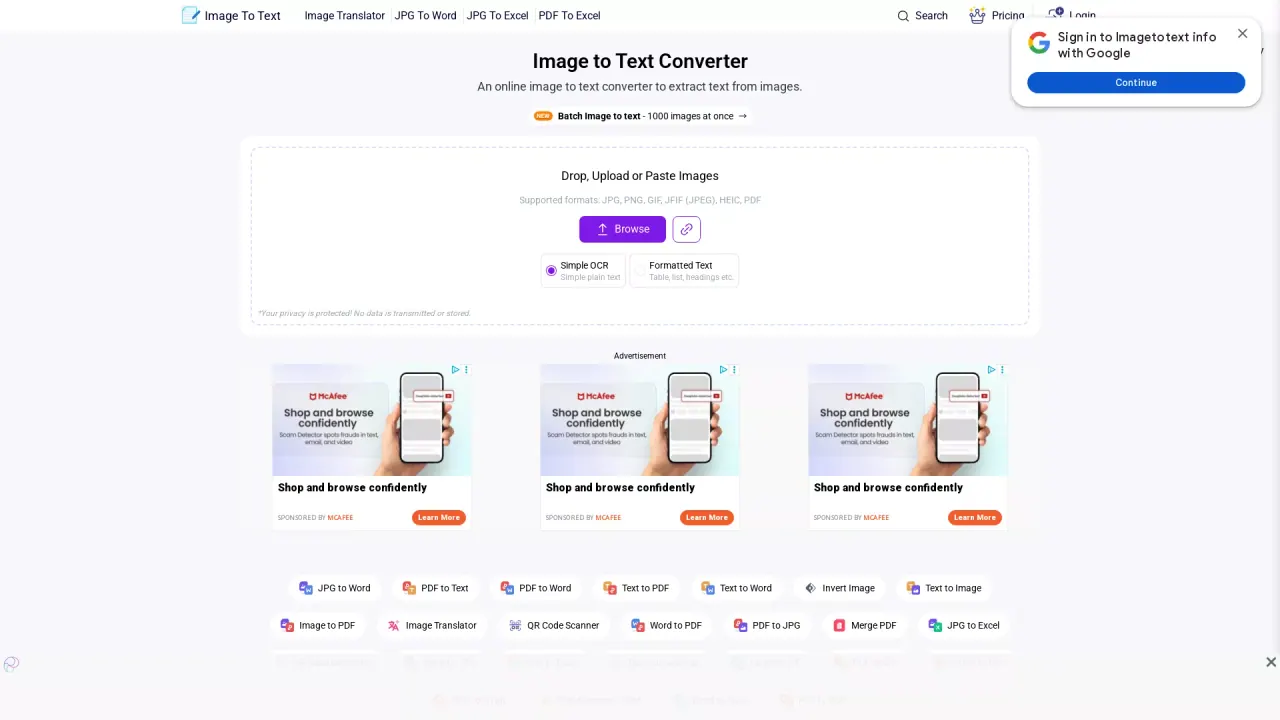
What does Imagetotext do?
Imagetotext is an online image-to-text (OCR) converter that extracts text from images and PDFs and turns it into editable output you can reuse. It’s designed for quick conversion—upload or drag-and-drop your file, click Convert, and then copy the result to your clipboard or save it as a document.
You can convert many common formats including JPG, JPEG, PNG, GIF, HEIC, and PDF. For conversions that involve lots of files, it supports batch image-to-text for up to 1,000 images at once. The output options include plain text and formatted text that preserves overall layout cues like tables, lists, and headings.
Imagetotext can be useful for turning printed material into digital text, digitizing office documents, capturing class notes (including handwritten notes), streamlining data entry, and extracting contact details or text from social media images. It also supports multiple languages, including English, Spanish, Russian, French, German, Arabic, Japanese, Chinese, and more.
It includes a free workflow for extracting and downloading text files. For users who need history and higher limits, there are Pro plan and API plan options, with Premium plan details available during upgrade (e.g., 50 images per submission, 15,000 total credits, file size up to 20 MB, and faster conversion).
What does Imagetotext do?
Imagetotext converts text found in images or PDFs into editable text using OCR, so you can copy it or download it as a file.
Which file types are supported for image-to-text conversion?
It supports formats including JPG, PNG, GIF, HEIC, and PDF (and related image formats listed in the tool’s supported format options).
Can I export the extracted text in different formats?
Yes. After conversion, you can copy the result or download it as TXT, DOCX, HTML, or Markdown, depending on the option you choose.
Is there a way to handle many images at once?
Yes—batch conversion is available, allowing you to process up to 1,000 images at once.
How do I convert handwritten or scanned text into digital text?
Upload the image(s) containing handwriting or scanned notes, then press Convert. When the extraction finishes, you can copy the text or download it as a document.
Does Imagetotext have pricing for Pro or an API?
Yes. The tool offers upgrade options including a Pro history feature and an API plan, with Premium plan details shown during upgrade (including upload limits and credits).
Is this your tool?
Claim Imagetotext to manage this listing, or upgrade to Pro for featured-first placement and a newsletter feature.