
ImageDescribe
AI Image Generators from Text Tools
Describe, chat with, and extract text from images using AI—generate alt text, OCR, captions, and reusable prompts in one workspace.

- Pricing
- Free
- Category
- Image
- Listed
- Jun 24, 2026
- Updated
- Jun 25, 2026
Promoted
 KurodyneSell the tools from your AI side projects. Listing is free.
 Sidrune AI85% off. Stable Claude API for agent developers. Pay as you go. Invoices & refunds available.
 Pixmax.aiPixmax.ai is an all-in-one AI workspace for videos, visual stories, and marketing content.
 SEOify - Improve your SEO & rankingsBuild links to rank in Google. Improve your DR with links you can start building now.Advertise here270,000+ people visit Dang.ai every month.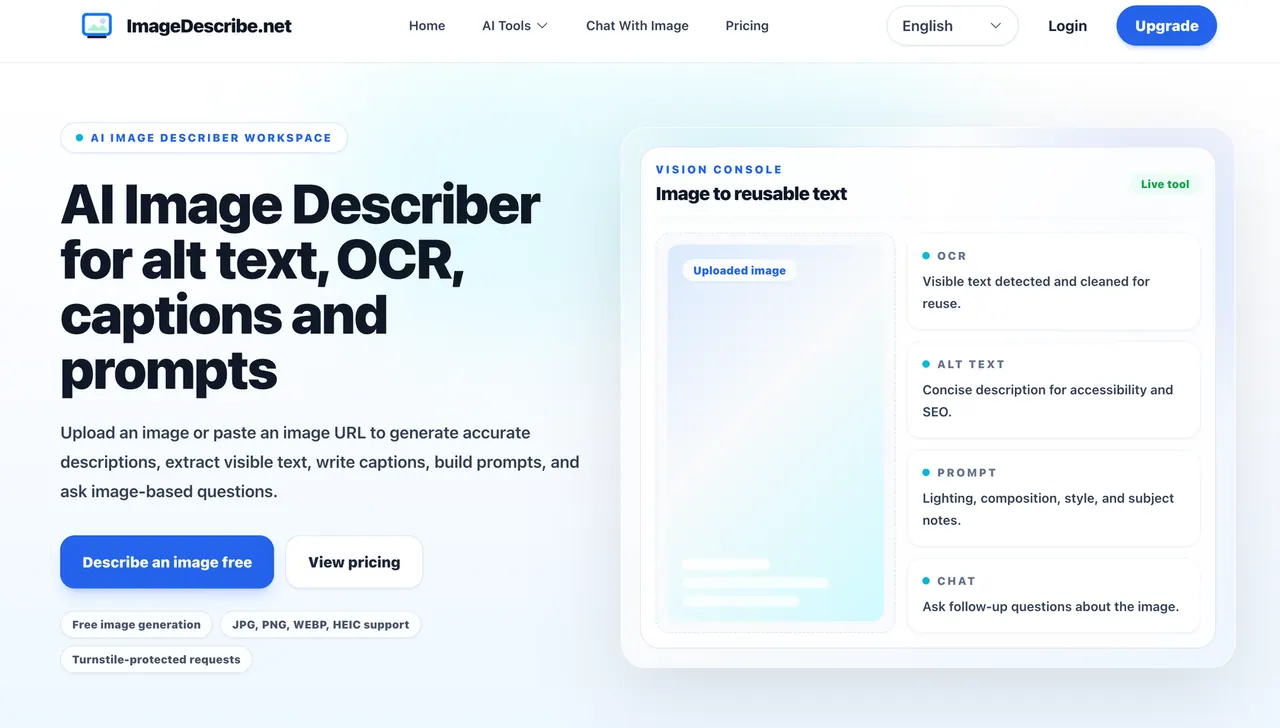
What does ImageDescribe do?
ImageDescribe is an AI image description workspace where you can upload an image or paste an image URL to generate structured text. Choose the output you need—concise or detailed descriptions, person and object analysis, art-style notes, and extracted text (OCR). You can also create captions/titles and prompt drafts for creative workflows.
When a single result isn’t enough, use the image chat experience to ask follow-up questions about what’s in the image, including visible text, objects/people, layout, style, and context. Outputs can be reused directly for common tasks like SEO-friendly image descriptions, accessibility alt text, product page content, and research summaries.
ImageDescribe supports common upload formats (JPG, PNG, WEBP, BMP, HEIC, HEIF) with size limits that vary by plan, and it includes a history/library for reviewing and reusing generated outputs.
What can ImageDescribe generate from an image?
You can generate image descriptions (brief or detailed), person/object/style analysis, extracted text via OCR, captions/titles, and prompt options (general, structured, and creative variants).
How do I provide an image to ImageDescribe?
Upload a file from your device or paste an image URL. Supported formats include JPG, PNG, WEBP, BMP, HEIC, and HEIF.
Does ImageDescribe support OCR for screenshots and document photos?
Yes. It can detect visible text in your image and return OCR notes you can review and reuse for your workflow.
Can I ask questions about the image after generating outputs?
Yes. Use the image chat flow to ask follow-up questions for deeper analysis such as what’s shown, what text says, and how style and layout relate to the scene.
Is there a way to generate prompts in a reusable format?
Yes. ImageDescribe includes prompt modes like general image prompts, structured prompts, creative prompt options, and a custom prompt template flow.
Are results saved so I can reuse them later?
You can view a history/library of generated outputs to help you select and reuse the results from previous runs.
This listing is claimed
Own ImageDescribe? Sign in with the email used to claim it to manage this listing, or upgrade to Pro for featured-first placement and a newsletter feature.