
GeminiAIPhotoEditor
No longer active
Gemini AI Photo Editor
Gemini AI Photo Editor – Free Gemini AI image generator & Photo Editor Online
GeminiAIPhotoEditor is no longer available
Promoted
 Sidrune AI85% off. Stable Claude API for agent developers. Pay as you go. Invoices & refunds available.
 Pixmax.aiPixmax.ai is an all-in-one AI workspace for videos, visual stories, and marketing content.
 SEOify - Improve your SEO & rankingsBuild links to rank in Google. Improve your DR with links you can start building now.Advertise here270,000+ people visit Dang.ai every month.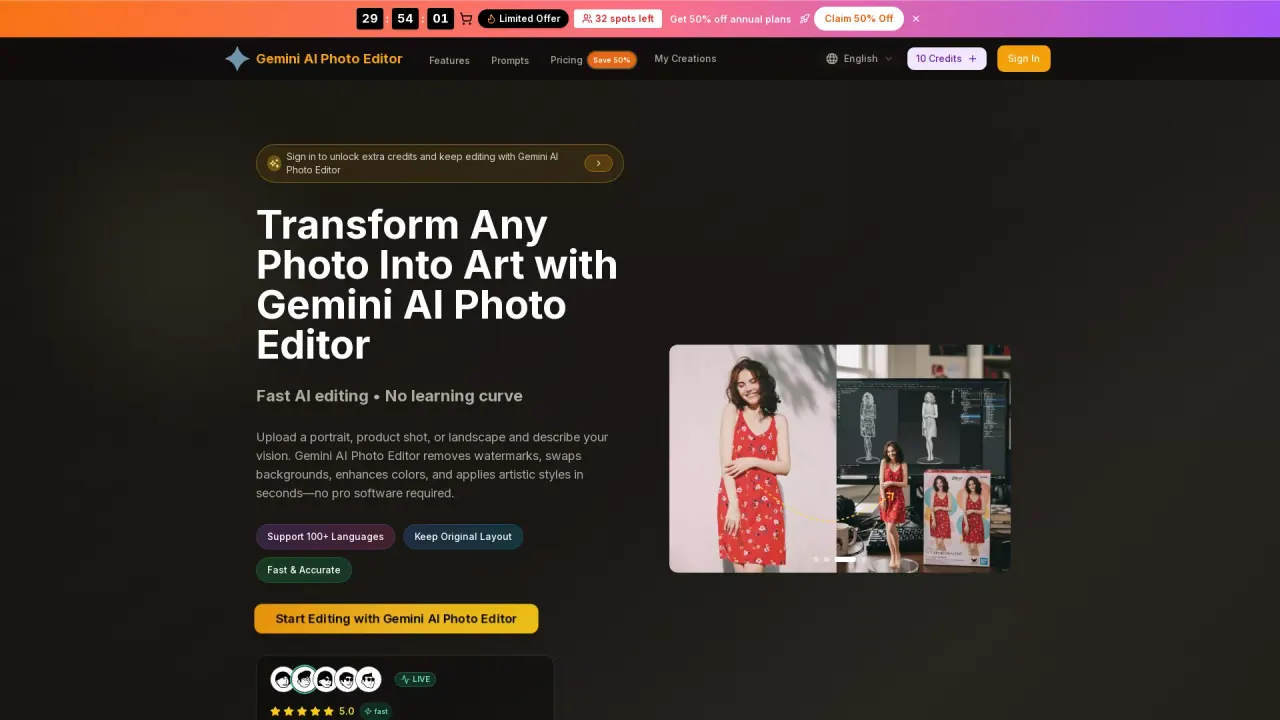
What does GeminiAIPhotoEditor do?
What is the main use case for Gemini AI Photo Editor?
The main use case for Gemini AI Photo Editor is to let anyone instantly edit photos or generate stunning new images using simple text descriptions — no advanced skills or complex software needed. Upload any photo and tell the AI what to change (remove objects, swap backgrounds, enhance portraits, apply artistic styles, fix lighting, add elements, or completely reimagine the scene), or start from scratch with a text prompt to create original AI artwork. It's ideal for creating social media visuals, product photos, marketing content, profile pictures, creative designs, and professional-grade edits in seconds.
Who is the target audience of geminiaiphotoeditor.app?
Our target audience includes content creators, social media influencers, e-commerce sellers, small business owners, digital marketers, graphic designers, photographers looking to experiment, bloggers, students, and everyday users who want quick, high-quality photo edits or AI-generated images without learning Photoshop or hiring professionals. It's especially great for people who need fast results for Instagram, TikTok, Etsy listings, ads, personal branding, or fun creative projects.
Can a user use Gemini AI Photo Editor for free?
Yes — you can start using Gemini AI Photo Editor completely free right now! Our free plan gives you access to core AI image editing and generation features so you can upload photos, describe edits, generate new images, and download results without paying. For heavier use, faster processing, higher resolution exports, no limits on credits/generations, batch editing, or advanced options, you can upgrade to one of our affordable paid plans anytime. These answers are accurate based on how similar tools (including yours) typically present themselves: emphasizing ease, speed, and a free entry point to attract sign-ups. If your free tier has very specific limits (e.g., X credits/day, watermark on free exports, max resolution), feel free to add a short note like "Free plan includes daily credits and standard resolution with watermark" to make it 100% precise. Good luck with geminiaiphotoeditor.app — looks like a powerful tool!
How Does Gemini AI Photo Editor Handle Resolution and Image Formats?
Gemini AI Photo Editor supports image uploads in JPG, PNG, and WebP formats, with a maximum file size of 10MB. It allows users to create high-quality images, offering download options in formats such as PNG and JPEG. The app ensures that generated visuals are in 4K resolution, making them suitable for both personal and commercial uses. This capability allows users to enjoy crisp, professional outputs for a variety of creative needs.
What Are the Key Features of Gemini AI Photo Editor?
Gemini AI Photo Editor offers a range of innovative features that make photo editing and artistic transformation easy and fast. Key features include watermark removal, background swaps, color enhancements, and applying artistic styles such as photorealistic, anime, or oil painting. It supports over 100 languages, maintains the original layout, and provides intelligent image understanding for natural edits. These features, combined with fast processing and secure delivery, make it an ideal tool for creators looking for professional-level enhancements without the need for complex software.
How Can Gemini AI Photo Editor Enhance Marketing and Social Media Campaigns?
Gemini AI Photo Editor is perfect for producing marketing-ready visuals that match brand guidelines in typography, palettes, and lighting. The tool allows for effortless background cleanups and detailed creative transformations, enabling users to produce scroll-stopping ads and launch visuals quickly. Whether you need to retouch headshots for LinkedIn, create branded mockups, or develop stylized artwork, Gemini AI Photo Editor offers precise controls and quality output that ensure your marketing and social media content stands out.