
Imagga
Image Recognition AI Tool
Discover, analyze, and organize images effortlessly with Imagga's advanced image recognition AI tool.
- Pricing
- Free
- Category
- Development
- Listed
- Aug 4, 2023
- Updated
- May 25, 2026
Promoted
 KurodyneSell the tools from your AI side projects. Listing is free.
 Sidrune AI85% off. Stable Claude API for agent developers. Pay as you go. Invoices & refunds available.
 Pixmax.aiPixmax.ai is an all-in-one AI workspace for videos, visual stories, and marketing content.
 SEOify - Improve your SEO & rankingsBuild links to rank in Google. Improve your DR with links you can start building now.Advertise here270,000+ people visit Dang.ai every month.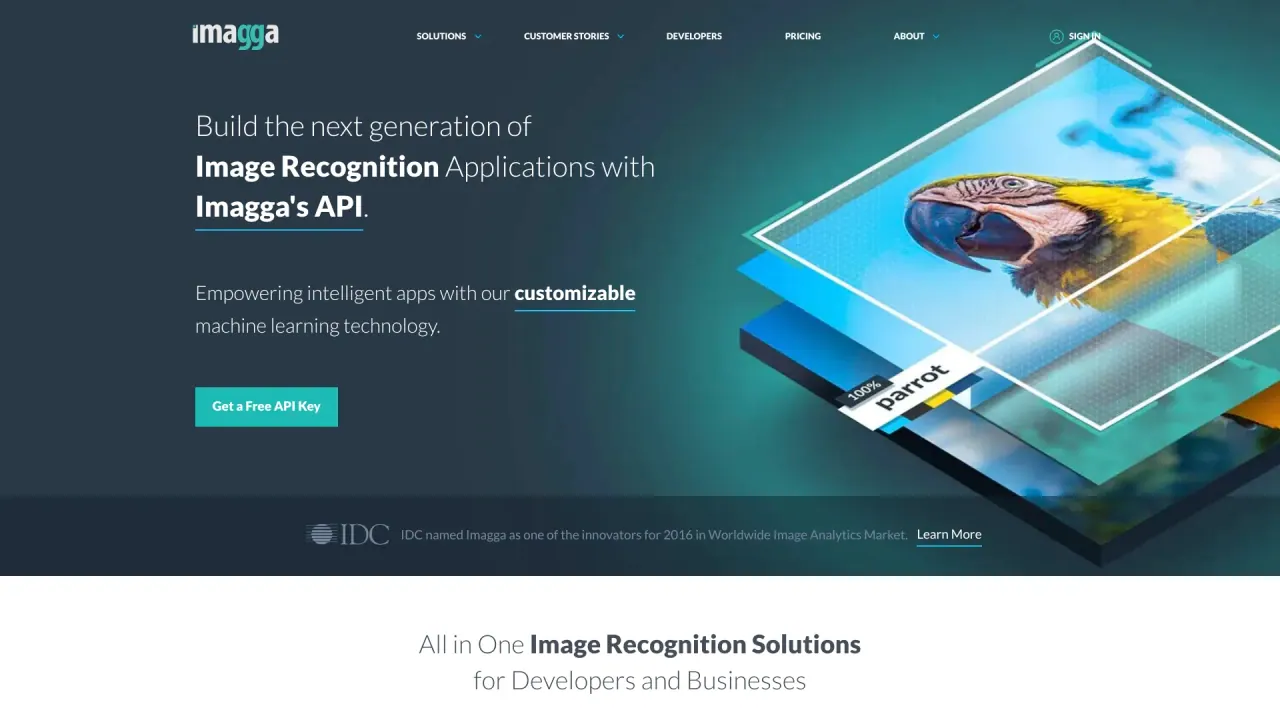
What does Imagga do?
What image recognition and moderation capabilities does Imagga offer?
Imagga provides a comprehensive suite of visual AI capabilities, including content moderation (Nudity & Explicit Detection, Text Moderation, AI+Human Platform), image recognition and tagging (Tagging v2, New Structured Tagging v3, Categorization, Facial Recognition, OCR, Custom AI models), visual content discovery (Visual Search, Color Extraction), and visual content manipulation (Image Cropping v2, New Structured Cropping v3, Background Removal). It also supports visual synthetic data generation (Synthetic data generation, Virtual Try-On) for building and tuning custom models.
Does Imagga provide content moderation capabilities?
Yes. Imagga offers Nudity & Explicit Detection, Text Moderation, and an AI+Human Platform to help platforms detect and manage inappropriate or harmful content at scale.
How can Imagga help with product discovery and search?
Imagga enhances product discovery with Visual Search and Color Extraction, improving how users find and explore visual assets in catalogs and e-commerce applications.
Can I build custom AI models with Imagga?
Yes. Imagga supports Custom AI models and Custom training, allowing you to tailor image analysis to your specific categories and use cases.
What APIs does Imagga offer?
Imagga provides APIs including Tagging API, Categorisation API, Cropping API, Color Extraction API, Facial Recognition API, Visual Search API, and an Adult Detection API.
What technologies does Imagga provide for image analysis beyond APIs?
In addition to APIs, Imagga offers technologies such as Nudity & Explicit Detection, Text Moderation, OCR, and image processing features like Background Removal and advanced cropping options.
How can I get started with Imagga or get a free API key?
Imagga offers a free API key to get started and also provides a live demo. You can obtain these from the Imagga site using options like “Get a Free API Key” or “Try Demo.”
How do I sign up for API access?
Steps:
- Visit the sign-up page on the Imagga site.
- Enter your first name, last name, email, password, and a brief description of your use case.
- Optionally subscribe to marketing updates.
- Click “Start building your app with Imagga’s APIs in minutes.”
- Activate your account via the confirmation email.
- Access your API key and secret and view documentation and examples in your account.
Where can I find API documentation and examples?
Documentation and examples are accessible in your Imagga account after signup, where you can review API references and sample usage.
Which industries use Imagga's services?
Industries include Technology & Cloud, Media & Entertainment, Commerce & Retail, Advertising, Real Estate, Hardware/IoT, and Dating Platforms.
How many organizations trust Imagga and where is it deployed?
Imagga is trusted by more than 200 business customers, used by more than 60K startups, developers, and students, and integrated in more than 82 countries worldwide.
Is on-premise deployment available?
Yes. Imagga offers enterprise/custom options that include on-premise deployment, along with custom models and dedicated support engineers.
How can I contact Imagga for inquiries?
Imagga provides a Contacts page indicating they are open for discussions on Computer Vision topics.
This listing is claimed
Own Imagga? Sign in with the email used to claim it to manage this listing, or upgrade to Pro for featured-first placement and a newsletter feature.