
Hisab 360
AI Finance Modeling Tools
Hisab 360 is a finance-first AI Excel add-in that chats with your workbook, runs offline Python, reconciles with ERP data, and stages writes for approval.


- Pricing
- Free
- Category
- Finance
- Listed
- Sep 30, 2026
- Updated
- Oct 23, 2026
Promoted
 KurodyneSell the tools from your AI side projects. Listing is free.
 Sidrune AI85% off. Stable Claude API for agent developers. Pay as you go. Invoices & refunds available.
 Pixmax.aiPixmax.ai is an all-in-one AI workspace for videos, visual stories, and marketing content.
 AI Checker PlusAI detector that highlights which passages AI wrote. Free check, no sign-up. Plagiarism too.
 RewindType any X/Twitter handle. Get their year back as a narrated video story. Then ask it anything.
 SEOify - Improve your SEO & rankingsBuild links to rank in Google. Improve your DR with links you can start building now.Advertise here330,000+ people visit Dang.ai every month.
What does Hisab 360 do?
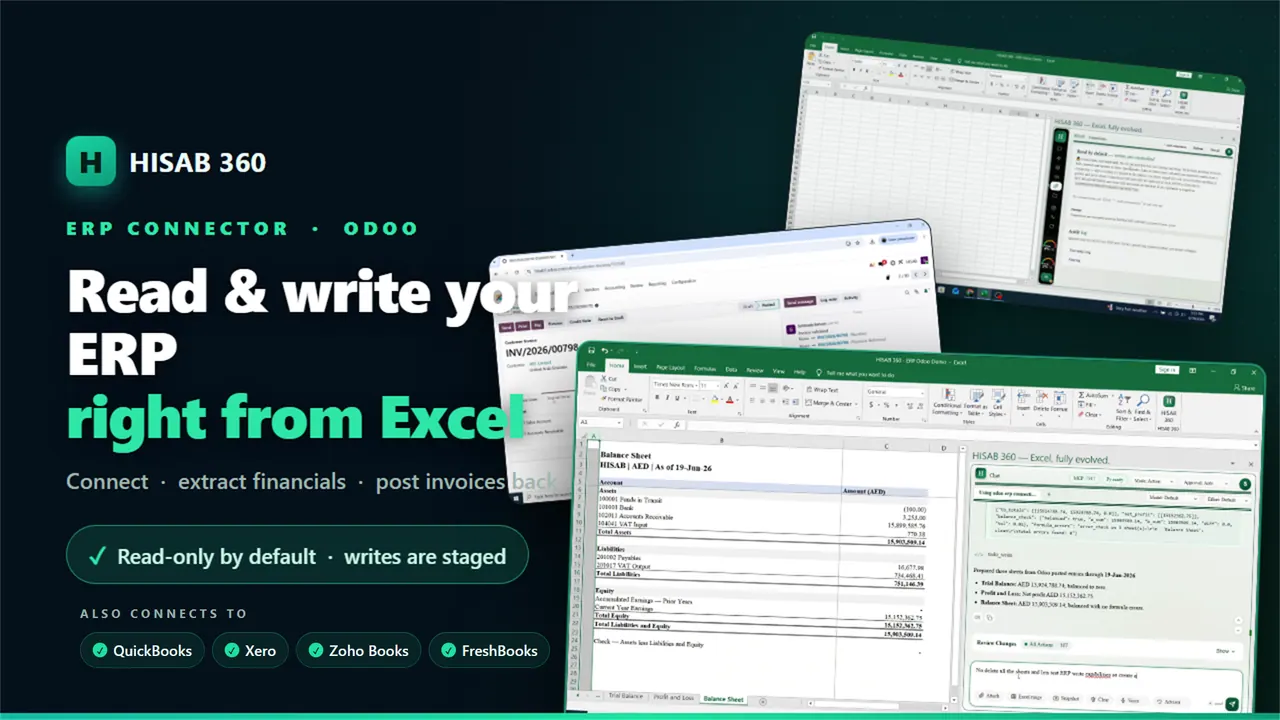
Hisab 360 brings AI, offline Python, and ERP-aware workflows into Excel so finance teams can complete governed month-end tasks without leaving their workbook. You can chat in plain English to read the specific workbook context you need, generate formulas, run analyses, and draft reports, review queues, and draft journal entries—all inside Excel.
The workflow is built for control and traceability. It minimizes workbook context to match your request, logs write operations, and uses an approval gate before it makes workbook changes and before any ERP posting is executed. This helps ensure your reviews are defensible and that risky actions are routed through the right checks.
For local automation, Hisab 360 runs repeatable Python scripts offline to process files, rebuild reports, refresh workpapers, and reproduce the same close outputs each period. It can also reconcile outputs with ERP-native data flows by staging ERP changes for your approval.
Hisab 360 supports finance teams using Odoo, Xero, QuickBooks Online, Zoho Books, and FreshBooks. You can use it in ask-only mode for read-focused audit preparation, or move up to plan/action/automate as governance needs allow. It’s available with a free 15-day trial on Windows with Excel 2016+ and includes 50 AI credits, no credit card required.
What can Hisab 360 do inside Excel?
It reads the workbook context needed for your request, writes formulas and outputs back into your sheet, runs offline Python analyses, drafts reports and journal entries, and can stage ERP changes for approval.
Does Hisab 360 run Python offline?
Yes. It runs sandboxed Python locally as part of the workflow, which supports repeatable close routines you can re-run each period.
Is there an approval step before it changes my workbook or posts to my ERP?
Yes. Workbook writes and any ERP push are approval-gated, and write operations are logged for audit traceability.
Which ERP systems are supported?
Hisab 360 supports Odoo, Xero, QuickBooks Online, Zoho Books, and FreshBooks for Excel-based data pulls and staged posting.
What does ask-only mode mean for regulated close work?
Ask-only mode is read-focused: it analyzes and prepares outputs without writing to cells or posting back to the ERP, which is useful for audit prep and initial reviews.
Is there a free trial and what does it include?
You can start a free 15-day trial on Windows with Excel 2016+ and get 50 AI credits, with no credit card required.
This listing is claimed
Own Hisab 360? Sign in with the email used to claim it to manage this listing, or upgrade to Pro for featured-first placement and a newsletter feature.