ZImageTurbo
AI Design Tools
Z Image Turbo is a fast, bilingual AI image generator that creates photorealistic images in seconds with simple prompt controls.
Promoted
 Pixmax.aiPixmax.ai is an all-in-one AI workspace for videos, visual stories, and marketing content.
 RewindType any X/Twitter handle. Get their year back as a narrated video story. Then ask it anything.
 KurodyneSell the tools from your AI side projects. Listing is free.
 Sidrune AI85% off. Stable Claude API for agent developers. Pay as you go. Invoices & refunds available.
 SEOify - Improve your SEO & rankingsBuild links to rank in Google. Improve your DR with links you can start building now.Advertise here270,000+ people visit Dang.ai every month.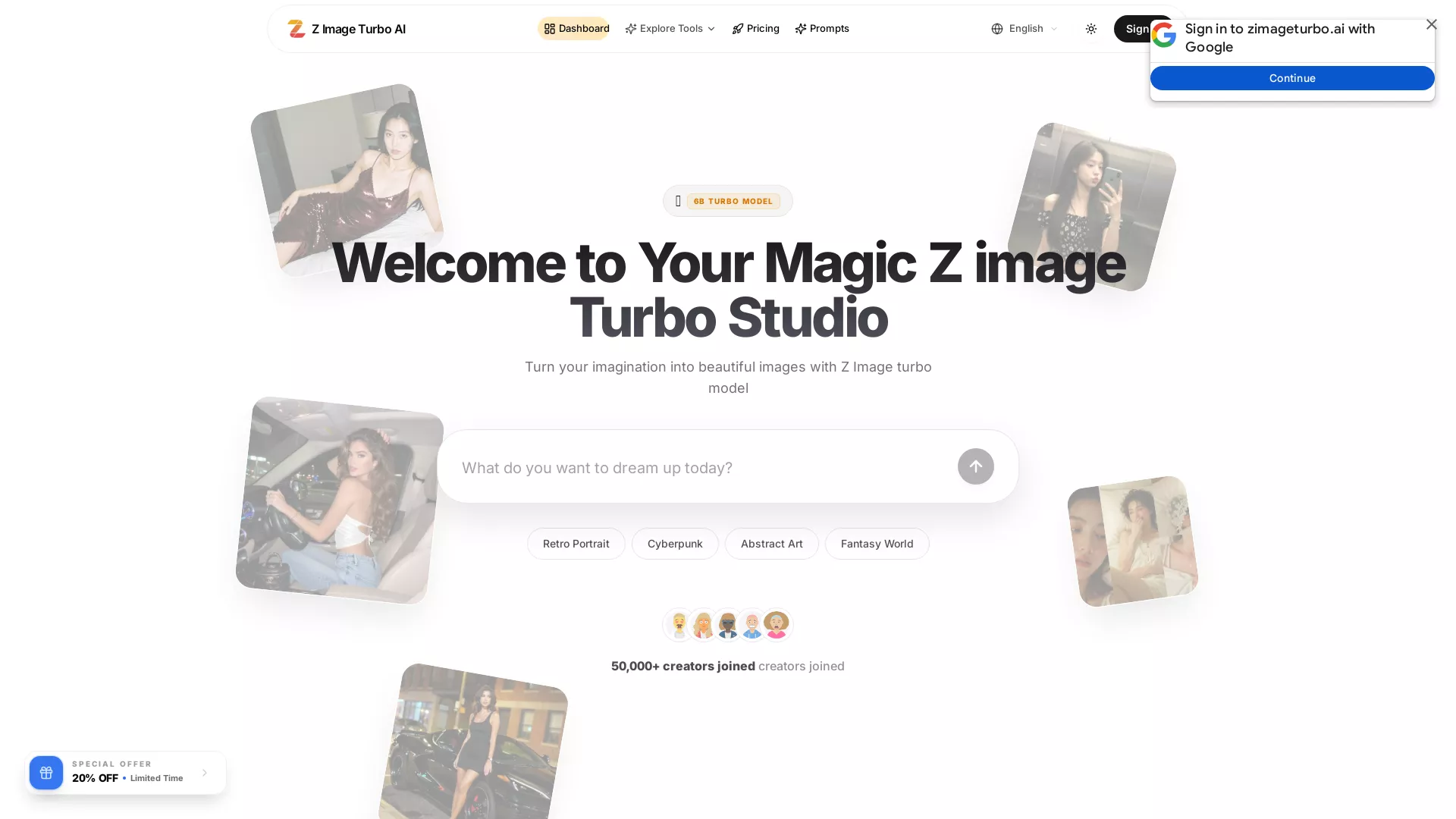
What does ZImageTurbo do?
Z Image Turbo is a text-to-image model designed for speed and professional-looking output. It’s built for creators who want rapid iteration—turning an idea into a detailed image quickly, without trading away fidelity. The workflow is simple: type an English or Chinese prompt, get an instant preview, then refine and export your result.
The hosted experience runs on a managed GPU cluster with typical per-image latency of about 2–4 seconds, and it also supports a self-hosted setup for under-10-second generations on a mid-range GPU. You can use it in the browser workspace, through the REST API, or inside ComfyUI. The prompt experience supports English and Chinese, including in-image text, helping bilingual projects stay clear and consistent.
Z Image Turbo focuses on practical creator needs: lightning-fast generation, stunning photorealistic detail, and easy controls to help you get better results. To preserve output stability from the distilled sampler, guidance includes keeping CFG at 1.0 and using Shift between 3 and 6, with steps at 8–10.
Pricing is offered as public plans with credits: the Basic plan is $29/month for 2,900 credits (approx. 1,450 generations), Pro is $59/month for 5,900 credits (approx. 2,950 generations) with priority features and a batch background removal beta, and Max is $99/month for 9,900 credits (approx. 4,950 generations) with the highest priority and team workspace/roles. Mix-and-match billing options like monthly, yearly, bonus, or pay-as-you-go may be available.
How fast is Z Image Turbo for real image creation?
On the managed GPU cluster, most scenes typically finish in about 2–4 seconds per image. Self-hosted on a mid-range GPU typically stays under 10 seconds.
Can I use Z Image Turbo online, or do I need to self-host?
You can use it directly in your browser workspace for online generation. You can also run it locally (self-host) if you prefer offline control.
Does Z Image Turbo support bilingual prompts and Chinese text?
Yes—prompts support English and Chinese natively, and in-image text can be generated clearly for bilingual projects.
What plans are available and what do they include?
Public plans include Basic ($29/month, 2,900 credits), Pro ($59/month, 5,900 credits with priority processing/support and batch background removal beta), and Max ($99/month, 9,900 credits with highest priority plus team workspaces/roles and custom branding/watermark control).
How can I integrate Z Image Turbo into a workflow?
You can work in the browser workspace, call it via REST API, or use it within ComfyUI with compatible workflows.
What settings help maintain quality with the distilled sampler?
For stable results, keep CFG at 1.0, use Shift between 3 and 6, and use steps at 8–10 so the distilled sampler doesn’t collapse.
This listing is claimed
Own ZImageTurbo? Sign in with the email used to claim it to manage this listing, or upgrade to Pro for featured-first placement and a newsletter feature.