Graffiti Generator
AI Design Tools
Generate graffiti text, names, tags, and mural-style AI artwork from words or optional reference images—then export PNG/JPG.
- Pricing
- Free
- Category
- Design
- Listed
- Jul 15, 2026
- Updated
- Jul 15, 2026
Promoted
 KurodyneSell the tools from your AI side projects. Listing is free.
 Sidrune AI85% off. Stable Claude API for agent developers. Pay as you go. Invoices & refunds available.
 Pixmax.aiPixmax.ai is an all-in-one AI workspace for videos, visual stories, and marketing content.
 RewindType any X/Twitter handle. Get their year back as a narrated video story. Then ask it anything.
 SEOify - Improve your SEO & rankingsBuild links to rank in Google. Improve your DR with links you can start building now.Advertise here270,000+ people visit Dang.ai every month.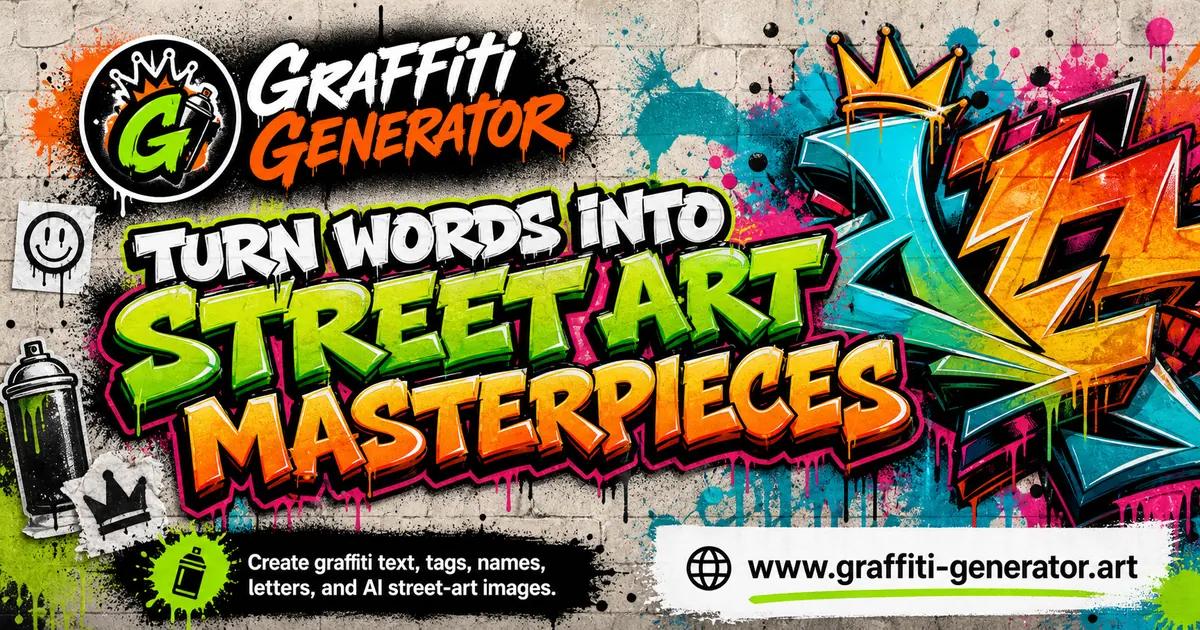
What does Graffiti Generator do?
Turn a name, tag, or short phrase into graffiti lettering with preset styles and custom text. Upload an optional image (JPG/PNG/WEBP) to guide the artwork, then adjust style, lighting, color mood, aspect ratio, resolution, and output count before generating.
Use Text, Image, or AI Artwork modes depending on your goal—quick readable lettering for names and tags, or a more finished mural-style scene with wall texture, spray-paint details, and lighting.
Once generated, download your results for further design work or sharing. New users receive free credits to try AI graffiti styles and generate a limited number of images within the credit validity period.
What can I create with Graffiti Generator?
Create graffiti text, names, tags, stickers, posters, and mural-style artwork from words or from an optional uploaded image.
Can I start from text only?
Yes—use Text mode for fast lettering when you just want to turn your words into graffiti-style typography.
Do I need to upload an image to generate graffiti?
No. You can generate from text alone, or upload a clear JPG/PNG/WEBP image to help guide the look of the graffiti.
What do the generator settings let me control?
Choose a graffiti style, lighting, color mood, aspect ratio, resolution, and how many outputs to generate.
How do credits work for AI graffiti artwork?
New users get free credits to try AI graffiti styles. Additional generation requires having credits available when you generate and download results.
What file formats can I export?
You can export your graffiti artwork as PNG, JPG, and (where included with credit packs) GIF.
This listing is claimed
Own Graffiti Generator? Sign in with the email used to claim it to manage this listing, or upgrade to Pro for featured-first placement and a newsletter feature.