Gpt Image 2
Verified
GPT Image 2 – Online for Image Creation
Generate and edit high-quality AI images from text prompts or reference images, with controllable results and text rendering for design-ready assets.
Promoted
 Pixmax.aiPixmax.ai is an all-in-one AI workspace for videos, visual stories, and marketing content.
 Sidrune AI85% off. Stable Claude API for agent developers. Pay as you go. Invoices & refunds available.
 SEOify - Improve your SEO & rankingsBuild links to rank in Google. Improve your DR with links you can start building now.Advertise here270,000+ people visit Dang.ai every month.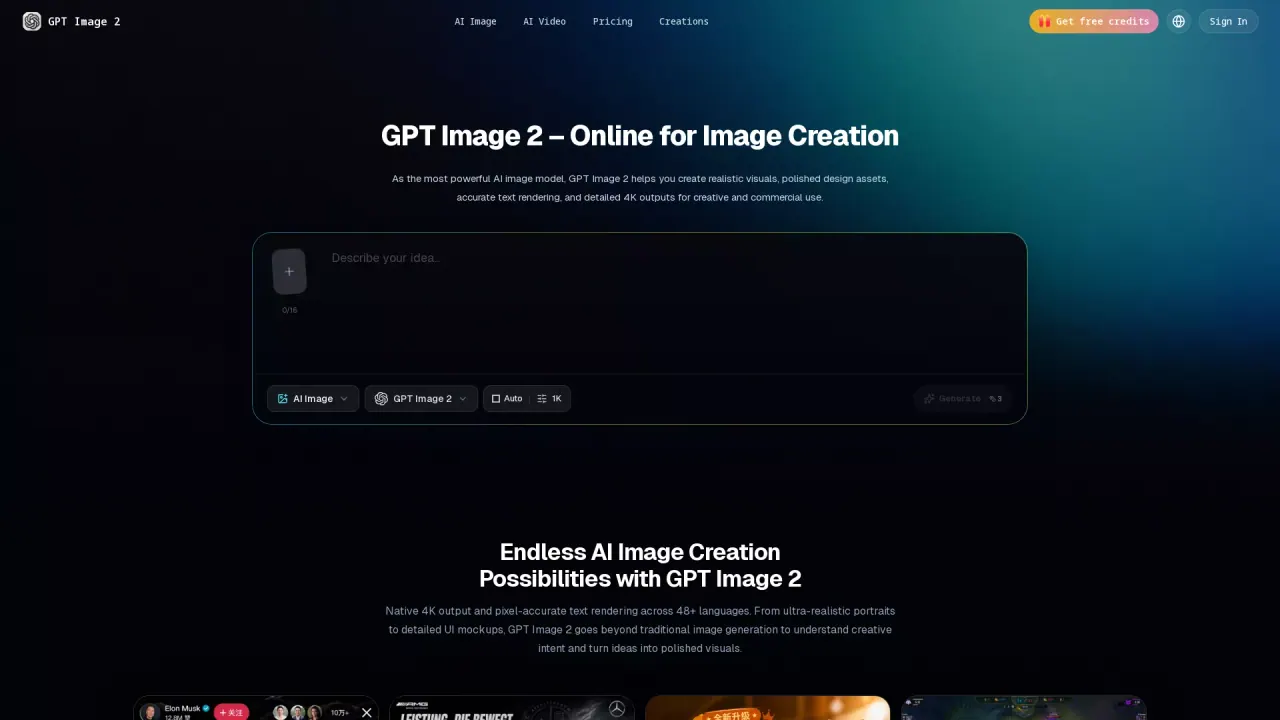
What does Gpt Image 2 do?
What does Gpt Image 2 do?
GPT Image 2 helps you generate and edit high-quality AI images using text prompts or reference images. You can create realistic visuals for real creative work—product images, posters, social media visuals, infographics, UI mockups, and other polished design assets.
The platform is designed to move beyond random output. It emphasizes prompt understanding, image structure, and controllability, so you can refine results toward your intended layout and style. It also supports visual text rendering for things like short headlines, labels, button text, and ad copy, with more care needed for longer text.
Key features
Create images by describing your idea, then adjust generation settings such as aspect ratio, resolution, and image style to match your target use case. For stronger guidance, you can include a reference image and use it to guide edits and creative adjustments. After generating, review the result, refine the prompt/details, and iterate until it fits what you need.
Who it’s for
GPT Image 2 is built for marketing and advertising teams, e-commerce and DTC brands, UI/UX designers and developers, and content creators and publishers who need fast, publish-ready visuals. It’s also a good fit if you don’t have a design background and just want to produce professional-looking assets.
Plans and pricing
Start for free with a limited free quota. Paid plans include Basic, Pro, and Premium, with monthly or annual billing. Plans provide different monthly AI credit amounts, generation speed, and export capabilities (including watermark-free export), plus commercial usage rights included in the plans listed.
What can I create with Gpt Image 2?
Create product images, posters, social media graphics, avatars, ads, blog images, UI concepts, and visuals that include text elements.
Do I need prompt-writing experience to use Gpt Image 2?
No. You can describe the subject, scene, style, aspect ratio, and purpose in natural language, and clearer prompts generally produce closer results.
Can Gpt Image 2 generate text inside images?
Yes—it's good for visual text like short headlines, labels, button text, and ad copy. For longer text, keep it concise and double-check the generated details.
Does Gpt Image 2 support image editing with reference images?
Yes. Upload a reference image and describe what you want to change, such as improving details, replacing the background, adjusting style, or regenerating parts of the image.
Is Gpt Image 2 suitable for commercial use?
Yes for product displays, ad design, social media content, brand visuals, and marketing assets. Review the platform’s plan details and usage policies for the exact scope.
Is there a free plan, and what do paid plans include?
You can start for free with a limited free quota. Paid plans (Basic, Pro, Premium) include monthly AI credits and features like HD and watermark-free export, private creation workspace, and commercial usage rights; pricing varies by plan and billing cycle.
This listing is claimed
Own Gpt Image 2? Sign in with the email used to claim it to manage this listing, or upgrade to Pro for featured-first placement and a newsletter feature.