GPT Image 2 API
AI Design Tools
Generate and edit production-ready images with GPT Image 2 API using text prompts and controlled refinements.
- Pricing
- Free
- Category
- Design
- Listed
- Aug 18, 2026
- Updated
- Aug 18, 2026
Promoted
 AI Checker PlusAI detector that highlights which passages AI wrote. Free check, no sign-up. Plagiarism too.
 RewindType any X/Twitter handle. Get their year back as a narrated video story. Then ask it anything.
 KurodyneSell the tools from your AI side projects. Listing is free.
 Sidrune AI85% off. Stable Claude API for agent developers. Pay as you go. Invoices & refunds available.
 Pixmax.aiPixmax.ai is an all-in-one AI workspace for videos, visual stories, and marketing content.
 SEOify - Improve your SEO & rankingsBuild links to rank in Google. Improve your DR with links you can start building now.Advertise here330,000+ people visit Dang.ai every month.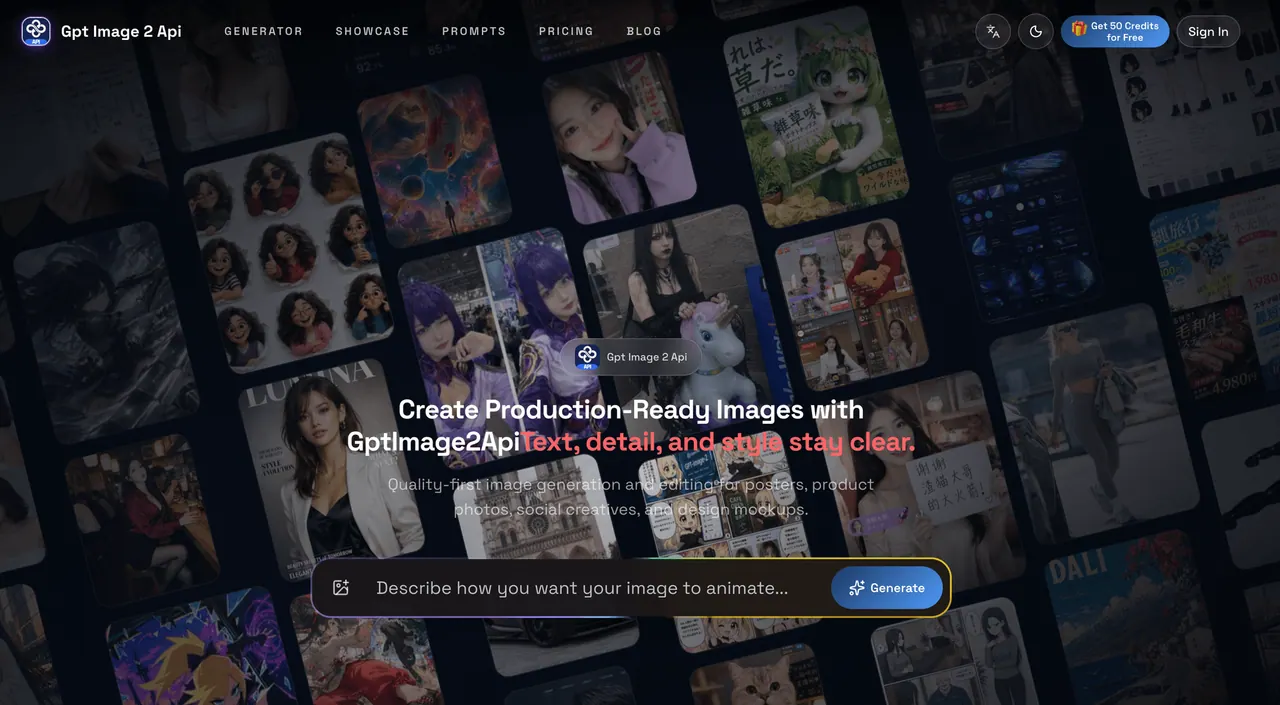
What does GPT Image 2 API do?
GPT Image 2 API is a browser-based image generation and editing platform powered by GPT Image 2, built for practical creative production. Turn detailed text prompts into polished visuals for posters, product photos, advertisements, social media graphics, character sheets, comics, brand assets, and design mockups.
Use it for both creating new images (text to image) and refining existing ones (image editing). Upload a source image, then make targeted changes such as subject swaps, background replacement, style updates, and local retouching—while keeping a stable visual direction across iterations.
The workflow also emphasizes clearer text rendering for titles, labels, and dense layout text, so your marketing visuals and mockups are easier to use in real campaigns. Export your results in PNG or JPEG, and—if you’re building into an app—use the API to create image tasks, monitor task status, and manage credit-based usage from the dashboard.
What can I create with GPT Image 2 API?
You can generate production-ready images from detailed prompts and edit existing images with controlled changes. Common use cases include posters, product mockups, ads, social creatives, character design sheets, and comics.
Can it handle text-heavy visuals like posters and mockups?
Yes—there’s a focus on clear, readable text rendering for titles, labels, and dense layout text, which helps make poster and marketing assets easier to use.
Is image editing supported beyond basic changes?
Yes. You can upload an image and refine it with subject replacement, background changes, style updates, and local retouching to adjust only what you need.
How do I keep a consistent style across multiple outputs?
The platform is designed for style consistency across batches, helping you maintain the same visual language (like colors, angle, and materials) across repeated generations.
What file formats can I export?
You can download generated images in PNG or JPEG format.
How does API usage work for developers?
You create an API key, send image tasks to the image execution endpoint, and poll task status for queued/running/success/failure states. Credit-based usage is managed from your existing dashboard.
This listing is claimed
Own GPT Image 2 API? Sign in with the email used to claim it to manage this listing, or upgrade to Pro for featured-first placement and a newsletter feature.