AISignatureGenerator
AI Signature Design Tool
Personalized AI Signature Generator Online
Promoted
 KurodyneSell the tools from your AI side projects. Listing is free.
 Sidrune AI85% off. Stable Claude API for agent developers. Pay as you go. Invoices & refunds available.
 Pixmax.aiPixmax.ai is an all-in-one AI workspace for videos, visual stories, and marketing content.
 RewindType any X/Twitter handle. Get their year back as a narrated video story. Then ask it anything.
 SEOify - Improve your SEO & rankingsBuild links to rank in Google. Improve your DR with links you can start building now.Advertise here270,000+ people visit Dang.ai every month.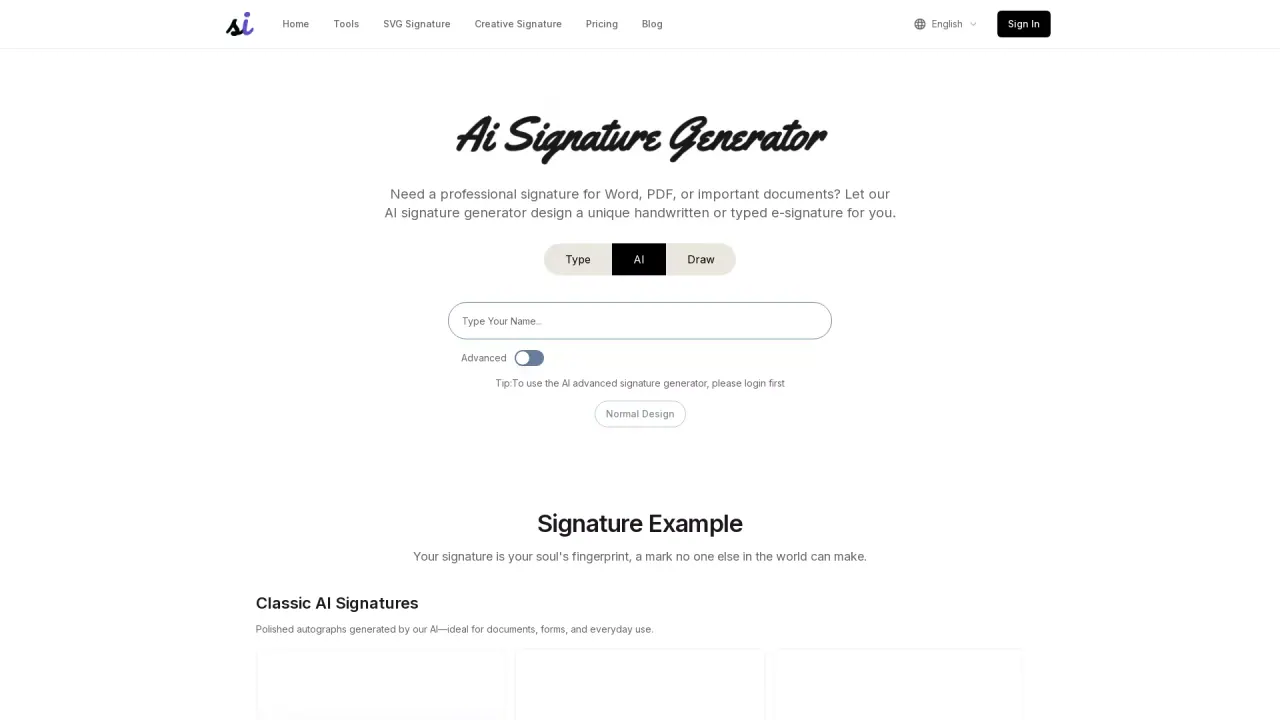
What does AISignatureGenerator do?
What is the main use case for AI Signature Generator?
Email Signatures: Quickly generate professional signatures to insert into emails.
Digital Document Signing: Add electronic signatures to contracts, agreements, and PDF files.
Social Media Profile Enhancement: Use for designing profiles on Instagram, LinkedIn, and YouTube.
Graphic Design Assets: Suitable for use in business cards, flyers, ads, posters, and other design projects
Personal Branding: Enhance personal or brand recognition and showcase a unique style.
Who is the target audience of signaturegen.ai?
who need signature
Can a user use AI Signature Generator for free?
yes
How do I create a personalized signature using the AI Signature Generator?
To create a personalized signature, enter your name in the input field, choose between Regular, AI, or Handwritten styles, then click "Generate" to see options. Pick the one you like most and download it instantly for use in documents or email footers.
What are the main features of the AI Signature Generator?
The AI Signature Generator offers features like font-based signatures, AI custom designs, handwritten signatures, animated AI signatures, and artistic logo signatures. Each feature caters to different needs, from professional contracts to unique personal branding.
Can I download my signature with a transparent background using Signature Generator?
Yes, the AI Signature Generator allows you to download your signature as a transparent PNG, which is ideal for seamlessly integrating into other digital documents or projects without a background.
This listing is claimed
Own AISignatureGenerator? Sign in with the email used to claim it to manage this listing, or upgrade to Pro for featured-first placement and a newsletter feature.