
Speechable
AI Learning Tools
Turn any document into audio, podcasts, TED-style lectures. Free and unlimited playback with eco-mode.
What does Speechable do?
What is the main use case for Speechable?
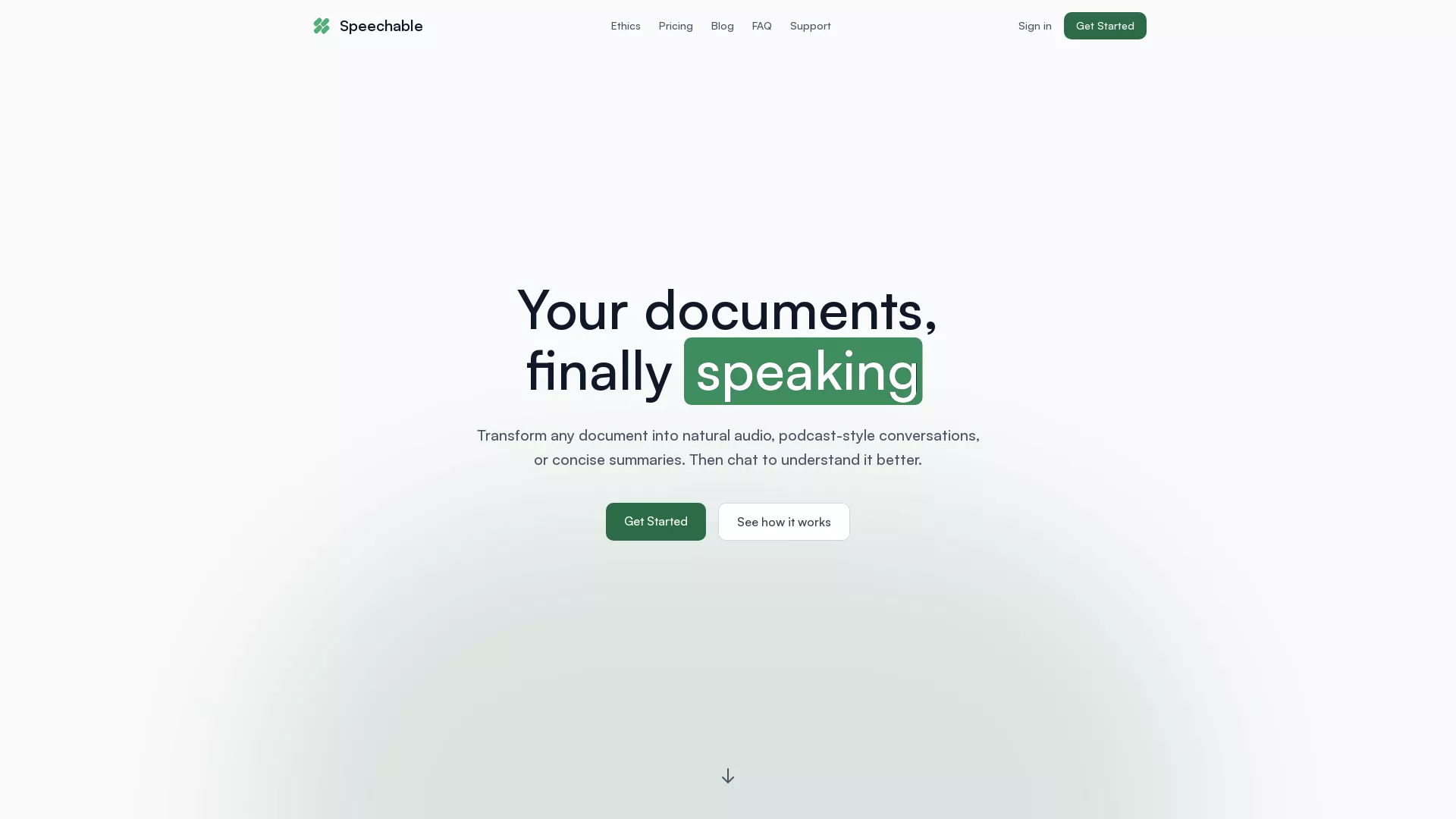
Speechable turns documents (PDFs, ebooks, web articles, photos of notes) into audio, podcasts, lectures, and conversations.
The main use case is helping students, academics, and people with ADHD, dyslexia, or visual impairments listen to and actively learn from documents on their commute, at the gym, or away from a screen, instead of just passively reading them.
What are some unique features of speechable.co?
Eco Mode runs text-to-speech locally in the browser, making playback unlimited, free, and 20x more energy-efficient than cloud alternatives.
Smart content clean-up strips footnotes, citations, ads, and page numbers before converting to audio. Podcast mode turns any document into a two-voice conversation, and Lecture mode creates TED-style breakdowns.
Users can also chat with their documents by typing or speaking, in any language. OCR supports handwritten notes and physical book pages.
Can a user use Speechable for free?
Yes. Eco Mode provides truly unlimited free playback using local, browser-based TTS with no credits, no caps, and no account limits.
For premium features like podcast/lecture generation and AI chat, users can buy a $7 one-time credit pack with no subscription required.
We also offer up to 50% off accessibility discounts for students, people with disabilities, educators, and anyone facing financial hardship, with no proof required.
Is this your tool?
Claim Speechable to manage this listing, or upgrade to Pro for featured-first placement and a newsletter feature.