
FLUX 3 AI Video Generator
AI Design Tools
Create cinematic AI videos with FLUX 3 from text, a single image, first/last frames, or up to 10 keyframes—optionally with generated audio.
- Pricing
- Free
- Category
- Design
- Listed
- Aug 15, 2026
- Updated
- Oct 16, 2026
Promoted
 Sidrune AI85% off. Stable Claude API for agent developers. Pay as you go. Invoices & refunds available.
 Pixmax.aiPixmax.ai is an all-in-one AI workspace for videos, visual stories, and marketing content.
 AI Checker PlusAI detector that highlights which passages AI wrote. Free check, no sign-up. Plagiarism too.
 RewindType any X/Twitter handle. Get their year back as a narrated video story. Then ask it anything.
 KurodyneSell the tools from your AI side projects. Listing is free.
 SEOify - Improve your SEO & rankingsBuild links to rank in Google. Improve your DR with links you can start building now.Advertise here270,000+ people visit Dang.ai every month.
What does FLUX 3 AI Video Generator do?
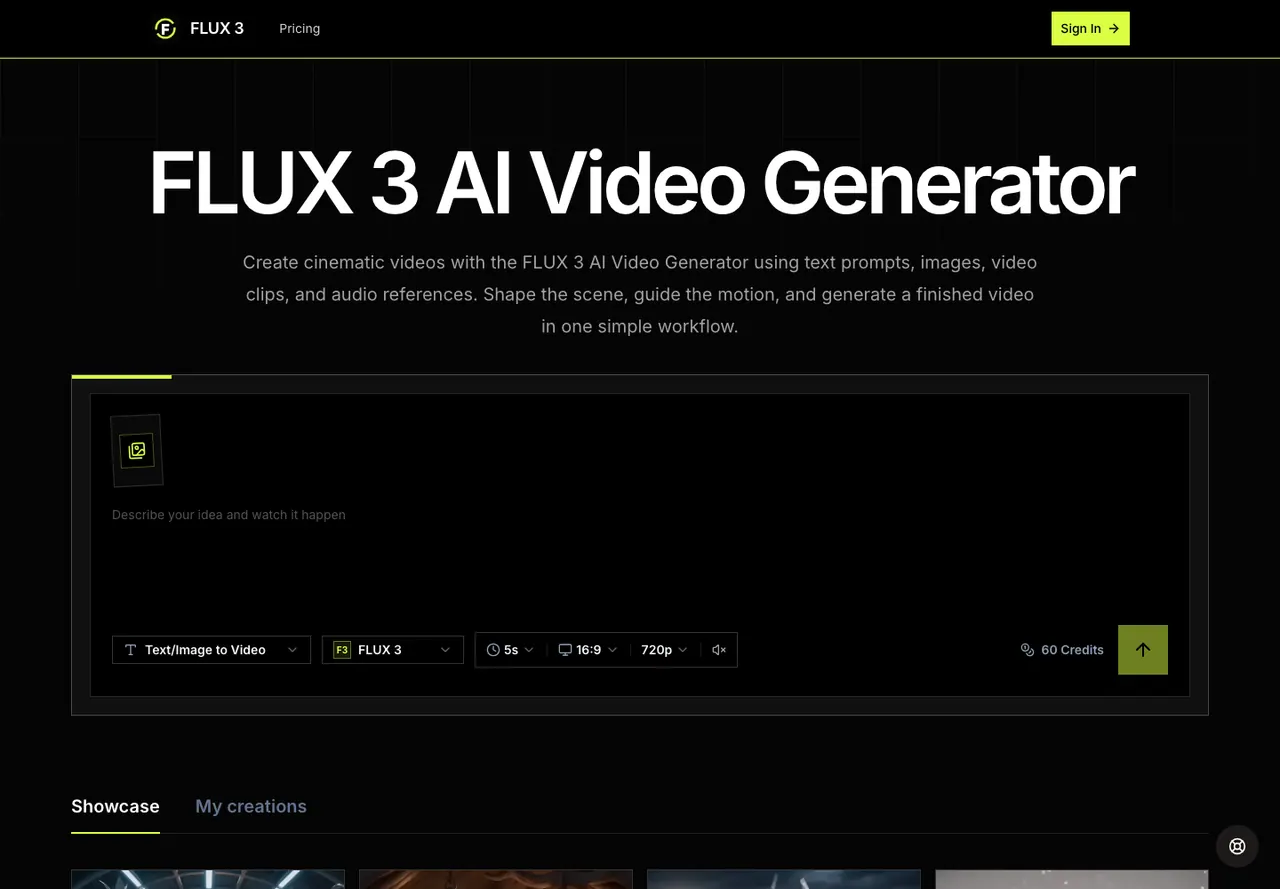
FLUX 3 AI Video Generator is an online workspace for creating cinematic videos from a creative brief. You can generate from text prompts, animate a single starting image, or guide the full shot using first and last frames or up to 10 keyframes. The workflow is designed to keep scene direction, visual references, output settings, and your creation history in one place so you can iterate without losing context.
Build a request by describing the subject, action, camera angle and movement, lighting, pace, mood, and any sound direction in everyday language. When you need stronger visual continuity, add supported image inputs: use one starting image, provide both the opening and closing frames, or place keyframes across the selected duration to define how the shot develops over time. FLUX 3 generates coherent motion between your visual anchors, helping you control identity, movement, timing, and style.
You also choose what the final video will be like before generating. Set duration, aspect ratio, and resolution, and enable an optional generated audio output for synchronized sound. After generation, you can track progress in creation history, preview results, download finished videos, and prepare another version by refining your prompt and/or references. FLUX 3 shows credit usage (e.g., 50 credits for a 5s, 16:9, 720p example) and supports a practical, repeatable end-to-end creation loop.
FLUX 3 is a good fit for creators experimenting with story beats and visual styles, and for teams producing product concepts, social videos, brand visual system variations, fashion/music visuals, and motion design drafts.
What inputs can I use to create a video in FLUX 3?
You can generate from a text prompt, a single starting image, first/last frames, or keyframe images. In keyframe mode, you can add up to 10 visual anchors.
How do keyframes work in FLUX 3?
Keyframes guide how the shot develops over the selected duration. Your keyframe images are placed evenly across the duration so the generator can animate coherent motion between those visual anchors.
Can I add audio to my FLUX 3 video?
Yes—audio is an optional generated output that you can enable as part of the request. It isn’t uploaded as an audio reference; it’s generated alongside the video.
What output settings can I control before generating?
You can set duration, aspect ratio, resolution, and the audio setting (generated or not) before you generate.
How does the creation history help with iteration?
FLUX 3 keeps your versions organized so you can follow generation progress, preview results, download finished videos, and run the next iteration without rebuilding the full request.
How many credits does a generation use?
Credit usage is shown for generations, including an example of 50 credits for a 5s, 16:9, 720p output. Actual credits depend on the specific generation settings you choose.
This listing is claimed
Own FLUX 3 AI Video Generator? Sign in with the email used to claim it to manage this listing, or upgrade to Pro for featured-first placement and a newsletter feature.