
extractkeywords.com
Analytics AI Tools
ExtractKeywords instantly pulls keywords from pasted text or a public URL, using word frequency, stop-word filtering, and phrase detection.
- Pricing
- Free
- Category
- Analytics
- Listed
- Jun 5, 2026
- Updated
- Jun 6, 2026
Promoted
 Sidrune AI85% off. Stable Claude API for agent developers. Pay as you go. Invoices & refunds available.
 Pixmax.aiPixmax.ai is an all-in-one AI workspace for videos, visual stories, and marketing content.
 RewindType any X/Twitter handle. Get their year back as a narrated video story. Then ask it anything.
 KurodyneSell the tools from your AI side projects. Listing is free.
 SEOify - Improve your SEO & rankingsBuild links to rank in Google. Improve your DR with links you can start building now.Advertise here270,000+ people visit Dang.ai every month.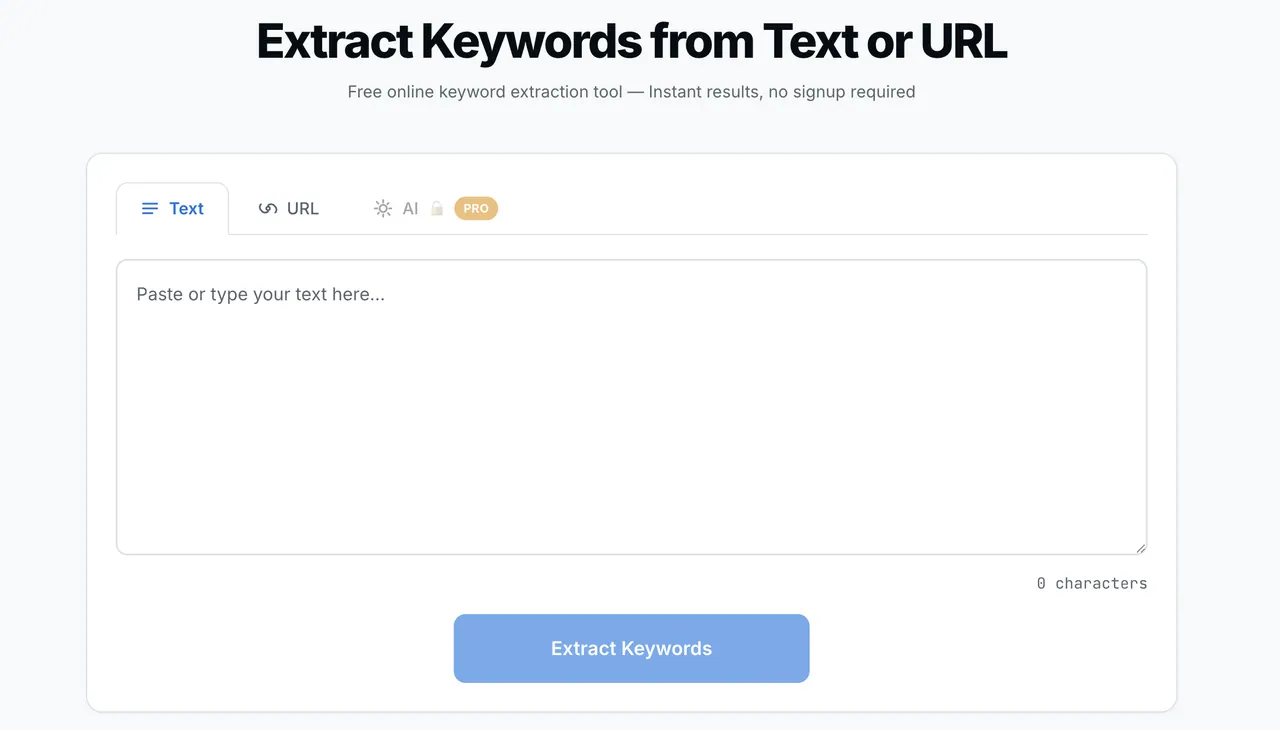
What does extractkeywords.com do?
ExtractKeywords is a free online keyword extraction tool for quickly identifying the main terms and phrases in a piece of content. Use it to analyze drafts, improve SEO targeting, or build a keyword profile from existing copy.
Choose Text mode to paste your content directly, or switch to URL mode to extract keywords from a publicly accessible webpage. For URLs, the tool fetches the page’s publicly accessible HTML, respects robots.txt directives, extracts main text content, and then runs the same keyword analysis used in Text mode.
Results are ranked by word frequency and density, with automatic stop-word filtering to remove filler terms. The extractor also detects multi-word phrases (bigrams and trigrams) so you can see not only single keywords but the more specific search phrases that appear in your content.
You can review keywords in one-, two-, and three-word views, then download as a CSV or copy results for use in SEO tools and spreadsheets.
Is ExtractKeywords free to use?
Yes—Text and URL keyword extraction are free with no signup or account required.
How does the URL keyword extraction work?
URL mode fetches the publicly accessible HTML of the page, respects robots.txt, extracts the main text content, and then runs the same keyword analysis as Text mode.
What kinds of keywords does ExtractKeywords return?
It returns ranked keywords based on word frequency and density, including single-word terms plus two-word (bigrams) and three-word (trigrams) phrases.
Does it remove common filler words?
Yes. Common stop words like “the,” “is,” and “at” are filtered out using a built-in stop-word list so results focus on meaningful terms.
Can I export or copy the results?
Yes. You can download results as a CSV or copy them to your clipboard as tab-separated values.
Can ExtractKeywords extract keywords from any website URL?
It works best with publicly accessible pages. If a site uses paywalls, requires login, or blocks automated fetching, the URL may not be accessible—then using the Text tab by pasting content is the best option.
This listing is claimed
Own extractkeywords.com? Sign in with the email used to claim it to manage this listing, or upgrade to Pro for featured-first placement and a newsletter feature.