
DesignKitchen AI
AI Design Tools
Upload a kitchen photo to generate photorealistic remodel ideas, test verified paint colors, swap materials, and create downloadable before-and-after concepts online.
- Category
- Design
- Listed
- Oct 20, 2026
- Updated
- Nov 3, 2026
Promoted
 RewindType any X/Twitter handle. Get their year back as a narrated video story. Then ask it anything.
 KurodyneSell the tools from your AI side projects. Listing is free.
 Sidrune AI85% off. Stable Claude API for agent developers. Pay as you go. Invoices & refunds available.
 Pixmax.aiPixmax.ai is an all-in-one AI workspace for videos, visual stories, and marketing content.
 AI Checker PlusAI detector that highlights which passages AI wrote. Free check, no sign-up. Plagiarism too.
 SEOify - Improve your SEO & rankingsBuild links to rank in Google. Improve your DR with links you can start building now.Advertise here330,000+ people visit Dang.ai every month.
What does DesignKitchen AI do?
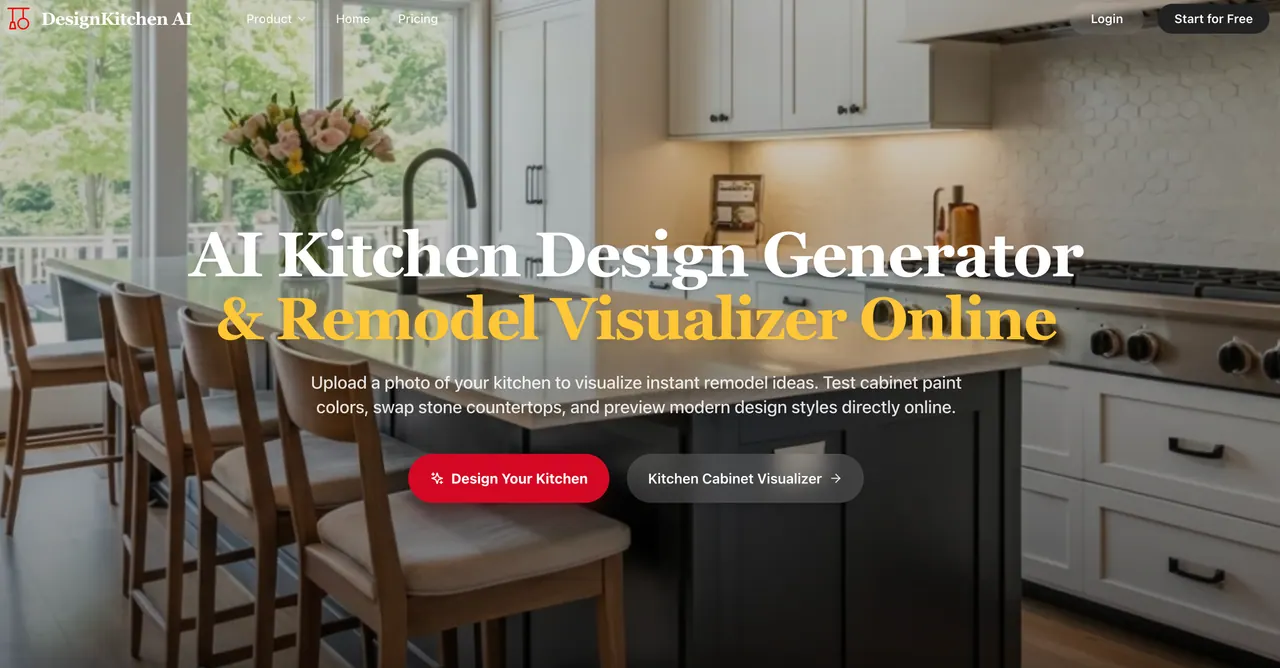
DesignKitchen AI is an online AI kitchen design generator and remodel visualizer that turns a photo of your current kitchen into photorealistic remodeling concepts. Upload a clear kitchen image, choose a style, and customize the look of key surfaces—like cabinet finishes, paint colors, countertops, backsplash, and flooring—to preview what changes could look like before you buy materials or plan the work.
A major focus is keeping your remodel practical. The AI preserves your plumbing and structural footprint by locking load-bearing walls, window coordinates, sink drains, and stove gas lines in place while updating cabinetry and finishes. This helps you evaluate renovations without creating unrealistic layout changes that could require costly plumbing or electrical relocation.
You can also test design decisions with calibrated materials and finishes. The tool simulates official cabinet paint color codes from Sherwin-Williams and Benjamin Moore across multiple door styles, so tones can be checked against your room lighting. It renders high-resolution countertop and backsplash textures—such as quartz, marble, soapstone, butcher block, and zellige—to help you compare stone veining and tile contrast more confidently.
DesignKitchen AI is built for homeowners planning renovations, remodelers and builders preparing proposals, cabinet refacing specialists selecting door profiles and finishes, and real estate agents or investors staging property potential. It includes targeted edits for high-impact upgrades like islands, hardware, door profiles, and focal accents (e.g., range hoods and pot fillers), plus a small-kitchen workflow for narrow or galley layouts.
How do I start creating a kitchen remodel concept with DesignKitchen AI?
Upload a clear photo of your kitchen, choose a style and what you want to change (like cabinet finish, paint color, countertops, and backsplash), then click generate to produce high-resolution before-and-after concepts you can download.
Does DesignKitchen AI preserve my layout and plumbing details?
Yes. It preserves structural alignment by keeping load-bearing walls, window coordinates, sink drains, and stove gas lines aligned while updating surfaces and cabinetry—helping avoid impractical floor plan shifts.
Can I preview verified cabinet paint brand colors?
Yes. You can simulate Sherwin-Williams and Benjamin Moore paint color codes across cabinet door styles (including popular codes such as Sherwin-Williams Alabaster and Naval Blue, and Benjamin Moore Chantilly Lace).
What materials can I swap in my design preview?
You can keep or change countertops (including options like quartz or marble), backsplash styles, and flooring. The tool also supports updating cabinet-related details like door profiles, and optional upgrades such as an island, hardware, and targeted focal accents.
Will it work for small, narrow, or galley kitchens?
Yes. There’s a small-kitchen workflow designed for compact setups like single-wall and narrow galley layouts, focusing on spatial balance and visual openness.
Can contractors or designers use the results for client communication?
Yes. The generator creates high-resolution photorealistic before-and-after visuals that you can download and share as clear visual briefs during consultations.
This listing is claimed
Own DesignKitchen AI? Sign in with the email used to claim it to manage this listing, or upgrade to Pro for featured-first placement and a newsletter feature.