
AECharts
Data Visualization Tool
AECharts helps you create animated, brand-ready business charts for PowerPoint and Slides, with AI styling and exports for videos.
Promoted
 RewindType any X/Twitter handle. Get their year back as a narrated video story. Then ask it anything.
 KurodyneSell the tools from your AI side projects. Listing is free.
 Sidrune AI85% off. Stable Claude API for agent developers. Pay as you go. Invoices & refunds available.
 Pixmax.aiPixmax.ai is an all-in-one AI workspace for videos, visual stories, and marketing content.
 SEOify - Improve your SEO & rankingsBuild links to rank in Google. Improve your DR with links you can start building now.Advertise here270,000+ people visit Dang.ai every month.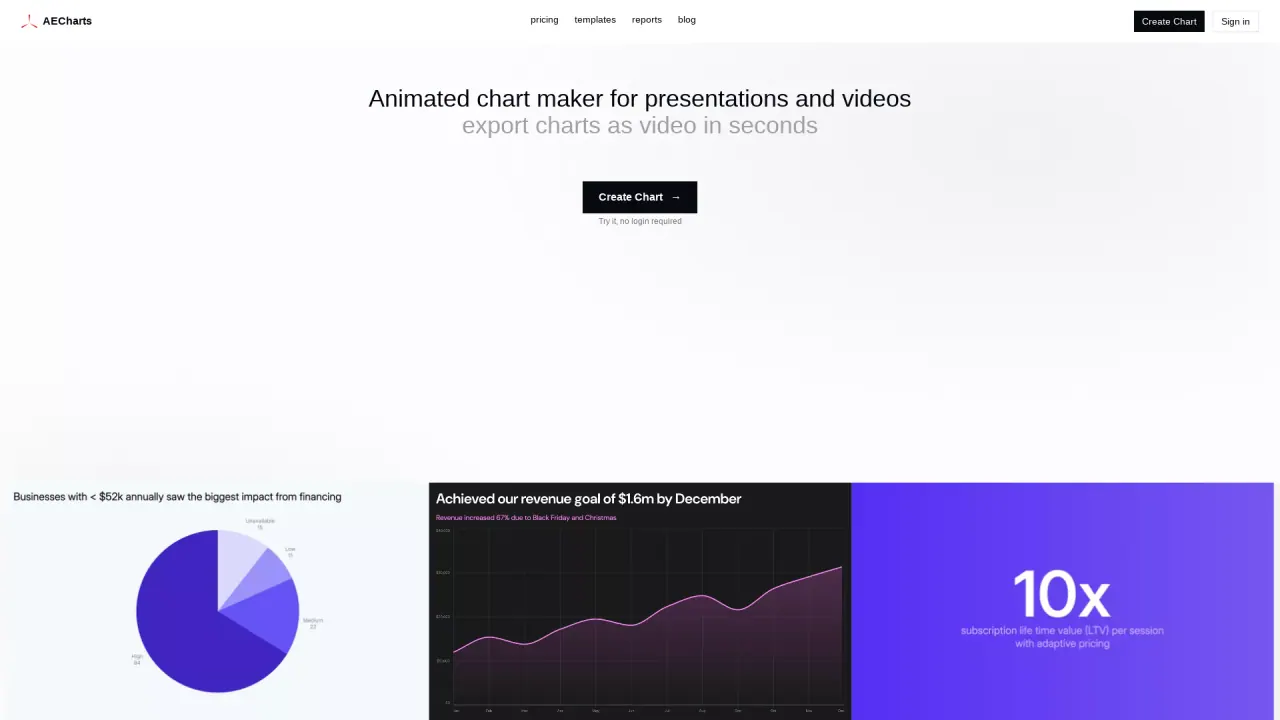
What does AECharts do?
AECharts is a chart builder designed for creating advanced business charts for client decks and investor reports. It supports chart types commonly used in finance and operations presentations—like waterfall charts for EBITDA bridges and P&L walks, Mekko (Marimekko) charts for market share by segment and size, stacked columns for revenue mix over time, scatter/bubble charts for correlation analysis, pie/donut charts for budget allocation, and Gantt charts for timelines and milestones.
You can import data from Excel or CSV files, connect a Google Sheets URL, or fetch data from any public URL. For speed and consistency, AECharts lets you customize charts with AI: you can chat with AI to style and edit a chart without needing to learn every control in the editor, while still allowing manual editing when you prefer.
For presentation polish, AECharts includes features like customizable fonts, colors, label formats, and axis ranges. Team plans include a Brand Kit to apply saved settings across charts. You can also add annotations such as Value Lines, Diff Arrows, and CAGR Arrows that update automatically when your underlying numbers change.
Charts can be inserted into your deck using the AECharts add-on for PowerPoint or Google Slides. You can also export animated charts for use in videos, including mp4 and transparent webm formats. Image exports are free, and the entire editor is available for free use.
What is AECharts best for?
AECharts is best for building advanced business charts for client decks and investor reports—especially finance-style visuals like waterfall (EBITDA bridges), Mekko, stacked columns, scatter/bubble, and Gantt timelines.
Can I import my data from Excel, CSV, or Google Sheets?
Yes. You can import from an Excel or CSV file, connect a Google Sheets URL, or fetch data from a public URL.
How does AI help with chart creation in AECharts?
You can chat with AI to style and edit a chart so you don’t have to manually learn every part of the editor interface. You can also edit charts manually afterward.
What chart types are supported?
Supported types include column (stacked/clustered), bar (stacked/grouped), waterfall, Mekko, Gantt, line/area (stacked variants), scatter, pie, and donut—plus more chart makers listed on the site.
Can I keep branding consistent across multiple charts?
Yes. You can customize fonts, colors, labels, and axis ranges, and team plans include a Brand Kit that applies saved settings across all charts.
Is there a free plan?
Yes. Image exports are free, and the entire editor is free to use.
This listing is claimed
Own AECharts? Sign in with the email used to claim it to manage this listing, or upgrade to Pro for featured-first placement and a newsletter feature.