
ImageToSTL
AI Image To STL Converter
Convert JPG or PNG images into print-ready 3D STL (plus GLB/OBJ) files using AI—free to start and available with credit-based plans.
Promoted
 AI Checker PlusAI detector that highlights which passages AI wrote. Free check, no sign-up. Plagiarism too.
 RewindType any X/Twitter handle. Get their year back as a narrated video story. Then ask it anything.
 KurodyneSell the tools from your AI side projects. Listing is free.
 Sidrune AI85% off. Stable Claude API for agent developers. Pay as you go. Invoices & refunds available.
 Pixmax.aiPixmax.ai is an all-in-one AI workspace for videos, visual stories, and marketing content.
 SEOify - Improve your SEO & rankingsBuild links to rank in Google. Improve your DR with links you can start building now.Advertise here330,000+ people visit Dang.ai every month.
What does ImageToSTL do?
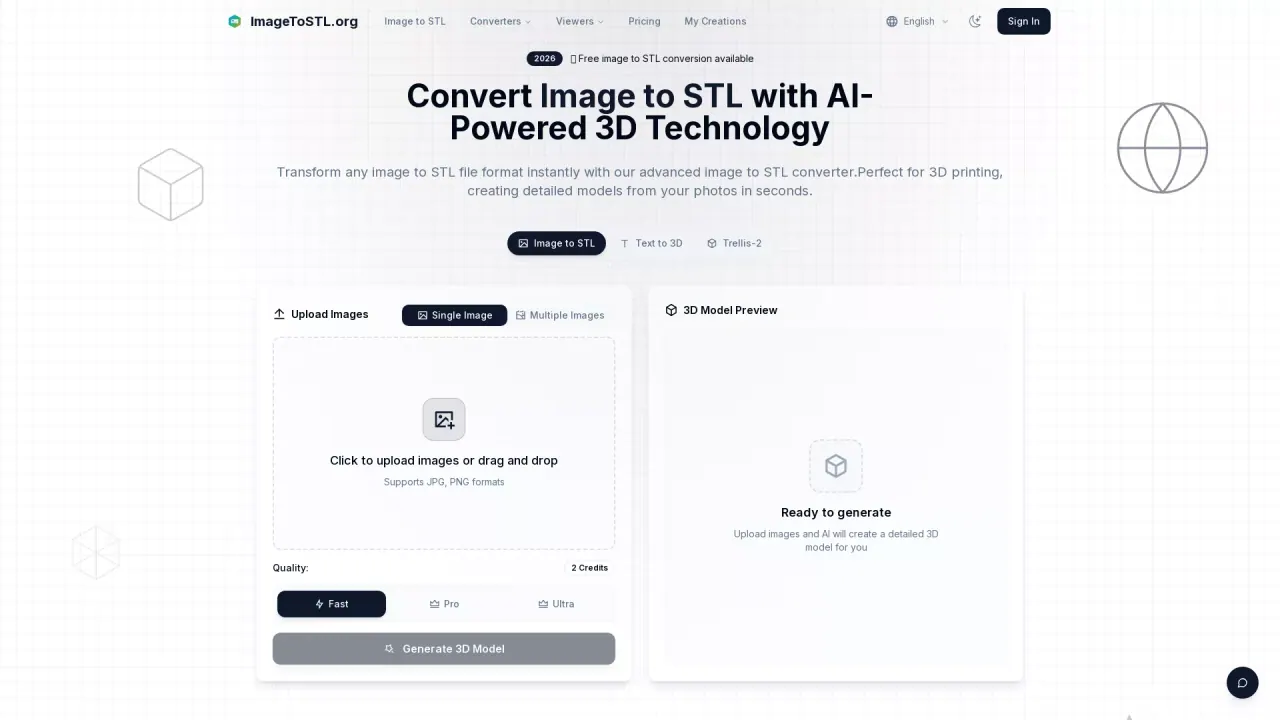
ImageToSTL is an AI-powered image-to-3D converter that turns 2D photos (JPG, PNG) into 3D printable model files. It analyzes image depth, contours, and details to generate geometry suitable for 3D printing and visualization, so you can move from a flat reference image to a 3D model without complex modeling workflows.
You can upload a single image or run batch conversions with multiple images to improve accuracy for reconstruction. After generation, you can preview the 3D result in the built-in model viewer and then download your files. Outputs include STL for printing, plus GLB and OBJ for broader 3D use, with download-ready results after the AI finishes processing.
ImageToSTL is built for creators, designers, engineers, and 3D printing enthusiasts who want fast iteration—whether you’re prototyping from references, exploring concepts, or preparing models for FDM/SLA-style workflows. It also offers customization for output quality and 3D printing settings such as height, base thickness, and detail levels.
Pricing is credit- and plan-based, with options for Basic (300 credits/month), Advanced (600 credits/month), and Professional (1000 credits/month). There’s also a free image-to-STL conversion available to get started, and you can change or cancel plans anytime by emailing support@imagetostl.org.
What can I convert with ImageToSTL?
You can convert JPG and PNG images into 3D printable STL files, with outputs also available in GLB and OBJ formats.
Can I convert images for free?
Yes—free image to STL conversion is available to get started.
What’s the maximum image file size I can upload?
Uploads support a maximum file size up to 10MB.
How do multiple images help the result?
Using multiple angles can lead to more accurate and detailed 3D reconstruction compared with a single image.
How fast does the conversion take?
Most conversions complete within about 1 minute, depending on image complexity and the quality settings chosen. Batch processing may take longer.
Can I adjust settings before downloading my model?
Yes. You can customize output settings such as height, base thickness, and detail levels to optimize for 3D printing results.
This listing is claimed
Own ImageToSTL? Sign in with the email used to claim it to manage this listing, or upgrade to Pro for featured-first placement and a newsletter feature.