
Idle Pilot
Verified
Cloud-based Slack presence scheduler
Idle Pilot is a cloud-based scheduler that keeps your Slack or Teams presence active during your set work hours—even with your laptop closed.
- Pricing
- Free trial
- Category
- Scheduling
- Listed
- Apr 8, 2026
- Updated
- Oct 22, 2026
Promoted
 Pixmax.aiPixmax.ai is an all-in-one AI workspace for videos, visual stories, and marketing content.
 RewindType any X/Twitter handle. Get their year back as a narrated video story. Then ask it anything.
 KurodyneSell the tools from your AI side projects. Listing is free.
 Sidrune AI85% off. Stable Claude API for agent developers. Pay as you go. Invoices & refunds available.
 SEOify - Improve your SEO & rankingsBuild links to rank in Google. Improve your DR with links you can start building now.Advertise here270,000+ people visit Dang.ai every month.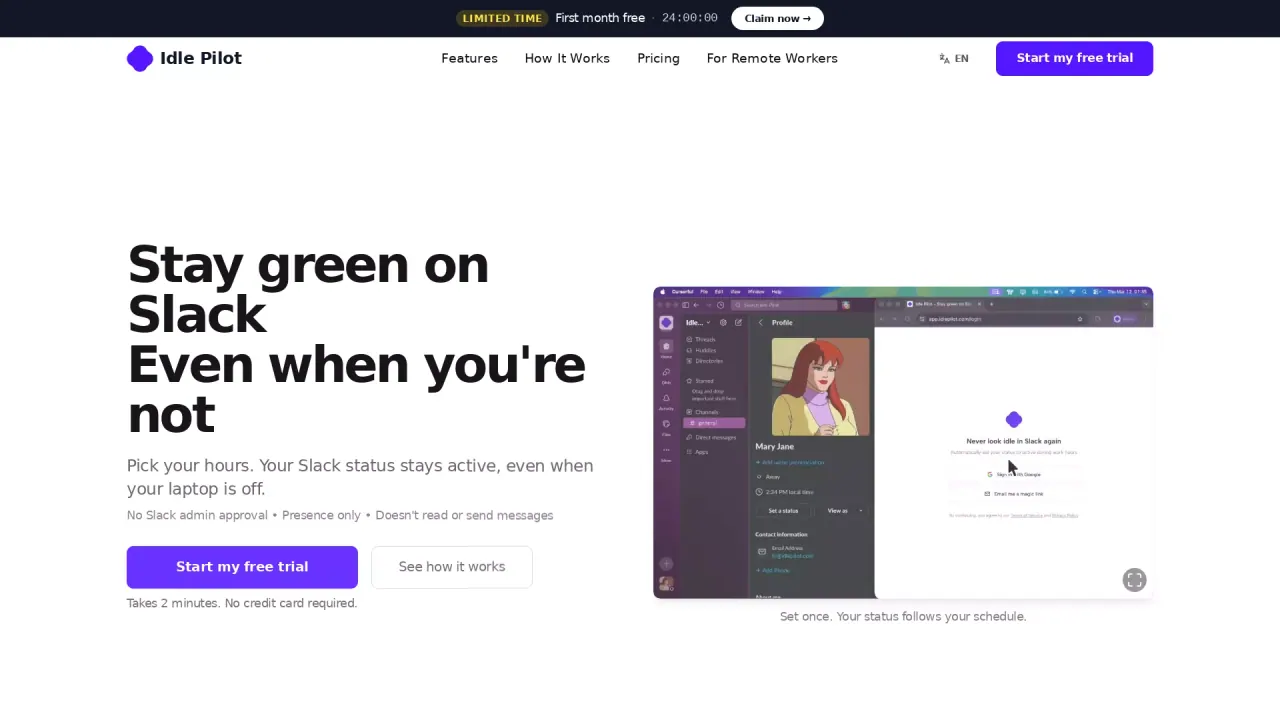
What does Idle Pilot do?
Idle Pilot helps you stay available on Slack or Microsoft Teams while keeping your presence aligned with your real work hours. Instead of relying on Slack’s or Teams’ idle behavior—which can flip you away while you’re busy elsewhere—Idle Pilot maintains your availability from the cloud based on a schedule you choose.
You set your Work Hours once, including per-day differences, lunch breaks, timezone, and Vacation Mode. During those scheduled hours, your presence stays active even when your laptop is closed, asleep, or offline. You can also pause the schedule or cancel at any time, and your connected platform returns to its normal behavior.
Setup is focused on a one-time desktop connection: use desktop Chrome with the Idle Pilot setup extension to link your Slack or Microsoft Teams account. After linking, you can manage your schedule from another browser, and the extension is no longer needed.
Idle Pilot is presence-only—no custom status messages, no chat/file access, and it isn’t a “mouse jiggler.” Pricing is straightforward: a 3-day free trial with no credit card (or 7 days if you connect on desktop within 3 hours). After the trial, Freedom Pass is $5/month or $60/year, with all features included.
Does Idle Pilot work when my laptop is closed?
Yes. Once connected, it runs from the cloud during your saved Work Hours, even if your laptop is closed, asleep, offline, or off.
Can I use Idle Pilot with both Slack and Microsoft Teams?
You can connect one platform at a time—either Slack or Microsoft Teams. You can switch the connected platform later.
What do I need for setup?
Use desktop Chrome and the Idle Pilot setup extension to link your Slack or Microsoft Teams account. After linking, you can remove the extension and manage your schedule from another browser.
Does Idle Pilot read my chats or write custom status messages?
No. Idle Pilot is presence-only. It doesn’t write custom status messages and doesn’t read chats or files.
How long is the free trial and does it require a credit card?
The free trial is 3 days with no credit card. If you connect Slack or Teams on desktop within 3 hours of sign-up, the trial lasts 7 days.
What happens if I pause or cancel?
You can pause the schedule or cancel anytime. When it turns off, your presence returns to the connected platform’s normal behavior.
This listing is claimed
Own Idle Pilot? Sign in with the email used to claim it to manage this listing, or upgrade to Pro for featured-first placement and a newsletter feature.