
Canva
AI Design Tools
Canva is a browser-based (and mobile) design platform with AI-powered tools for creating social posts, videos, presentations, and more.
- Category
- Design
- Listed
- Nov 25, 2026
- Updated
- Nov 25, 2026
Promoted
 MuzieCreate professional AI music videos starring you. Bring a song or make one, done in minutes.
 AI Checker PlusAI detector that highlights which passages AI wrote. Free check, no sign-up. Plagiarism too.
 Pixmax.aiPixmax.ai is an all-in-one AI workspace for videos, visual stories, and marketing content.
 SEOify - Improve your SEO & rankingsBuild links to rank in Google. Improve your DR with links you can start building now.Advertise here330,000+ people visit Dang.ai every month.
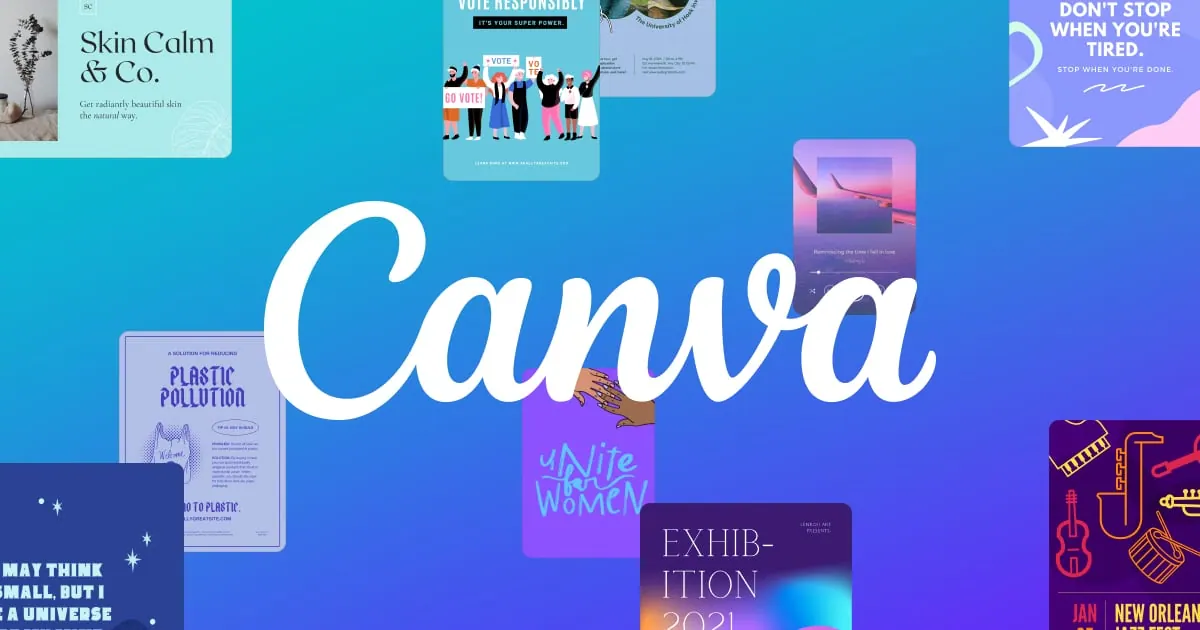
What does Canva do?
Canva is a design platform you can use in a web browser or through iOS and Android apps. It’s built for creating a range of visuals—such as social posts, videos, presentations, and print-ready designs—so you can move from idea to finished assets without needing specialized software.
Canva’s AI-powered features include Magic Layers for turning an image into an editable layout, Magic Eraser for cleaning up photos, Background Remover to remove image backgrounds in one click, and Magic Write to elevate your writing. It also offers presentation-focused tools like templates and animated presentation options, plus general workflow helpers like Magic Resize for resizing designs for different channels.
It’s a good fit for individuals and teams who want an accessible, collaborative way to create design assets repeatedly—especially if you need flexibility to work across web and mobile. If you run into a browser compatibility message, you may need to use a recent version of a supported browser to keep using the web experience.
For web access, use supported browsers (Chrome, Firefox, Safari on macOS, or Edge). Mobile access is available via the iOS and Android options. Get started free.
Can I use Canva in my web browser?
Yes. You can design in the browser, but you may need a recent version of a supported browser like Chrome, Firefox, Safari (macOS only), or Edge.
What should I do if Canva says my browser is unsupported?
Update to a newer version of a supported browser to continue using Canva on the web.
Is there a mobile version of Canva?
Yes. You can use Canva on iOS and Android to create and manage designs on the go.
What AI tools are available in Canva?
Common AI features include Magic Layers, Magic Eraser, Background Remover, Magic Write, and Magic Resize, along with presentation and video tools like animated presentations and a video editor.
What kinds of designs can I create with Canva?
You can create AI-powered social posts, videos, presentations, and print designs, with templates to help you get started quickly.
Is there a free way to start with Canva?
Yes. Canva offers a free way to get started.
Is this your tool?
Claim Canva to manage this listing, or upgrade to Pro for featured-first placement and a newsletter feature.