ErnieImage
Graphic Design Tool
Generate high-quality images from text prompts with crisp, accurate multilingual text embedded in every result.
Promoted
 RewindType any X/Twitter handle. Get their year back as a narrated video story. Then ask it anything.
 KurodyneSell the tools from your AI side projects. Listing is free.
 Sidrune AI85% off. Stable Claude API for agent developers. Pay as you go. Invoices & refunds available.
 Pixmax.aiPixmax.ai is an all-in-one AI workspace for videos, visual stories, and marketing content.
 SEOify - Improve your SEO & rankingsBuild links to rank in Google. Improve your DR with links you can start building now.Advertise here270,000+ people visit Dang.ai every month.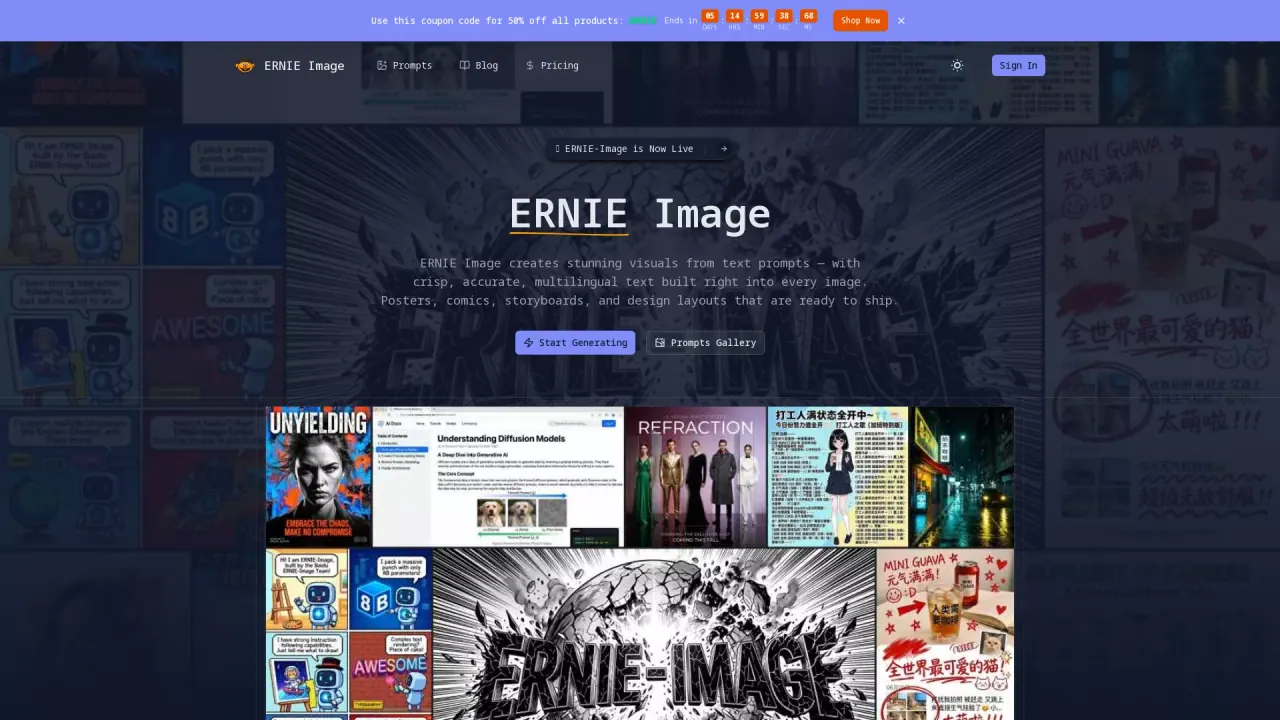
What does ErnieImage do?
ERnIE Image turns your text prompts into polished visuals such as posters, comics, storyboards, and design layouts—complete with sharp, accurate multilingual text built directly into each image. If you’ve ever needed typography that actually matches your intended language, this is designed to make that part of the creative process smoother.
Key features focus on reliable text rendering and flexible output. You can enter a prompt, choose an image size (including common aspect ratios like 1:1, 16:9, 9:16, 4:3, 3:4, 3:2, and 2:3), and generate results ready to use. Supported languages include English, simplified and traditional Chinese, Japanese, Korean, German, French, Spanish, Portuguese, Italian, Russian, Arabic, Dutch, Polish, and Turkish.
ErnieImage is a strong fit for graphic designers and art directors who need text-accurate layouts, comic artists and illustrators working with consistent visual storytelling, and digital marketers creating bilingual or multilingual promotional assets. It’s also useful for small business owners, entrepreneurs, and UI/UX designers who want high-end visuals without building everything from scratch.
Pricing is token-based: each generation shows a cost of 2 credits. You can start generating from the interface, and you may self-deploy the open-source model locally for free.
What can I create with ErnieImage?
You can generate posters, comics, storyboards, and design layouts from text prompts, with multilingual text rendered directly in the image.
Does ErnieImage support multilingual text inside the image?
Yes. It generates images with crisp, accurate multilingual text and supports a wide range of languages (including English, Chinese variants, Japanese, and more).
How do I choose the output size?
After entering your prompt, select a size/aspect ratio such as 1:1, 16:9, 9:16, 4:3, 3:4, 3:2, or 2:3, then generate.
How much does it cost to generate an image?
Each generation costs 2 credits. Your balance is shown in the generator interface.
Can I use the model for free by running it locally?
Yes. You can self-deploy the open-source model locally for free, while the online service uses token-based pricing to cover compute costs.
Is ErnieImage meant for professional design workflows?
It’s built for tasks like design layouts and marketing assets where accurate, ready-to-use text in visuals matters, making it useful for designers, marketers, and creators.
This listing is claimed
Own ErnieImage? Sign in with the email used to claim it to manage this listing, or upgrade to Pro for featured-first placement and a newsletter feature.