
Removebg
Verified
Background Removal Tool for AI
Removebg is a 100% free AI image cutout tool that supports removing backgrounds from images of people, products, animals, cars, and logos.
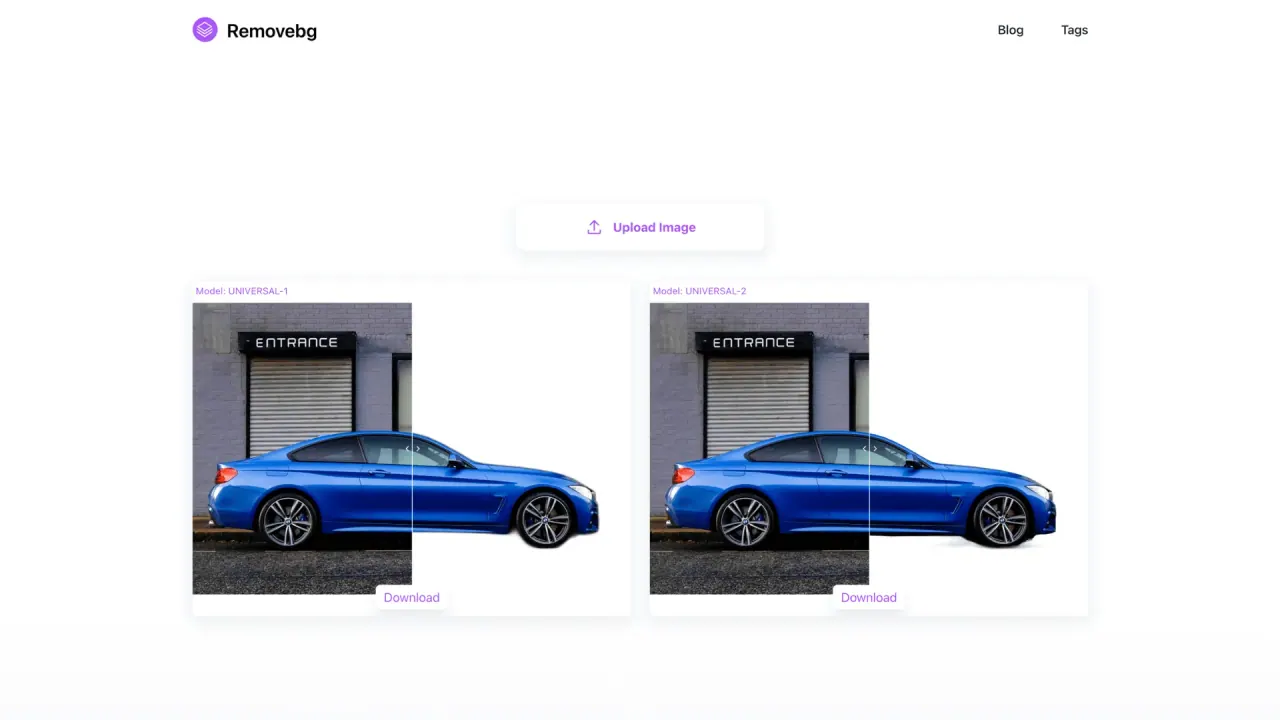
What does Removebg do?
How do I use Removebg?
Open removebg.one in your browser, upload your image by clicking the upload button, and the background will be removed automatically in seconds. If you want, you can modify the result by performing secondary edits (clear up blemishes or change the background color) and then download the cutout to your computer.
Is Removebg free to use online, and are there ads?
Yes. Removebg offers a completely free online background removal service, and ads are included to support keeping the service running.
What image formats does Removebg support?
PNG, JPG, JPEG, and WEBP.
Are there size or dimension limits for uploads?
Yes. The maximum width and height are 6400 pixels, and the maximum file size is 10 MB.
How long does processing take?
Typically around 8 seconds, but during peak times it may take about 28 seconds.
Can I batch process multiple images at once?
Currently, batch processing is not supported.
What devices can I use Removebg on?
Removebg works on Windows and macOS, and is accessible on mobile devices via a web browser.
Does Removebg offer an API for developers?
Yes. Removebg provides API integration for developers to incorporate automatic background removal into their applications.
What types of images can Removebg remove backgrounds from?
It can remove backgrounds from people, products, animals, cars, and logos.
What are common use cases for Removebg?
E-commerce product photography, graphic design, social media content creation, photography post-processing, marketing and advertising, and personal use.
How do I download the result after background removal?
After removing the background (and applying any edits), click the download button to save the cutout result to your computer.
This listing is claimed
Own Removebg? Sign in with the email used to claim it to manage this listing, or upgrade to Pro for featured-first placement and a newsletter feature.