
AI Response Generator
No longer active
AI Response Generator
AI Response Generator: Perfect replies, crafted instantly
AI Response Generator is no longer available
Promoted
 AI Checker PlusAI detector that highlights which passages AI wrote. Free check, no sign-up. Plagiarism too.
 RewindType any X/Twitter handle. Get their year back as a narrated video story. Then ask it anything.
 KurodyneSell the tools from your AI side projects. Listing is free.
 Sidrune AI85% off. Stable Claude API for agent developers. Pay as you go. Invoices & refunds available.
 Pixmax.aiPixmax.ai is an all-in-one AI workspace for videos, visual stories, and marketing content.
 SEOify - Improve your SEO & rankingsBuild links to rank in Google. Improve your DR with links you can start building now.Advertise here330,000+ people visit Dang.ai every month.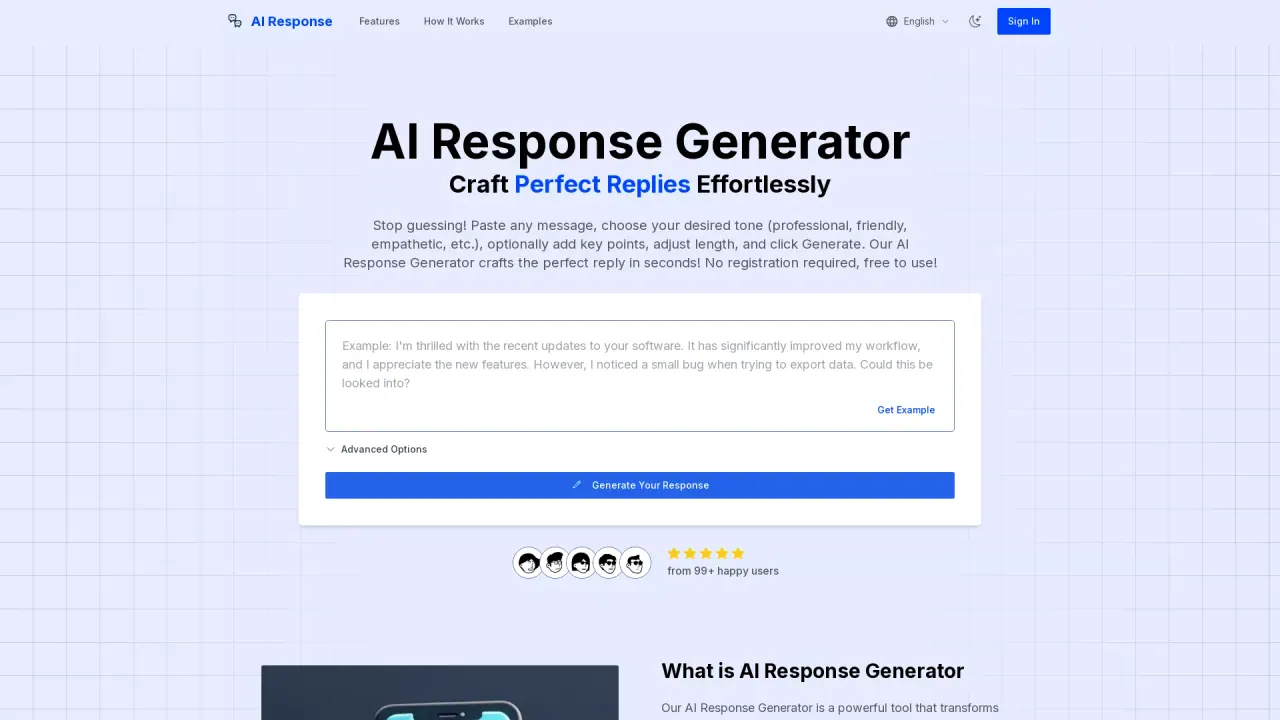
What does AI Response Generator do?
Do I need to register to use AI Response Generator?
No. AI Response Generator is free to use and does not require registration. You can start crafting responses right away with essential features, with no hidden costs.
How does AI Response Generator create and customize replies?
You paste the message you want to respond to, choose a tone (professional, friendly, empathetic, formal, casual, etc.), optionally add key points, and adjust the length. Then you click Generate Reply and receive a tailored response in seconds. You can further edit the final result if needed. The tool also understands the context to craft relevant replies.
What types of messages can I respond to with AI Response Generator?
AI Response Generator works with a wide range of messages, including emails, social media comments, customer inquiries, job applications, personal messages, and more.
Is my data secure when using AI Response Generator?
Yes. Messages you enter are processed securely, not stored long-term, and are not used to train models without explicit user consent. All communications are encrypted, and the service follows strict privacy policies.
Can I use AI Response Generator in languages other than English?
Yes. The tool supports multiple languages. English currently offers the most tone options, and the platform is continually expanding language capabilities.
How much time can I save using AI Response Generator?
Most users report saving 3–5 minutes per response. Many business users save 1–2 hours per day on email and message management while maintaining or improving response quality.
What usage or popularity metrics does AI Response Generator share?
The platform highlights 10k+ daily users, 1M+ responses generated monthly, and about 5 minutes saved per reply.