VrchatAvatarMaker
Avatar Creation AI
VRChat Avatar Maker helps you create previewable VRChat-ready 3D avatars from text or images, then generate textures, auto-rig, and download.
Promoted
 Sidrune AI85% off. Stable Claude API for agent developers. Pay as you go. Invoices & refunds available.
 Pixmax.aiPixmax.ai is an all-in-one AI workspace for videos, visual stories, and marketing content.
 AI Checker PlusAI detector that highlights which passages AI wrote. Free check, no sign-up. Plagiarism too.
 RewindType any X/Twitter handle. Get their year back as a narrated video story. Then ask it anything.
 KurodyneSell the tools from your AI side projects. Listing is free.
 SEOify - Improve your SEO & rankingsBuild links to rank in Google. Improve your DR with links you can start building now.Advertise here270,000+ people visit Dang.ai every month.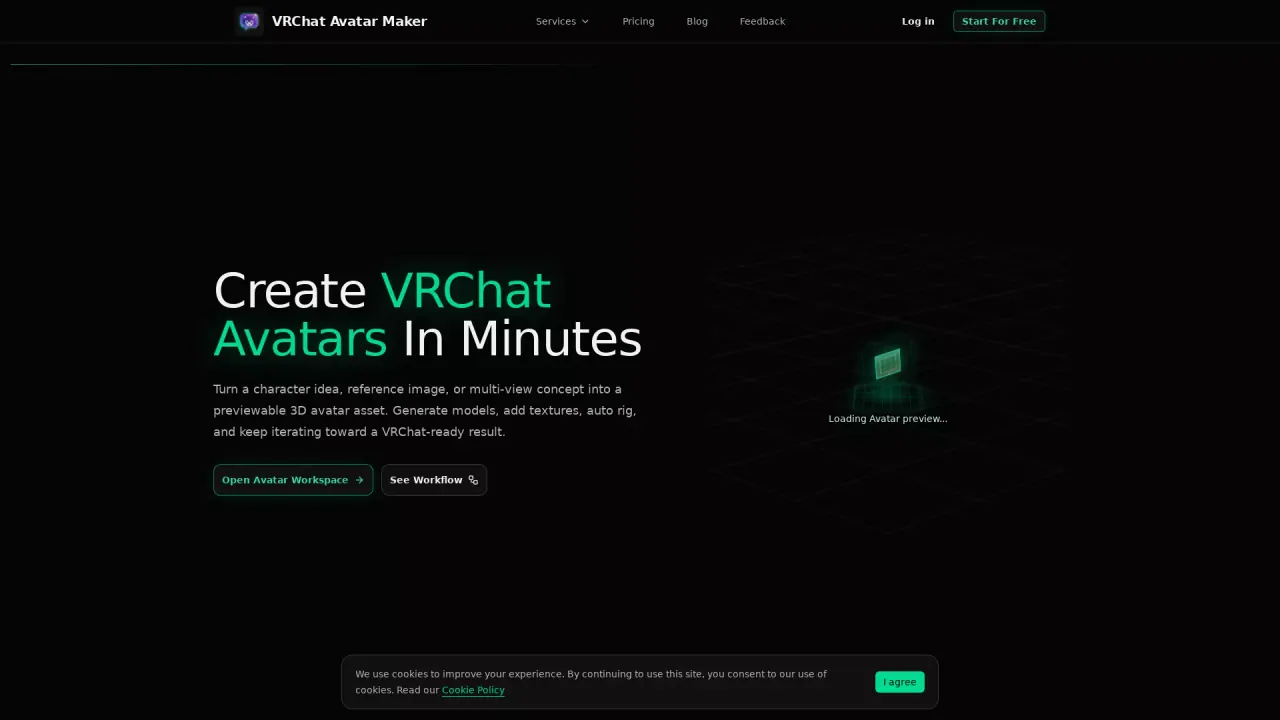
What does VrchatAvatarMaker do?
VRChat Avatar Maker is a VRChat-focused creation workspace that helps you turn a character idea, reference image, or multi-view concept into a previewable 3D avatar asset. You can start from text or images, generate a model, refine its surface with texture tools, apply automatic rigging, and preview your results before downloading.
The workflow supports multiple creation paths so you can begin with what you already have. Generate from text to create a 3D avatar model, or use text-to-image style exploration to test look and direction before committing. If you have visual references, you can upload a single character image or provide multi-view inputs (such as front/left/back/right) to improve structure, consistency, and detail.
As you build, the workspace is designed to keep iterating on the same asset—generate a model first, then continue with texture generation/repainting and auto rigging rather than restarting from scratch. You’ll also be able to preview results in the workspace and move forward when the output is ready.
For downloads, outputs are available in GLB or FBX format, useful for preview and downstream avatar workflows. Pricing information is available under the Pricing page in the service navigation.
What can I create with Vrchat Avatar Maker?
You can generate a previewable 3D VRChat avatar asset, then add textures, auto-rig it, preview the result, and download it as a model file.
Can I start from text or do I need reference images?
You can start from text to generate a model, or start from one image or multi-view reference images to guide proportions and details.
Which creation modes are available?
The workspace includes Text to Avatar, Text to Image, Image to Avatar, Multi-image to Avatar, Add Texture, and Auto Rigging.
How do multi-view references work?
You can provide multiple views (for example front/left/back/right) to improve structure, consistency, and character details compared to using a single image.
Can I continue improving a generated avatar later?
Yes. The workflow is set up to use a generated result as the starting point for later steps like texture updates, rigging, and refinement.
What file formats can I download?
You can download outputs in GLB or FBX formats for preview and downstream 3D asset workflows.
This listing is claimed
Own VrchatAvatarMaker? Sign in with the email used to claim it to manage this listing, or upgrade to Pro for featured-first placement and a newsletter feature.