
WavelAI
AI Voice Localization
Transform your videos with WavelAI's AI voice localization tool. Multilingual voiceovers & subtitles for seamless globalization.
- Pricing
- Free trial
- Category
- Chatbot
- Listed
- Jul 22, 2023
- Updated
- May 25, 2026
Promoted
 Pixmax.aiPixmax.ai is an all-in-one AI workspace for videos, visual stories, and marketing content.
 RewindType any X/Twitter handle. Get their year back as a narrated video story. Then ask it anything.
 KurodyneSell the tools from your AI side projects. Listing is free.
 Sidrune AI85% off. Stable Claude API for agent developers. Pay as you go. Invoices & refunds available.
 SEOify - Improve your SEO & rankingsBuild links to rank in Google. Improve your DR with links you can start building now.Advertise here270,000+ people visit Dang.ai every month.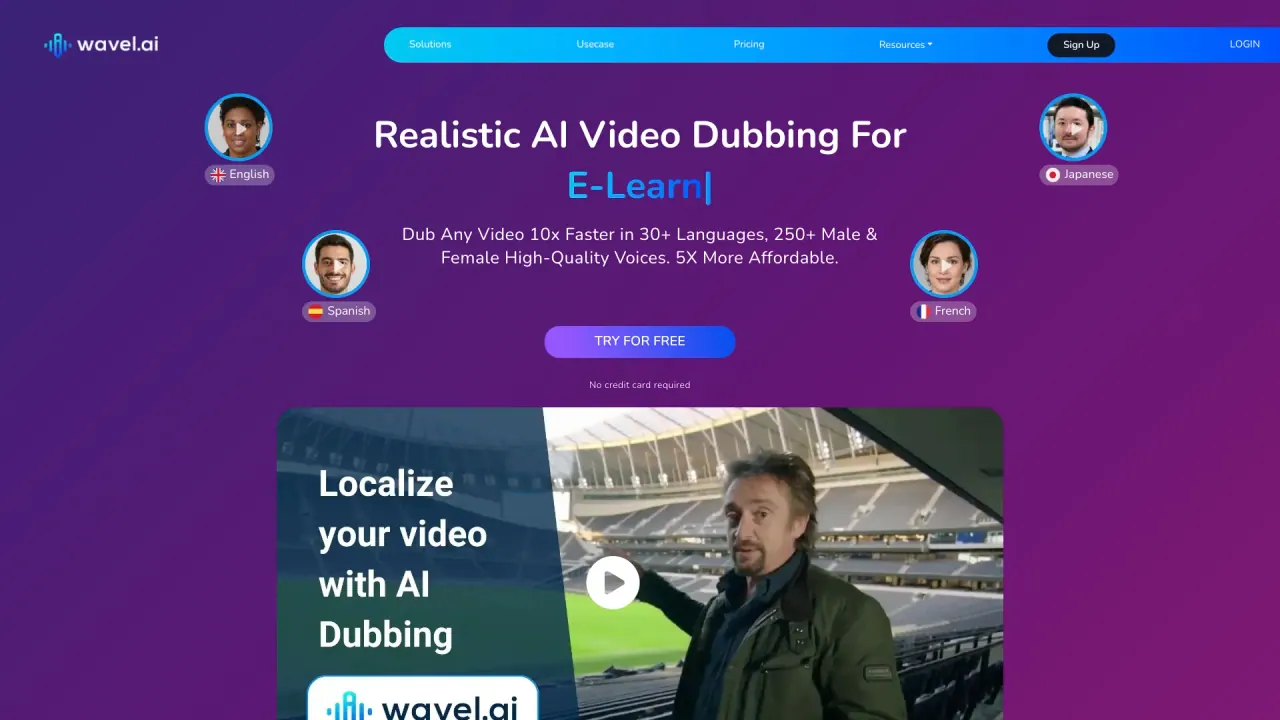
What does WavelAI do?
What can I do with Wavel AI?
Wavel AI is an end-to-end AI video creation suite. Create multi-scene videos with AI voices, clone voices, add subtitles, perform AI dubbing in 100+ languages, translate content, and render publish-ready outputs. Everything happens inside a single browser-based editor, with tools for scripting, storyboarding, avatar/voice control, and platform-optimized outputs.
Does Wavel AI support voice cloning?
Yes. You can clone a voice to create a consistent AI voice (your AI Twin) and use it across videos, languages, and formats. You can pair cloned voices with multilingual dubbing for brand-consistent delivery.
How many languages and voices are supported for dubbing and AI voice generation?
Wavel AI supports content creation across 100+ languages with a range of voices (including male and female options) to suit your project’s tone and audience.
How does instant voice cloning work in Wavel AI?
Wavel AI uses AI-driven voice cloning that analyzes a voice’s characteristics (such as pitch and intonation) to generate a convincing digital replica within seconds, enabling rapid voice personalization for videos and presentations.
What are the core AI video studio features?
- Prompt-to-storyboard engine that turns scripts into structured scenes with pacing and visuals
- End-to-end dialogue editing per scene without re-rendering the whole video
- One-click scene art refresh to regenerate backdrops while preserving dialogue and characters
- Consistent character lock-in for avatars and AI voices across scenes
- Customizable camera angles, motion, and transitions per scene
- High-quality, publish-ready output formatted for YouTube, Reels, Ads, and other channels
How can I translate, dub, and subtitle content in Wavel AI?
Wavel AI can translate, dub, and subtitle videos within the same editor. It supports global audiences with native-like translations and captions, all generated automatically and integrated with the video output.
Can I upload my own subtitles or caption tracks?
Yes. You can add subtitles by uploading or entering them manually, customize their appearance and timing, and then download or embed them into your video.
Is Wavel AI private and secure?
Yes. The platform is cloud-based with security in mind, featuring robust encryption and security measures to protect your data and the voice synthesis process.
Do I need to install anything to use Wavel AI?
No. Wavel AI is fully web-based and works in all modern browsers with no downloads required.
Is there a free plan or trial option?
Yes. Wavel AI offers a lifetime free account with free credits to get started, and you can begin without a credit card.
What are the pricing options and how do I manage subscriptions?
Wavel AI offers plans such as Basic, Pro, and Business. Each plan includes different levels of credits and features, including access to custom voices and a commercial license on select plans. Subscriptions can be managed on the Manage Subscription page (upgrade, downgrade, or cancel as needed).
Is there a Developer API?
Yes. Wavel AI provides a developer API to plug AI video features into your workflows with speed and scale.
Can teams collaborate in Wavel AI?
Yes. Real-time collaboration is supported: team members can view and edit files concurrently, share inputs, and stay updated without separate notifications.
What outputs can I publish from Wavel AI?
Wavel AI renders cinematic, studio-grade videos with captions and dubbing, designed to be perfectly formatted for platforms like YouTube, Reels, Ads, and other distribution channels.
How can I get help or support?
Join the Wavel AI community on Discord or email reachout@wavel.ai for help, questions, or advice.
Is this your tool?
Claim WavelAI to manage this listing, or upgrade to Pro for featured-first placement and a newsletter feature.