OmniAIVideo
AIVideoCreationTool
Create cinematic videos with native audio in one pass using Gemini Omni directly in your browser—plus chat-based editing and multi-reference inputs.
Promoted
 Pixmax.aiPixmax.ai is an all-in-one AI workspace for videos, visual stories, and marketing content.
 RewindType any X/Twitter handle. Get their year back as a narrated video story. Then ask it anything.
 KurodyneSell the tools from your AI side projects. Listing is free.
 Sidrune AI85% off. Stable Claude API for agent developers. Pay as you go. Invoices & refunds available.
 SEOify - Improve your SEO & rankingsBuild links to rank in Google. Improve your DR with links you can start building now.Advertise here270,000+ people visit Dang.ai every month.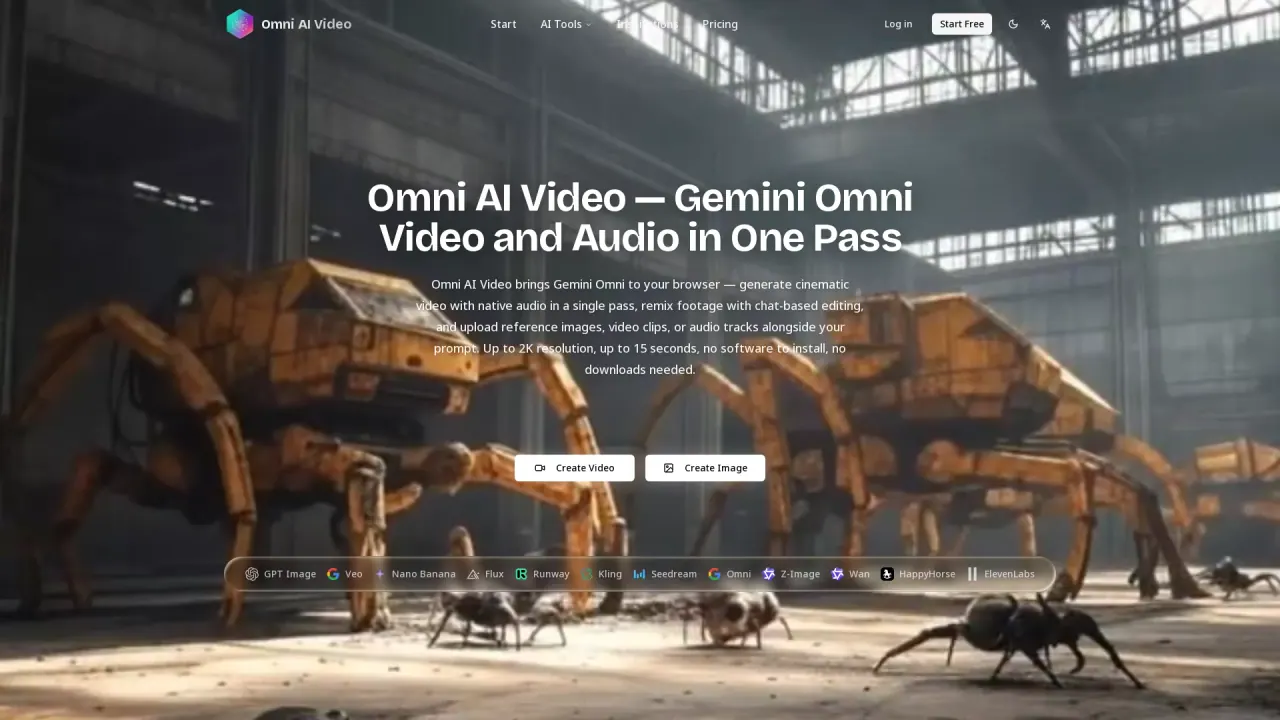
What does OmniAIVideo do?
Omni AI Video brings Gemini Omni to your browser so you can generate cinematic video with native audio in a single pass. Create directly from a text prompt, or guide results by uploading reference images, video clips, and audio tracks alongside your request.
Key capabilities include multimodal generation and tighter audio-video alignment. Gemini Omni produces synchronized dialogue, environmental sound, and music together with the visuals—so you don’t need a separate audio step or post-processing to merge tracks. Output is available up to 2K resolution, with clips up to about 15–20 seconds depending on setup.
For editing, Omni AI Video includes chat-based video editing. Describe changes in plain language—such as removing a watermark, swapping an object, or adjusting the tone of a scene—and the model rewrites just that portion frame by frame. Edits are designed to preserve scene consistency and character appearance across the full clip.
Omni AI Video is designed for AI video creators, digital agencies, and startup founders who want fast, browser-based workflows without installing software. Generations run in your browser with no downloads required. Watermark-free output and full commercial licensing are available on paid plans, while free access can include watermark output.
What can I generate with Omni AI Video?
You can generate AI video using Gemini Omni from text prompts and reference files, including reference images, video clips, and audio tracks. Gemini Omni produces cinematic video with native audio in a single pass.
Does Gemini Omni generate audio together with the video?
Yes. Gemini Omni generates video and native audio together in one generation pass, including synchronized dialogue, ambient environmental sound, and music—without a separate audio step or post-production merging.
What are the main ways I can edit a video in chat?
You can describe what to change in plain language (for example, remove a watermark, swap an object, or adjust a scene’s tone). Gemini Omni rewrites only the requested part frame by frame while aiming to preserve scene consistency.
What limits should I expect for video length and quality?
Gemini Omni output supports up to about 2K resolution and clips up to roughly 15–20 seconds, depending on generation details. You can also choose other engines in the same interface for different resolution/length needs.
What types of reference files can I upload?
You can upload reference images (JPG/PNG/WebP), reference video clips, and audio tracks alongside your prompt. Reference files help anchor character appearance, camera movement, sound atmosphere, and more.
Can I use Gemini Omni outputs commercially?
Watermark-free, commercially licensed output is available on paid plans. Free plan output includes a watermark and isn’t cleared for commercial use.
This listing is claimed
Own OmniAIVideo? Sign in with the email used to claim it to manage this listing, or upgrade to Pro for featured-first placement and a newsletter feature.