
HappyHorse
AI Video Generator
HappyHorse is a browser-based AI video generator that creates cinematic video and synchronized audio from text or reference images—start free.
Promoted
 Sidrune AI85% off. Stable Claude API for agent developers. Pay as you go. Invoices & refunds available.
 Pixmax.aiPixmax.ai is an all-in-one AI workspace for videos, visual stories, and marketing content.
 SEOify - Improve your SEO & rankingsBuild links to rank in Google. Improve your DR with links you can start building now.Advertise here270,000+ people visit Dang.ai every month.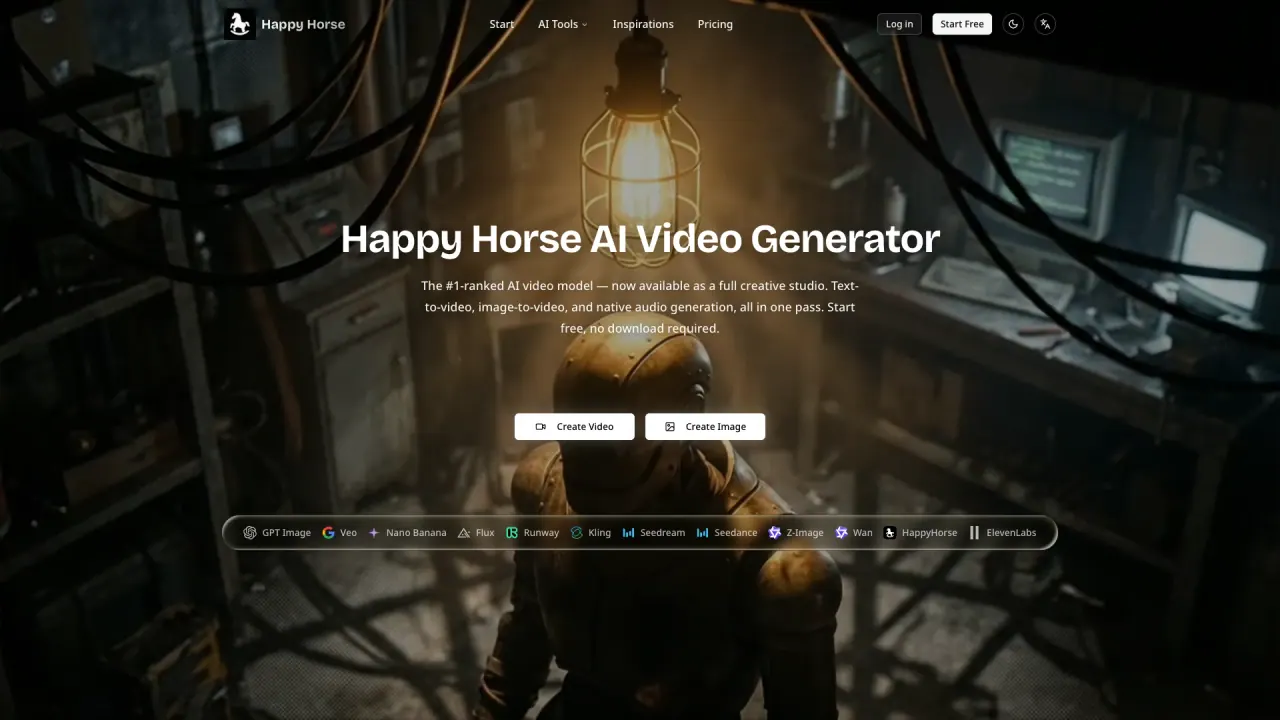
What does HappyHorse do?
HappyHorse is an AI video generation “studio” you can use directly in your browser to turn creative ideas into cinematic outputs. Generate video from a text prompt or by uploading a reference image, and choose video, image, or audio engines from the same workspace.
With HappyHorse, video and synchronized audio are generated together in a single pass—producing dialogue, ambient sound, and Foley effects alongside the visuals. You can work with native 1080p at 24 fps and use the model for lip-synced talking content across multiple languages. The platform also supports cinematic motion effects designed to look physically plausible, helping scenes feel more grounded than typical synthetic motion.
HappyHorse fits creators, marketers, and businesses that need quick, high-quality media for social media, ads, product content, or creative experiments. For more options, the workspace includes additional engines alongside HappyHorse, so you can compare outputs for different production needs (for example, multi-shot sequencing or cinema-grade clips).
Pricing is plan-based: you can start free, and paid plans provide watermark-free output with commercial usage rights for generated video, image, and audio. No downloads are required.
What can I generate with HappyHorse?
You can generate cinematic video from text prompts or reference images, plus synchronized audio. The same browser workspace also lets you switch between video, image, and audio engines.
How do I create a video—do I need to upload an image or can I start from text?
You can enter a text prompt for text-to-video, or upload a reference image for image-to-video. Either way, generation runs in your browser.
Does HappyHorse generate audio with the video?
Yes. HappyHorse generates video and synchronized audio together in a single forward pass, including dialogue, ambient sound, and Foley effects—without a separate audio step.
What resolution and length can HappyHorse produce?
HappyHorse supports native 1080p at 24 frames per second. Current generation lengths are described as 5 to 8 seconds per clip.
Can I use the generated content commercially?
Yes. Outputs generated through paid plans come with commercial usage rights and are watermark-free.
Is there a free way to try HappyHorse?
Yes. New users receive starter access on sign-up to generate video and image outputs immediately at no cost, and you can upgrade if you need watermark-free, commercially licensed output.
This listing is claimed
Own HappyHorse? Sign in with the email used to claim it to manage this listing, or upgrade to Pro for featured-first placement and a newsletter feature.