
BytedanceSeedance
AI Video Generation
Bytedance Seedance 2.0 lets you generate videos from text or reference images with motion and sound in a browser-based workflow.
Promoted
 AI Checker PlusAI detector that highlights which passages AI wrote. Free check, no sign-up. Plagiarism too.
 RewindType any X/Twitter handle. Get their year back as a narrated video story. Then ask it anything.
 KurodyneSell the tools from your AI side projects. Listing is free.
 Sidrune AI85% off. Stable Claude API for agent developers. Pay as you go. Invoices & refunds available.
 Pixmax.aiPixmax.ai is an all-in-one AI workspace for videos, visual stories, and marketing content.
 SEOify - Improve your SEO & rankingsBuild links to rank in Google. Improve your DR with links you can start building now.Advertise here270,000+ people visit Dang.ai every month.
What does BytedanceSeedance do?
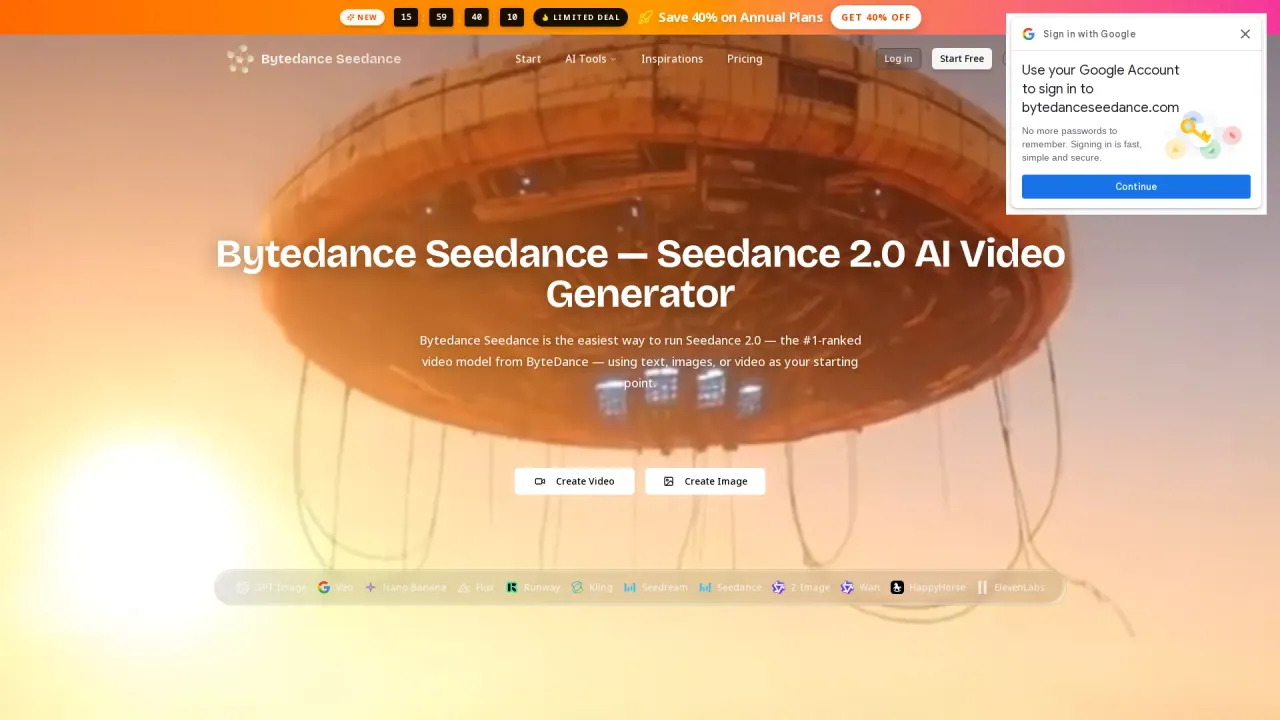
Seedance is ByteDance’s family of AI video generation models, available through Seedancer, a browser-based workspace for creating videos from prompts and visual/audio references. You can turn a written scene into a moving clip, or guide generation using images, video frames, and audio direction to control appearance, camera movement, and pacing.
Use Seedance for common video workflows like character animation, product reveals, short stories, and cinematic scenes. Start with text to describe the subject, action sequence, camera move, and any sound you want in the output. If your composition is already decided, use an image as a starting point or switch to reference mode to add extra guidance for look, motion, and audio without relying on a single opening frame.
Key capabilities include text-to-video, image-to-video (frames mode), and multimodal reference generation. You can also generate audio alongside your video, enabling dialogue, ambient sound, or music direction to be integrated with the clip. Results can be previewed in the browser and downloaded as MP4.
For plans, Seedancer offers a free way to try Seedance. Credit-based usage is used for generation (for example, “5 credits” is shown for a generate action), and available limits can vary by the selected model.
What is Seedance on Seedancer?
Seedance is ByteDance’s family of AI video generation models you can use in Seedancer to create videos from text prompts and reference inputs. It also supports generating audio alongside the video.
Can I create a video from text alone?
Yes. Write a scene prompt describing the subject, action, camera movement, and any sound direction you want included, then generate and preview the result.
How do I turn an image into a video?
Use image-to-video in frames mode: upload an image (as an opening frame) and describe the action and camera movement you want to add. If you want the image to guide the scene without being the opening frame, use reference mode instead.
Can I use video and audio references with Seedance?
Yes. Reference mode accepts image, video, and audio inputs together with your text instructions. Use each reference to guide specific elements like character appearance, motion/framing, and sound direction.
Does Seedance generate sound with the video?
Yes. You can generate audio alongside the video by describing dialogue, sound effects, or atmosphere and keeping audio generation enabled.
Is Seedance free to try?
Yes. You can try Seedance for free on Seedancer, then generate videos by previewing and refining your prompt or references.
This listing is claimed
Own BytedanceSeedance? Sign in with the email used to claim it to manage this listing, or upgrade to Pro for featured-first placement and a newsletter feature.