
AIDesigner
Verified
AI UI Design Tool
UI so good you can't tell it's AI
What does AIDesigner do?
What does AI Designer do?
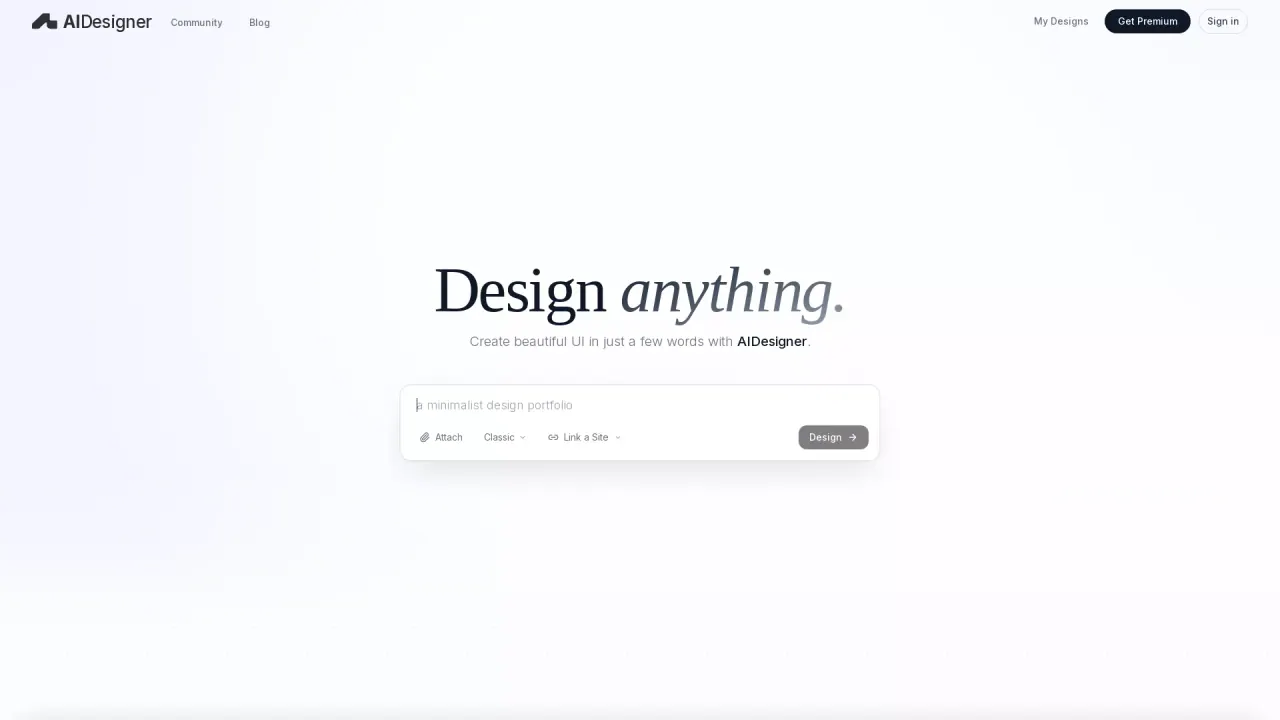
AI Designer is a next-gen UI design tool that turns simple text prompts into professional, production-ready website and app designs that don’t look AI-generated. It’s built for founders and builders who want high-end UI fast—without prompt engineering. Just describe what you need (“dashboard with filters”, “minimal SaaS hero”, “mobile onboarding screen”), and watch polished layouts, typography, spacing, and visual system choices appear in seconds.
Instead of wrestling with long prompts or generic “AI gradients,” AI Designer focuses on clean, designer-grade composition. You can attach inspiration to guide the vibe (colors, type, tone), then iterate rapidly until it’s exactly what you want—while keeping everything organized in a project dashboard.
Key Features
Designer-Grade Output: Professional UI composition, spacing, typography, and hierarchy that feels human-made.
Simple Prompting: Short prompts work great—no complex prompt templates required.
Inspiration-Guided Style: Paste a URL or attach inspiration to steer brand vibe, colors, and typography.
Fast Iteration Loop: Refine results with quick edits and regenerate variations instantly.
Component + Screen Generation: Create full sections, screens, or individual components on demand.
Project Dashboard: Manage, revisit, and version designs across projects in one place.
One-Click Export / Publish: Export your design as HTML or a high-res JPG, or publish it live to a hosted link—then connect a custom domain when you’re ready.
Premium Upgrades: Unlock advanced features when you need them—start simple, scale later.
Built for speed and quality, AI Designer helps you go from idea → beautiful UI in minutes, not days.
Who is the target audience of aidesigner.ai?
AI Designer is built for entrepreneurs, solopreneurs, indie developers, small startup teams, and UI designers.
Can a user use AI Designer for free?
Yes, all users get 5 AI design credits for free that the can use to try out the tool before subscribing.
What types of design templates are available in AIDesigner?
AIDesigner offers a variety of production-ready templates suitable for different projects, including an Ecommerce Store, Dark Mode SaaS Landing Page, Personal Nature/Travel Blog, Modern Wedding Event Website, Architect Portfolio, Animated Website, UI Designer Portfolio, and Habit Tracker Mobile App.
How do users rate their experience with AIDesigner?
Users generally rate their experience with AIDesigner very positively. They appreciate its ability to create high-quality, aesthetically pleasing designs that surpass other tools. Users are impressed by its creative outputs, ease of use, and the unique designs it generates.
How can I start designing with AIDesigner?
To start designing with AIDesigner, you can use the service for free with 5 AI design credits, which allows you to try out the tool and explore its features. For a more extensive range of features and to continue using the tool after the initial credits, consider subscribing to a premium plan.
Is this your tool?
Claim AIDesigner to manage this listing, or upgrade to Pro for featured-first placement and a newsletter feature.