
Cockatoo
AI Transcription Tool
Effortlessly convert audio to text with Cockatoo - the ultimate AI transcription tool.
- Category
- Transcription
- Listed
- Aug 4, 2023
- Updated
- May 25, 2026
Promoted
 Sidrune AI85% off. Stable Claude API for agent developers. Pay as you go. Invoices & refunds available.
 Pixmax.aiPixmax.ai is an all-in-one AI workspace for videos, visual stories, and marketing content.
 SEOify - Improve your SEO & rankingsBuild links to rank in Google. Improve your DR with links you can start building now.Advertise here270,000+ people visit Dang.ai every month.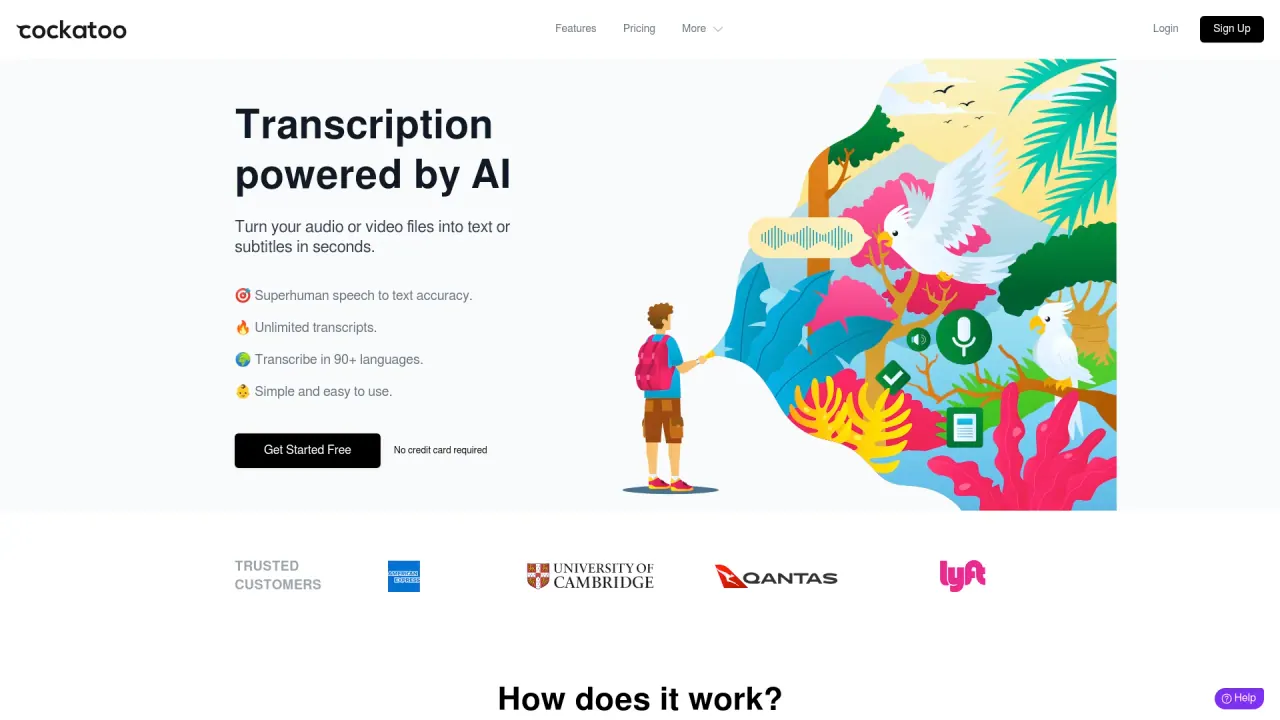
What does Cockatoo do?
What is Cockatoo and what does it do?
Cockatoo is an AI transcription tool that converts audio or video to text quickly and accurately. It transcribes in seconds and offers easy export to common formats.
How accurate is Cockatoo's transcription?
Cockatoo delivers up to 99.8% accuracy, aiming for superhuman transcription quality through advanced machine learning.
How fast is Cockatoo transcription?
Cockatoo is blazing fast: it can transcribe 1 hour of audio in about 2–3 minutes.
How many languages does Cockatoo support?
Cockatoo supports transcription in 90+ languages and dialects, including English, Spanish, French, German, Italian, Portuguese, Russian, Chinese, Japanese, Korean, Arabic, and more. There is an All Languages option as well.
What file types can I upload for transcription?
You can upload audio or video files in any format for transcription.
What formats can I export the transcripts to?
Transcripts can be downloaded in SRT, DOCX, PDF, or TXT formats.
Do I need to separate the audio from video before uploading?
No. Cockatoo handles video uploads directly and processes the audio as part of the transcription workflow.
Is my data private and secure with Cockatoo?
Yes. Cockatoo prioritizes privacy and security, using state-of-the-art security and cryptography to protect your data.
Will Cockatoo share my data with others?
No. Cockatoo is independently owned and will never share your data with anyone. Revenue comes from the product itself, not advertising.
Is there a free tier, and how does pricing work?
Yes, there is a free tier. No credit card is required to get started. For detailed pricing beyond the free tier, visit the Pricing page.
How do I get started with Cockatoo?
Upload your audio or video, receive your transcript in seconds, and export to your preferred format. Sign up to start transcribing quickly and easily.
Can I edit transcripts directly in the Cockatoo app?
Yes. Cockatoo includes a built-in text editor in your browser to make editing transcripts fast and convenient.
Is this your tool?
Claim Cockatoo to manage this listing, or upgrade to Pro for featured-first placement and a newsletter feature.