
AIRaphael
AIImageGenerationAndEditing
Raphael AI is a free AI image generator and photo editor powered by Nano Banana Pro and GPT Image 2.5.
Promoted
 KurodyneSell the tools from your AI side projects. Listing is free.
 Sidrune AI85% off. Stable Claude API for agent developers. Pay as you go. Invoices & refunds available.
 Pixmax.aiPixmax.ai is an all-in-one AI workspace for videos, visual stories, and marketing content.
 RewindType any X/Twitter handle. Get their year back as a narrated video story. Then ask it anything.
 SEOify - Improve your SEO & rankingsBuild links to rank in Google. Improve your DR with links you can start building now.Advertise here270,000+ people visit Dang.ai every month.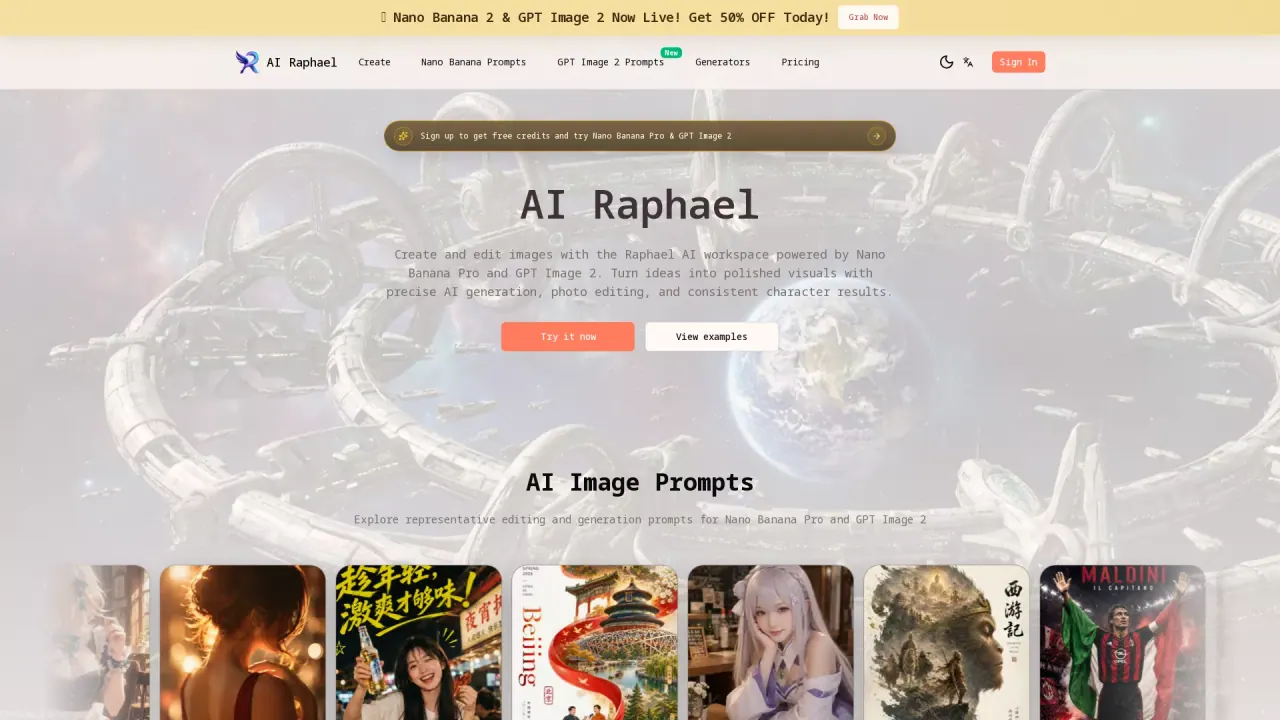
What does AIRaphael do?
Raphael AI is a free AI image generator and photo editor that helps you turn ideas into polished visuals. Powered by Nano Banana Pro and GPT Image 2.5, it supports both creating new images and editing existing photos using natural-language directions.
With natural language editing, you can describe what you want to change in a conversational prompt and get precise transformations without needing advanced design skills. Raphael AI is built to keep characters consistent—preserving faces, outfits, and poses across revisions—so you can explore new scenes and styles while still recognizing the same subject.
It also helps maintain scene context. Edits can blend seamlessly into original backgrounds for photorealistic results, aiming to preserve lighting, perspective, and the overall environment. For concept exploration, you can remix elements from multiple reference images, generate instant variations, and iterate quickly on lighting, color, and composition.
You can control the output framing using aspect ratio presets like 1:1, 16:9, and 4:5, making it easier to produce assets for social feeds, hero banners, or print layouts. Raphael AI includes free creation and offers sign-up to try Nano Banana Pro & GPT Image 2.5 with free credits.
What can I create with Raphael AI?
You can generate images from prompts, edit existing photos with conversational instructions, and remix elements from multiple reference images to build new scenes.
How do I make edits without losing the original subject?
Raphael AI is designed for character consistency, helping preserve faces, outfits, and poses across revisions while you change backgrounds or style.
Can Raphael AI preserve the original background and lighting when editing?
Yes—edits are meant to blend into the original background for photorealistic results, with attention to lighting, perspective, and scene context.
Which AI models does Raphael AI support?
Raphael AI supports Nano Banana Pro and GPT Image 2.5, letting you choose the model for different generation and editing needs within the same workflow.
Can I control the aspect ratio of my output?
Yes. You can choose preset aspect ratios like 1:1, 16:9, and 4:5 to fit different post and layout formats.
Is Raphael AI free to use?
Raphael AI is offered as a free AI image generator and photo editor, and you can sign up to get free credits to try Nano Banana Pro and GPT Image 2.5.
This listing is claimed
Own AIRaphael? Sign in with the email used to claim it to manage this listing, or upgrade to Pro for featured-first placement and a newsletter feature.