
PlanifyApps
AI Social Media Scheduler
PlanifyApps is an AI-powered social media scheduler that helps you write once, tailor per platform, and schedule across multiple networks from one dashboard.
- Pricing
- Free
- Category
- Scheduling
- Listed
- May 2, 2026
- Updated
- Oct 18, 2026
Promoted
 Sidrune AI85% off. Stable Claude API for agent developers. Pay as you go. Invoices & refunds available.
 Pixmax.aiPixmax.ai is an all-in-one AI workspace for videos, visual stories, and marketing content.
 AI Checker PlusAI detector that highlights which passages AI wrote. Free check, no sign-up. Plagiarism too.
 RewindType any X/Twitter handle. Get their year back as a narrated video story. Then ask it anything.
 KurodyneSell the tools from your AI side projects. Listing is free.
 SEOify - Improve your SEO & rankingsBuild links to rank in Google. Improve your DR with links you can start building now.Advertise here270,000+ people visit Dang.ai every month.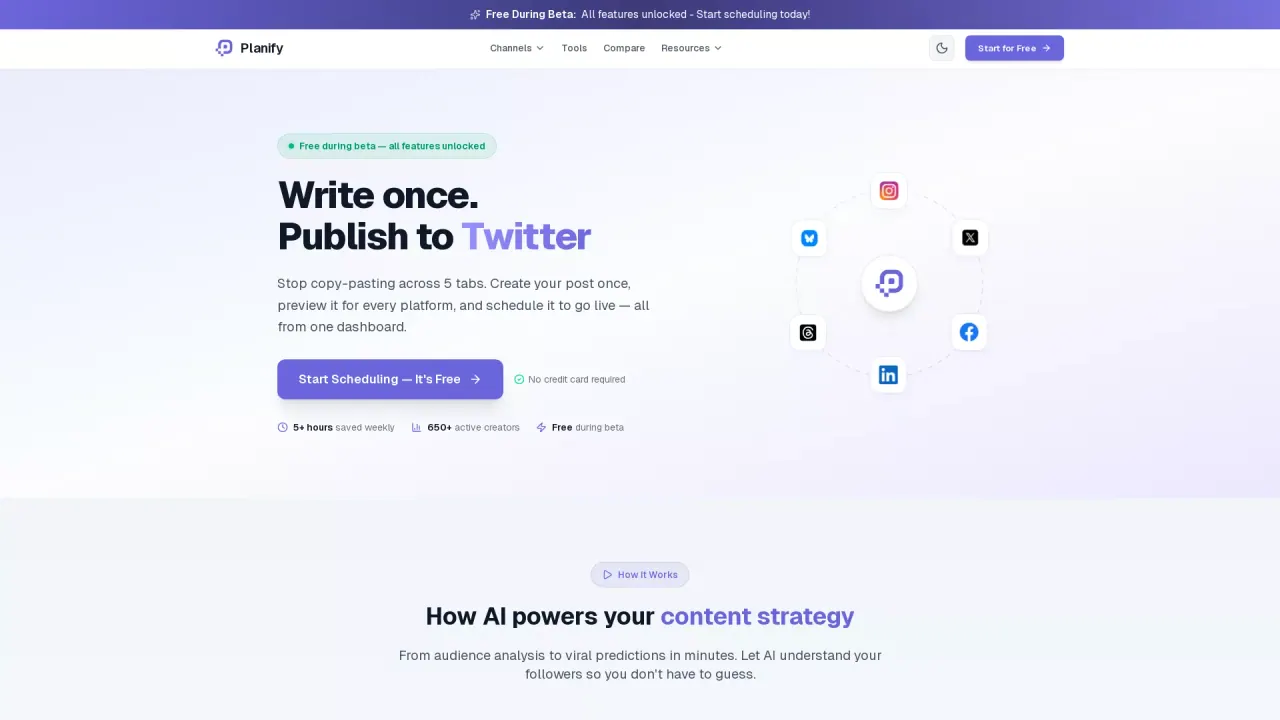
What does PlanifyApps do?
PlanifyApps is an AI scheduling and social media management tool that lets you connect multiple social channels and publish posts from a single dashboard. Instead of copy-pasting the same message across networks, you create your post once and then schedule it to go out on your selected platforms—now or at a time you choose.
The workflow is built for speed: connect your accounts, write your post (or start with a one-line brief for AI-assisted drafts), then schedule and publish. Planify generates platform-specific versions that fit each network’s character limits and tone, and everything remains editable before you schedule. It also includes tools to keep your content planning organized, such as a content library for drafts and uploaded media, a content calendar to see upcoming coverage across connected accounts, and a carousel maker for creating swipeable Instagram carousels.
To improve results over time, Planify analyzes the engagement from your own published posts and highlights the best days and hours in your timezone for each platform. It also supports batch workflows with bulk upload (CSV) to schedule up to 1,000 rows per file while checking for per-platform character limits.
Pricing starts at $9/month, and plans include all platforms plus the AI assistant. You can start with a 3-day free trial; after that, subscription billing depends on the plan you choose.
What does PlanifyApps help me do?
PlanifyApps lets you connect multiple social accounts, write (or generate) posts, and schedule them to publish across several platforms from one dashboard.
Can I write one post and publish it to multiple platforms?
Yes—create your post once, select the platforms, and schedule it. Planify supports platform-specific adjustments so each network gets content in its own format and limits.
Does the AI assistant create platform-specific versions?
Yes. Give a one-line brief and Planify drafts versions per platform (e.g., shorter for X and longer for LinkedIn) while keeping within each platform’s character limit. You can edit before scheduling.
Which platforms are supported for scheduling?
PlanifyApps supports X, Threads, LinkedIn, Pinterest, Bluesky, Mastodon, and YouTube on paid plans. Instagram and Facebook require Meta’s app review before you can connect them.
How does the best time to post feature work?
Planify uses engagement data from your own published posts and ranks which hours and days worked for you, bucketed in your timezone, separately by platform.
How much does PlanifyApps cost and can I try it first?
Plans start at $9/month, and you can start a 3-day free trial (cancel anytime). Pricing and plan limits vary by tier after the trial.
This listing is claimed
Own PlanifyApps? Sign in with the email used to claim it to manage this listing, or upgrade to Pro for featured-first placement and a newsletter feature.