
SciDrawAI
AI Scientific Illustration
Turn research concepts and data into publication-ready scientific figures, charts, and diagrams in minutes—using text prompts, sketches, or reference images.
Promoted
 Sidrune AI85% off. Stable Claude API for agent developers. Pay as you go. Invoices & refunds available.
 Pixmax.aiPixmax.ai is an all-in-one AI workspace for videos, visual stories, and marketing content.
 RewindType any X/Twitter handle. Get their year back as a narrated video story. Then ask it anything.
 KurodyneSell the tools from your AI side projects. Listing is free.
 SEOify - Improve your SEO & rankingsBuild links to rank in Google. Improve your DR with links you can start building now.Advertise here270,000+ people visit Dang.ai every month.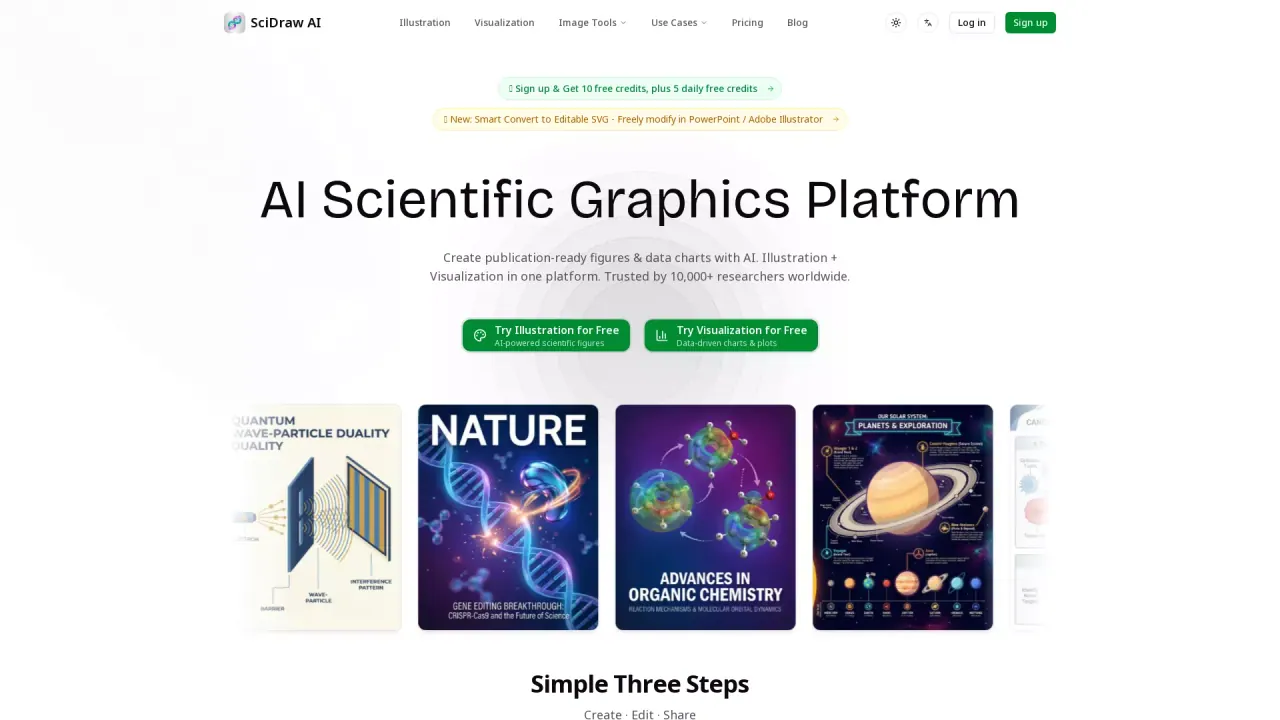
What does SciDrawAI do?
SciDraw AI is an AI-powered platform for creating publication- and classroom-ready scientific figures without design skills. Describe your experiment, mechanism, pathway, or concept in plain language—or upload a sketch or reference image—and the tool generates journal-quality illustrations, TOC-style graphics, workflow diagrams, and more.
You can refine outputs through multi-round editing, then export your final figure for real-world use. SciDraw AI includes editable SVG and PPTX exports, letting you fine-tune labels and layout directly in tools like Illustrator or PowerPoint. It also supports PNG, plus data-chart exports like PDF, EPS, and TIFF, helping you move from draft to submission-ready assets.
Beyond illustrations, SciDraw AI provides data visualization to create scientific charts from CSV or Excel. Upload data, let the AI choose from chart types (including box, violin, scatter, heatmap, and regression), and apply one-click journal style presets with colorblind-safe palettes. You can review mapping and calculations before exporting, and download both the chart outputs and the Python code that reproduces them.
Who it’s for: researchers, grad students, educators, and science communicators who need figures for papers, theses, posters, presentations, and teaching materials.
Pricing/credits: New users get 10 free credits on signup plus 5 daily free credits. Plans use a credit-based system with Free ($0, 10 credits and 5 daily credits) and paid options starting at Standard ($10/month billed yearly) for 300 credits/month, with higher tiers for more credits. The platform also offers an education discount.
What kinds of outputs can I create with SciDraw AI?
You can generate scientific illustrations from text, sketches, or reference images, create charts from CSV/Excel data, and produce assets such as journal/TOC-style graphics, workflow diagrams, abstracts, posters, and teaching diagrams.
How do the three AI generation modes work?
SciDraw AI offers 3 AI generation modes designed for different starting points—either describing your figure in text or using inputs like sketches/reference images—then refining results for publication-ready output.
Can I edit figures after generation?
Yes. Exports include editable SVG and PPTX, so you can fine-tune labels and layout in tools like Illustrator or PowerPoint.
What file formats are available for illustration exports?
You can export figures as SVG, PPTX, and PNG for use in papers, theses, slides, and posters.
How does credit-based pricing work?
SciDraw AI uses credits for AI generation. New users receive 10 free credits on signup plus 5 daily free credits, and paid plans provide a monthly credit allocation for generation.
What education pricing is available?
Students or educators can apply for an education discount, and the platform includes an education discount flow in the pricing section.
This listing is claimed
Own SciDrawAI? Sign in with the email used to claim it to manage this listing, or upgrade to Pro for featured-first placement and a newsletter feature.