
NanoBananaPhotoshop
AI Photoshop Editing Plugin
Nano Banana Photoshop — AI Powered Editing Plugin
Promoted
 Sidrune AI85% off. Stable Claude API for agent developers. Pay as you go. Invoices & refunds available.
 Pixmax.aiPixmax.ai is an all-in-one AI workspace for videos, visual stories, and marketing content.
 RewindType any X/Twitter handle. Get their year back as a narrated video story. Then ask it anything.
 KurodyneSell the tools from your AI side projects. Listing is free.
 SEOify - Improve your SEO & rankingsBuild links to rank in Google. Improve your DR with links you can start building now.Advertise here270,000+ people visit Dang.ai every month.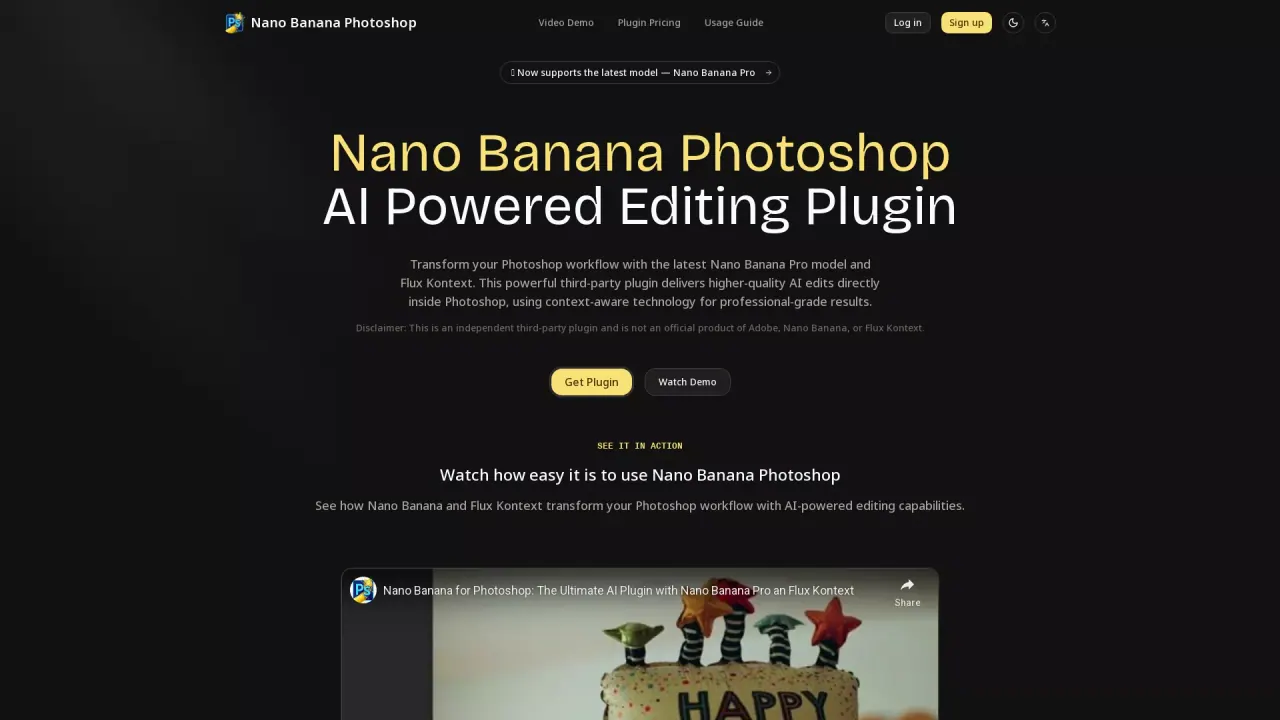
What does NanoBananaPhotoshop do?
What is the main use case for Nano Banana Photoshop?
Transform your Photoshop workflow with the latest Nano Banana Pro model and Flux Kontext. This powerful third-party plugin delivers higher-quality AI edits directly inside Photoshop, using context-aware technology for professional-grade results.
What are some unique features of nanobanana-ps.com?
Transform your Photoshop workflow with the latest Nano Banana Pro model and Flux Kontext.
What model of AI does Nano Banana Photoshop use?
Nano Banana、Nano Banana Pro、Flux Kontext.
How do I install the Nano Banana Photoshop plugin into Adobe Photoshop?
To install the Nano Banana Photoshop plugin, follow these steps:
- Download the .jsx file for the plugin.
- Copy the file to the Photoshop Scripts folder. For macOS, the location is /Applications/Adobe Photoshop [version]/Presets/Scripts/. For Windows, the location is C:\Program Files\Adobe\Adobe Photoshop [version]\Presets\Scripts.
- Restart Photoshop to apply the changes.
- You can find the script under File → Scripts → Nano-Banana-Flux-Kontext in Photoshop.
What are the pricing plans for using Nano Banana Photoshop plugin?
The Nano Banana Photoshop plugin is available at a reduced price of $8 as a launch promo, originally priced at $9.9. Additionally, the costs per image when using AI models are ~ $0.039 per image for Nano Banana, ~ $0.04 per image for Flux Kontext Pro, and ~ $0.08 per image for Flux Kontext Max.
What are the system and account requirements for using Nano Banana Photoshop?
The system requirements to use Nano Banana Photoshop include Adobe Photoshop CC 2020+ and either macOS 10.14+ or Windows 10+. An internet connection is required for API calls. For account requirements, you'll need a GitHub account to sign up for Replicate, a Replicate API token, and at least a $10 credit in your Replicate account (recommended for testing purposes).
This listing is claimed
Own NanoBananaPhotoshop? Sign in with the email used to claim it to manage this listing, or upgrade to Pro for featured-first placement and a newsletter feature.