
Landscape to Portrait AI
Verified
AI Photo Editor & Generator
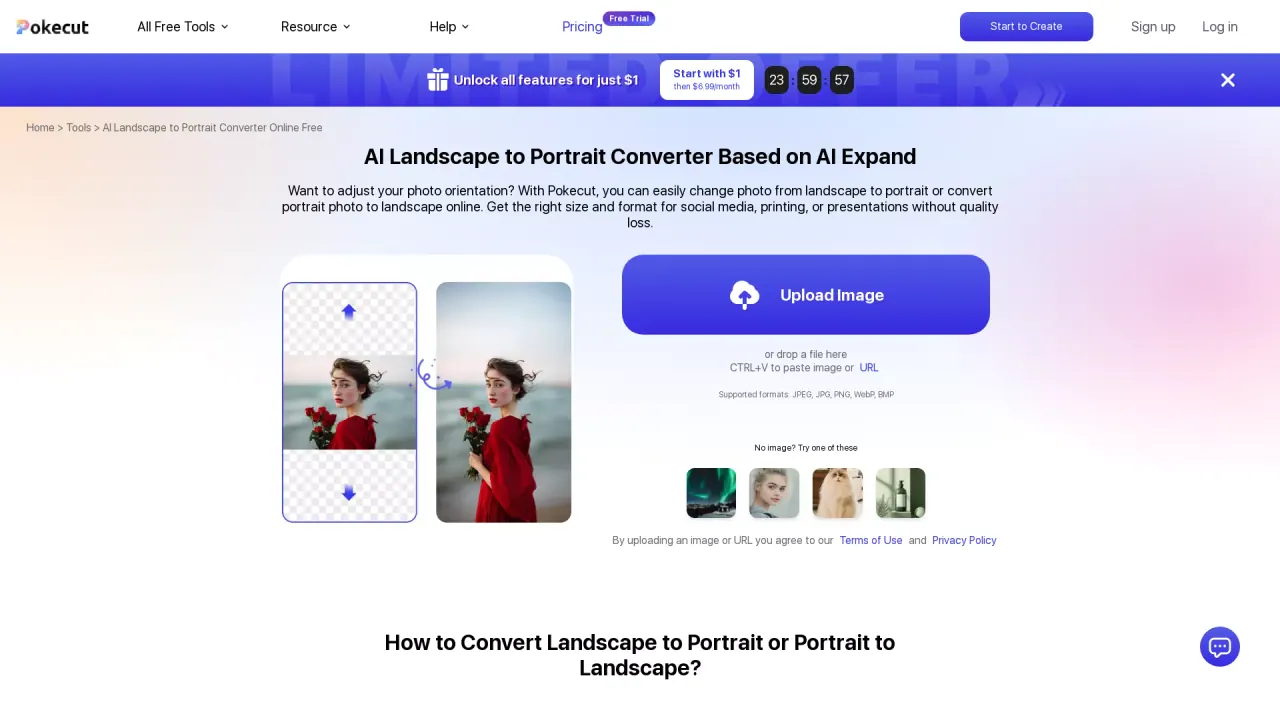
Use Pokecut to quickly convert portrait to landscape or landscape to portrait easily online without a login.
What does Landscape to Portrait AI do?
What does AI photo restoration mean?
AI photo restoration uses advanced AI technology to enhance and repair vintage or damaged images, improving clarity, reviving colors, and repairing wear and tear. Pokecut offers a free online AI photo restoration tool that can quickly transform old photographs in seconds.
How does the restoration process work?
- Step 1: Upload your old photo (via phone photo or a digital file).
- Step 2: The AI restoration model repairs scratches, creases, blur, and other damages; colorization can be applied to black-and-white photos.
- Step 3: Save your enhanced image in high resolution to your device (JPG or PNG).
How long does it take to restore a photo?
In most cases, the restoration happens in just about 10 seconds, delivering a repaired and enhanced image quickly.
What types of old photos can be restored?
Pokecut’s AI restoration handles a wide range of imperfect photos, including faded images, photos with scratches, tears, stains, blur, and yellowed or sepia-toned pictures. It can also colorize black-and-white photos and improve overall clarity.
Can AI restore color or colorize black-and-white photos?
Yes. The tool can restore color to faded photos and colorize black-and-white images to bring back original vibrancy.
Can I use the restored photos for printing?
Yes. After restoration, you can upscale the image to higher resolution suitable for printing, helping maintain detail in physical prints.
What image formats are supported for upload?
Supported input formats include JPEG, JPG, PNG, WebP, and BMP.
In what formats can I download the restored image?
You can download the restored image in JPG or PNG format.
Do I need to install anything to use the tool?
No installation is required. It’s an online tool that runs in your web browser.
Are there free sessions or paid subscriptions?
Yes. Pokecut offers free sessions, with optional subscription plans. The service emphasizes that its pricing is lower than traditional photo restoration studios, and there is a VIP option available at a low price.
What do I need to know about Terms of Use and Privacy Policy when uploading images?
By uploading an image, you agree to Pokecut’s Terms of Use and Privacy Policy.
Are there other AI tools available on Pokecut?
Yes. The site provides a suite of free AI tools, including AI Photo Enhancer, AI Photo Denoise, Face Enhancement, Image Blur Removal, Add White Background, Change Passport to Blue, Free Black and White Photo Editor, and Convert Image to Monochrome, among others.
How can I get help or support?
Pokecut offers help via its on-site resources, including a comprehensive FAQ, and you can contact the support team through the website’s Contact Us page for personalized assistance.
Is this your tool?
Upgrade Landscape to Portrait AI to Pro for featured-first placement, a newsletter feature and ongoing listing management.