
ArtedgeAI
Verified
AI PhotoEnhancer
Artedge AI enhances photos and videos in one browser workspace, upscaling to HD/4K/8K and cleaning blur, noise, and faded detail.
Promoted
 Sidrune AI85% off. Stable Claude API for agent developers. Pay as you go. Invoices & refunds available.
 Pixmax.aiPixmax.ai is an all-in-one AI workspace for videos, visual stories, and marketing content.
 SEOify - Improve your SEO & rankingsBuild links to rank in Google. Improve your DR with links you can start building now.Advertise here270,000+ people visit Dang.ai every month.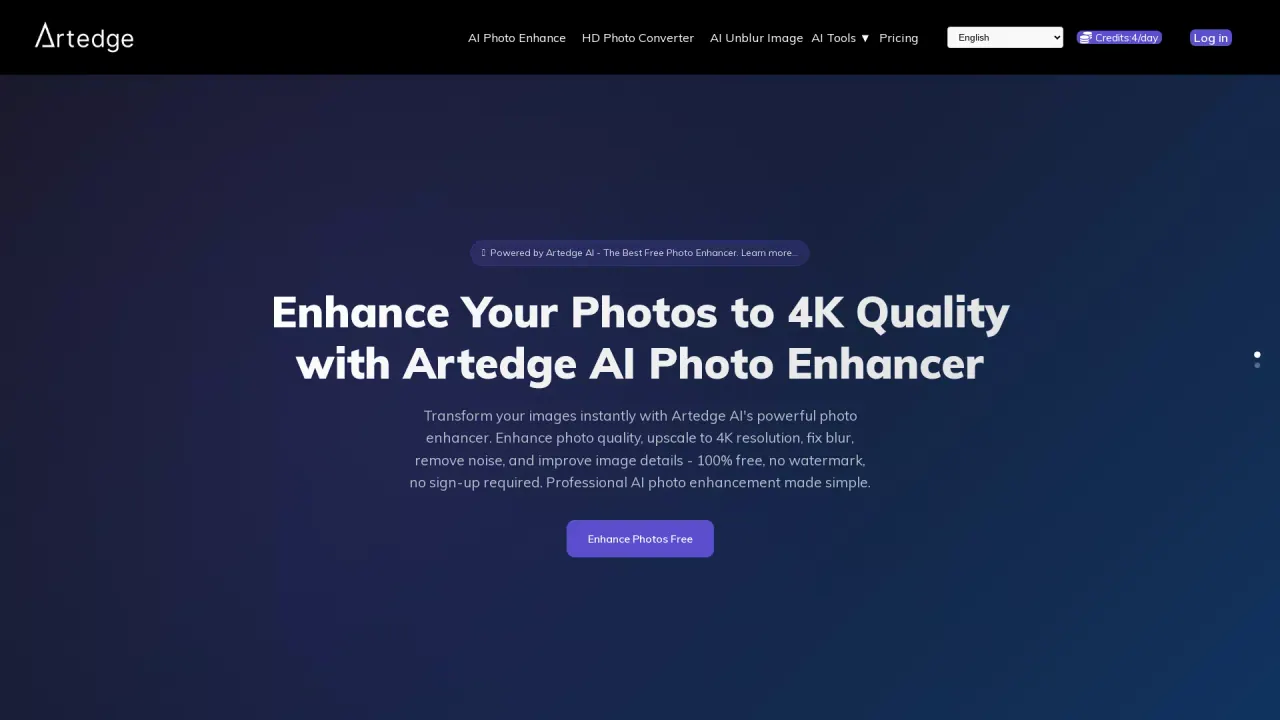
What does ArtedgeAI do?
Artedge AI is an online image and video enhancement workspace that helps you clean up media without a complex editing suite. It combines AI photo enhancement, image upscaling, and video enhancement so you can improve clarity, recover useful detail, and export higher-resolution results directly from your browser.
Choose the right workflow based on what your file needs: use Photo Enhancer for blurry, noisy, or faded images; use Image Upscaler to increase resolution for sharper HD, 4K, or 8K exports; and use Video Enhancer to improve clarity and reduce visible softness in online clips. Each tool starts with simple defaults, with advanced controls available when you need more control over the output.
Photo enhancement is designed for common creator needs like portrait and product improvement, including deburring, denoising, and restoring detail. Image upscaling targets small or low-resolution images so crops and prints look cleaner, with improved texture for larger presentations. Video enhancement focuses on clearer frames and a cleaner high-resolution result when your source footage looks soft or low quality.
Pricing is based on credits, with the smallest plan listed at $4.99/month. You can upload a photo, keep the recommended settings for a fast result, review the output, and download your enhanced media when it’s ready.
What types of files can I enhance in Artedge AI?
You can enhance photos, images, and video clips in a single browser workspace—then download the improved results.
When should I use Photo Enhancer instead of Image Upscaler?
Use Photo Enhancer when the issue is blur, noise, or fading and you want stronger edges and more usable detail. Use Image Upscaler when the main problem is that the image needs a higher-resolution output (e.g., for 4K or 8K).
Can Artedge AI enhance video quality online?
Yes. Video Enhancer improves clarity by reducing visual softness and helping create cleaner high-resolution downloadable results.
What improvements are typical for portraits and older photos?
Photo enhancement focuses on restoring detail such as sharper faces, reduced blur, and cleaner results by removing grain/noise and improving contrast.
How does the default workflow work?
Upload your media, start with the recommended settings (advanced controls are available if needed), review the finished output, and then download the enhanced file.
What is the starting price for Artedge AI?
The smallest plan is listed at $4.99/month, with credits shown for daily usage.
This listing is claimed
Own ArtedgeAI? Sign in with the email used to claim it to manage this listing, or upgrade to Pro for featured-first placement and a newsletter feature.