
ImagenAI
AI Photo Editing Assistant
Revolutionize your photo editing with ImagenAI: the fast and personalized AI photo editing assistant.
- Pricing
- Free trial
- Category
- Business
- Listed
- Aug 4, 2023
- Updated
- May 25, 2026
Promoted
 Pixmax.aiPixmax.ai is an all-in-one AI workspace for videos, visual stories, and marketing content.
 RewindType any X/Twitter handle. Get their year back as a narrated video story. Then ask it anything.
 KurodyneSell the tools from your AI side projects. Listing is free.
 Sidrune AI85% off. Stable Claude API for agent developers. Pay as you go. Invoices & refunds available.
 SEOify - Improve your SEO & rankingsBuild links to rank in Google. Improve your DR with links you can start building now.Advertise here270,000+ people visit Dang.ai every month.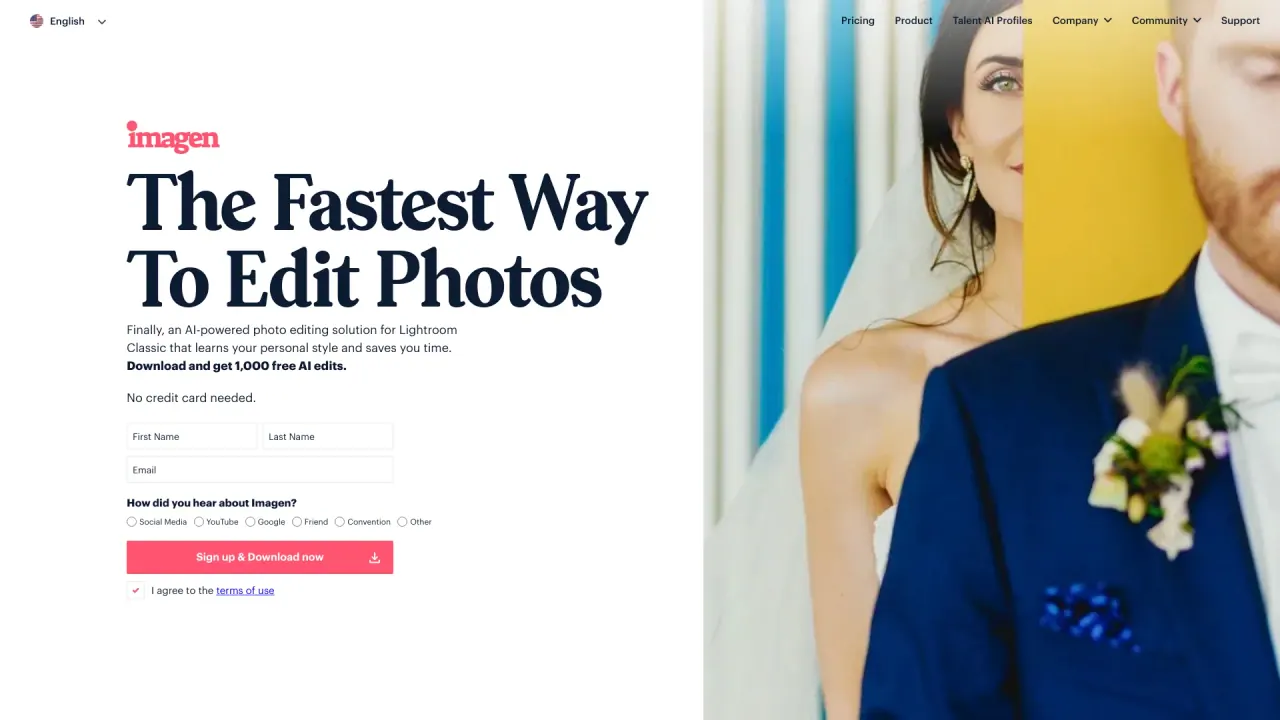
What does ImagenAI do?
How does ImagenAI help professional photographers in photo editing?
ImagenAI provides an AI-powered post-production solution that learns a photographer's personal editing style to deliver consistent, accurate, and personalized edits in under 0.5 seconds per photo. Unlike presets, it edits each photo individually based on its specific parameters, helping you save time. It offers a Personal AI Profile that evolves from your edits, plus Talent AI Profiles created by leading international photographers, plus AI tools like Crop, Straighten, Subject Mask, and Smooth Skin. You can review final edits in your Adobe software of choice.
Can I create my own editing style with ImagenAI?
Yes. You can create your Personal AI Profile that evolves and learns your unique editing style. Train it by uploading past edited photos or start from Talent AI Profiles created by renowned photographers to use as inspiration or a starting point.
What are Personal AI Profiles and Talent AI Profiles, and how do I use them?
Personal AI Profile: a model that learns your editing style from your own edited photos and applies it to new images. Talent AI Profiles: ready-made profiles by leading photographers that you can use as a basis or source of inspiration. Use Talent profiles to jump-start edits or to blend with your own style.
Do I need Lightroom Classic to use ImagenAI?
Yes. To get started, sign up and download the Imagen app, and Lightroom Classic must be installed. You can submit photos by uploading a project or selecting an existing Lightroom catalog. Imagen processes edits quickly, and you can download the edited photos for review in Lightroom Classic, making any final adjustments in the Adobe software of your choice.
How fast is ImagenAI per photo?
ImagenAI edits each photo in under 0.5 seconds.
What AI editing tools does ImagenAI offer beyond automatic edits?
In addition to automated edits, ImagenAI provides tools such as Crop, Straighten, Subject Mask, and Smooth Skin.
How does ImagenAI learn and replicate my editing style?
ImagenAI analyzes your edited photos to build a Personal AI Profile that learns and evolves over time. The profile guides how edits are applied to future images, allowing for consistent, personalized results.
Can I use ImagenAI to edit photos professionally?
Yes. ImagenAI is designed to deliver consistent, personalized edits at professional speeds, enabling workflows that save time while preserving your unique style.
How can I train my Personal AI Profile?
You can train your Personal AI Profile by uploading a collection of photos you’ve edited in Lightroom Classic. The profile learns from those edits and applies similar adjustments to new images.
How do I access Talent AI Profiles and can I customize them?
Talent AI Profiles are available by leading international photographers. You can use them as inspiration or a starting point for your edits and customize the results to fit your own style.
How do I edit colors using ImagenAI?
ImagenAI adjusts color, white balance, exposure, and other color-related parameters as part of the edit, aligning results with your chosen style. You can review and refine these edits as needed in your workflow.
What is the typical editing workflow with ImagenAI?
- Sign up and download the Imagen app; ensure Lightroom Classic is installed.
- Create a Personal AI Profile or choose a Talent AI Profile.
- Submit photos by uploading a project or selecting a Lightroom catalog.
- Imagen edits photos in under 0.5 seconds per image.
- Download edited photos for review in Lightroom Classic.
- Perform any final manual adjustments in your Adobe software of choice.
Is my data private and how is it used?
Your photos are used only to edit your images and to create your Personal AI Profile, ensuring privacy and security. Your data is handled with privacy in mind and is not shared with third parties.
Does ImagenAI offer cloud backup and storage?
Yes. ImagenAI provides cloud workflow and backup options to support your editing process and project backups.
Is there a free trial or free edits, and how many?
Yes. You can start with 1,000 free AI edits without needing to provide a credit card.
What are the pricing options?
Pricing varies by plan. For detailed pricing information, please visit the ImagenAI website to view current plans.
This listing is claimed
Own ImagenAI? Sign in with the email used to claim it to manage this listing, or upgrade to Pro for featured-first placement and a newsletter feature.