
OpenBudget
AI Personal Finance Tool
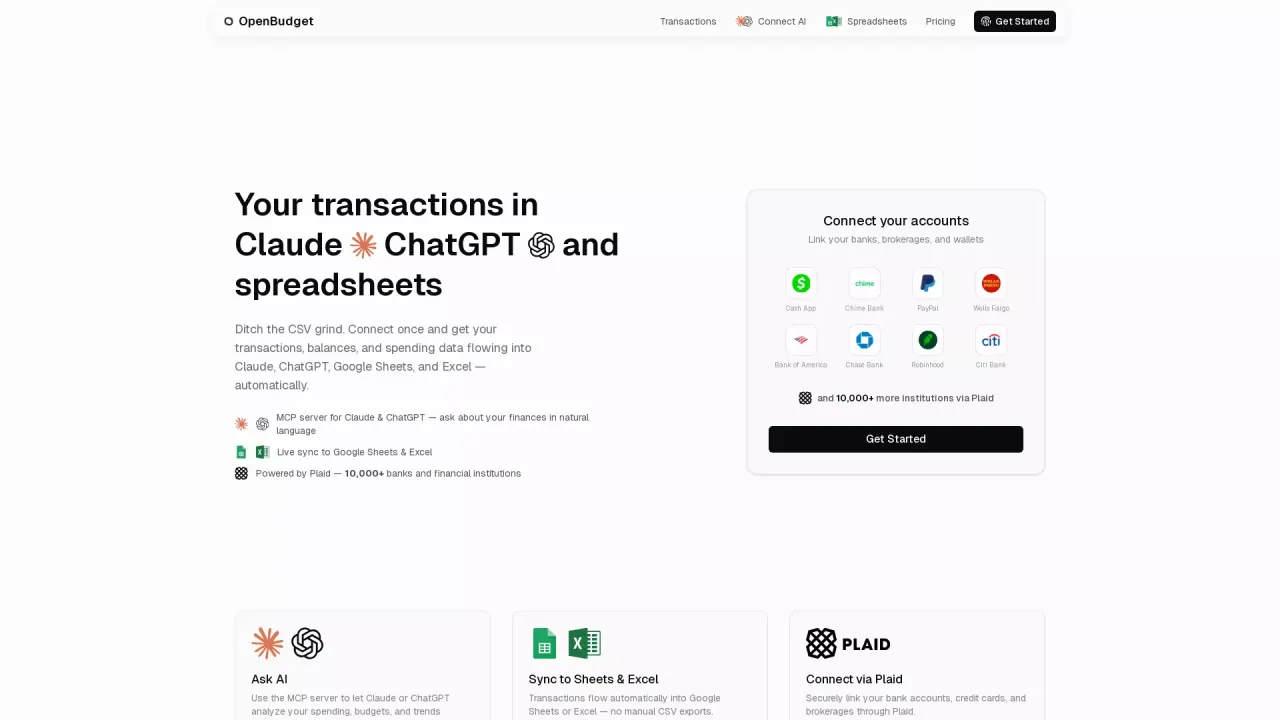
OpenBudget connects your bank data to Claude or ChatGPT so you can ask questions about spending, budgets, and trends in plain language.
Promoted
 Sidrune AI85% off. Stable Claude API for agent developers. Pay as you go. Invoices & refunds available.
 Pixmax.aiPixmax.ai is an all-in-one AI workspace for videos, visual stories, and marketing content.
 AI Checker PlusAI detector that highlights which passages AI wrote. Free check, no sign-up. Plagiarism too.
 RewindType any X/Twitter handle. Get their year back as a narrated video story. Then ask it anything.
 KurodyneSell the tools from your AI side projects. Listing is free.
 SEOify - Improve your SEO & rankingsBuild links to rank in Google. Improve your DR with links you can start building now.Advertise here270,000+ people visit Dang.ai every month.
What does OpenBudget do?
OpenBudget connects your bank accounts to AI so you can get answers about your money by asking in natural language. Instead of manually tracking transactions or building dashboards, you connect your accounts once and then explore spending, budgets, and trends through Claude or ChatGPT.
Key features include support for 10,000+ banks & cards, automatic categorization rules, and natural language queries that help you analyze finances without copy-paste workflows. Transactions can sync directly into the spreadsheet tools you already use—Google Sheets and Excel—so your “Budget 2026” (or your own sheet) stays updated automatically.
OpenBudget also helps you go beyond basic transactions. You can ask about investments and assets such as stocks, retirement accounts, real estate, dividends, and trades, and you can add assets like rental property. For more complex purchases, it supports splitting mixed charges by item so spending can be allocated to the right budget categories.
There’s also built-in support for recurring check-ins using ChatGPT and Claude, such as daily spending summaries, weekly bill checks, and monthly reviews. OpenBudget uses bank-grade security powered by Plaid, and it cannot move money—your bank credentials stay with Plaid. Pricing is available via the tool’s Pricing page, and you can start with a 7-day free trial.
What can I do with OpenBudget once my accounts are connected?
You can ask Claude or ChatGPT about your spending, budgets, and financial trends in plain language. It’s designed to answer questions using your connected transactions and synced spreadsheet data.
How do my transactions get into Google Sheets or Excel?
OpenBudget syncs transactions into the spreadsheet you choose and updates it automatically. You don’t need CSV exports or manual copy-paste workflows.
Which AI tools does OpenBudget support for asking questions?
OpenBudget lets you connect Claude or ChatGPT through its connector, then ask your money questions directly through those AI models.
Does OpenBudget handle subscriptions and recurring patterns?
It’s built to detect spending patterns and includes automation-style scheduled check-ins. You can set up recurring prompts like weekly bill checks or monthly category reviews.
Is my banking credential stored by OpenBudget?
No—bank credentials stay with Plaid. OpenBudget can’t move money and uses bank-grade security through Plaid for the connection.
Is there a free trial or pricing details?
You can start a 7-day free trial. Pricing details are available on OpenBudget’s Pricing page.
This listing is claimed
Own OpenBudget? Sign in with the email used to claim it to manage this listing, or upgrade to Pro for featured-first placement and a newsletter feature.