
VisionParser
AI Document Data Extraction
VisionParser automates document data extraction with agentic OCR, validation, and human-in-the-loop review for structured outputs.
- Pricing
- Free trial
- Category
- Analytics
- Listed
- Feb 21, 2026
- Updated
- Oct 18, 2026
Promoted
 KurodyneSell the tools from your AI side projects. Listing is free.
 Sidrune AI85% off. Stable Claude API for agent developers. Pay as you go. Invoices & refunds available.
 Pixmax.aiPixmax.ai is an all-in-one AI workspace for videos, visual stories, and marketing content.
 RewindType any X/Twitter handle. Get their year back as a narrated video story. Then ask it anything.
 SEOify - Improve your SEO & rankingsBuild links to rank in Google. Improve your DR with links you can start building now.Advertise here270,000+ people visit Dang.ai every month.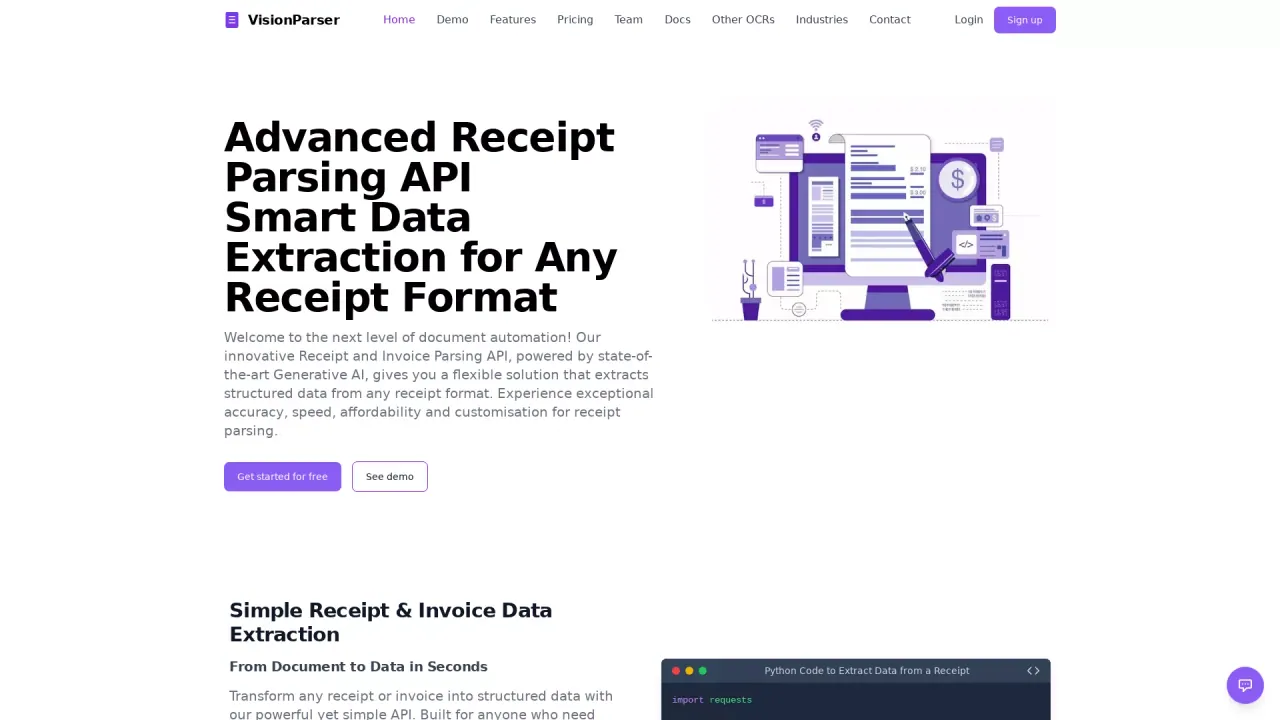
What does VisionParser do?
VisionParser is an AI document automation platform that extracts structured data from real-world business documents such as invoices, receipts, and bank statements. Instead of manual copy-and-paste, it ingests your documents, detects document types, extracts fields with confidence scoring, and validates results against business rules—helping teams reduce errors and speed up downstream workflows.
Key capabilities include flexible document ingestion (email, file upload, API, and cloud storage connections) with support for PDFs, images, scans, and tables/charts. The platform uses AI-powered extraction to parse text and layout, automatically identify and classify documents, and extract structured fields such as vendor, amounts, and dates. Line items can be validated, with confidence scores calculated for each extracted value.
VisionParser also supports human-in-the-loop review. Your team can review, correct, and approve extracted data before it moves downstream, with low-confidence fields flagged for attention. This helps maintain data quality while minimizing manual effort.
For integration and deployment, VisionParser can export data in CSV, Excel, or JSON formats and supports connecting extracted results to internal systems. You can deploy in your own cloud or preferred region to support data residency and control requirements.
Pricing is offered via plans for OCR APIs (Free trial, Core API, Universal API) and an Automation Platform plan. A one-time customization fee may apply for the Automation Platform.
What documents can VisionParser extract data from?
VisionParser supports 40+ document types, including invoices, receipts, purchase orders, bank statements, checks, bills of lading, packing slips, shipping labels, and tax forms (W2, 1099, 1098, and more). It also supports ID and healthcare document types.
How does VisionParser turn documents into usable structured data?
It ingests documents, detects the document type, extracts text and layout, parses structured fields, and validates extracted values against business rules. Each field includes a confidence score to help teams assess quality.
Can my team review and approve extracted fields before they’re sent downstream?
Yes. VisionParser includes human-in-the-loop workflows where low-confidence fields are flagged for review and your team can correct and approve before exporting or integrating with downstream systems.
What deployment options are available for data residency?
VisionParser can be deployed in your own cloud (AWS, GCP, Azure, or on-premise) so documents and data stay within your infrastructure. It can also be deployed in different regions to meet compliance requirements.
How can extracted data be exported?
You can download structured data as CSV, Excel, or JSON. The platform can also connect results to internal tools and downstream systems.
What pricing plans are available?
VisionParser offers a one-month free trial (100 scans included) plus paid OCR API plans (Core API, Universal API) and an Automation Platform plan for end-to-end workflow automation. The Automation Platform may include a one-time customization fee based on requirements.
This listing is claimed
Own VisionParser? Sign in with the email used to claim it to manage this listing, or upgrade to Pro for featured-first placement and a newsletter feature.