
AI Jewelry Model
Verified
AI Ecommerce Tools
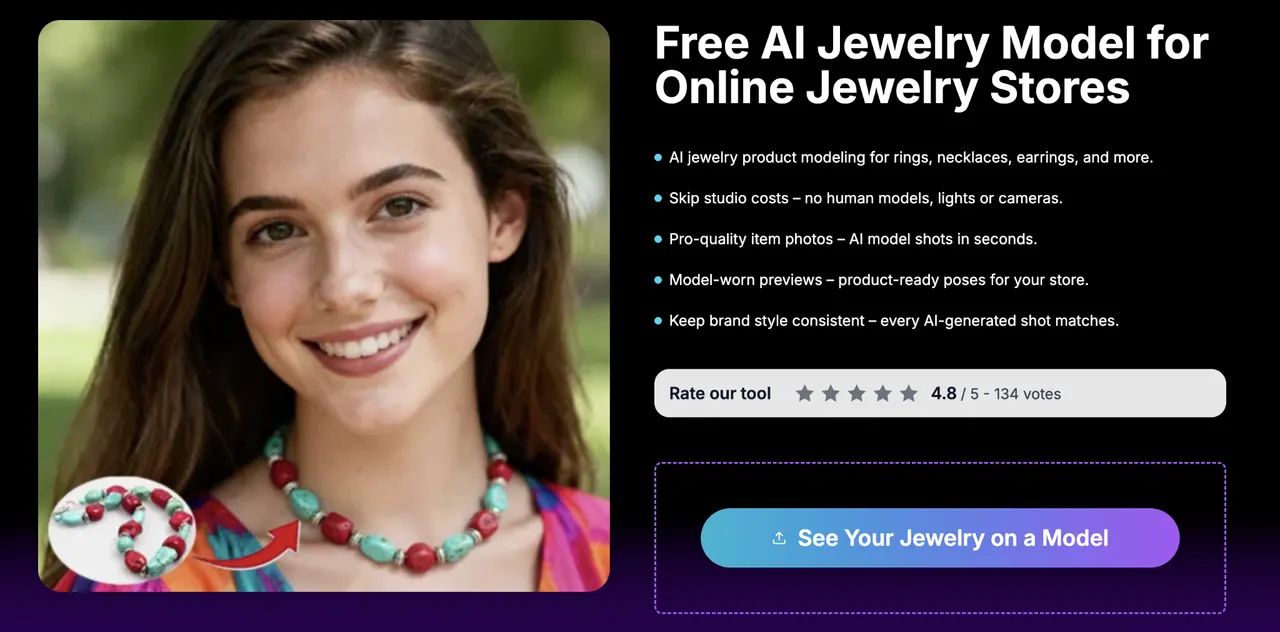
AI Jewelry Model turns your jewelry product photos into lifelike, model-worn ring, necklace, earring, and bracelet images in seconds.
- Pricing
- Free trial
- Category
- Ecommerce
- Listed
- Oct 13, 2026
- Updated
- Nov 2, 2026
Promoted
 Sidrune AI85% off. Stable Claude API for agent developers. Pay as you go. Invoices & refunds available.
 Pixmax.aiPixmax.ai is an all-in-one AI workspace for videos, visual stories, and marketing content.
 AI Checker PlusAI detector that highlights which passages AI wrote. Free check, no sign-up. Plagiarism too.
 RewindType any X/Twitter handle. Get their year back as a narrated video story. Then ask it anything.
 KurodyneSell the tools from your AI side projects. Listing is free.
 SEOify - Improve your SEO & rankingsBuild links to rank in Google. Improve your DR with links you can start building now.Advertise here270,000+ people visit Dang.ai every month.
What does AI Jewelry Model do?
AI Jewelry Model is an AI image generator for creating model-worn jewelry photos from your existing product images—no human models, lights, or cameras required. Upload a clear photo of a ring, necklace, earring, or bracelet, choose where it should appear on a virtual model, and generate polished previews you can use right away.
You can create product-ready shots for multiple jewelry types with purpose-built templates: on-ear images for studs and drops, on-neckline looks for chains and pendants, on-hand views for rings, and on-wrist images for bracelets. The generator is designed to keep your visuals consistent so your storefront, social posts, and campaigns maintain the same on-brand style across your catalog.
This is a strong fit for online jewelry stores and marketplace sellers, jewelry brands and marketing teams, and B2B wholesalers/manufacturers who want faster content updates without repeating photoshoots. It’s also useful for indie designers and agencies that need quick, realistic product presentation assets for launches and seasonal refreshes.
Plans are available with monthly or yearly billing. Basic is $9.99/month billed annually at $119.88 (5,000 credits/year, up to 500 Standard images). Pro is $19.99/month billed annually at $239.88 (13,000 credits/year, up to 1,300 Standard or 325 Studio images). Premium is $39.99/month billed annually at $479.88 (34,000 credits/year, up to 3,400 Standard or 850 Studio images). Watermark-free downloads and commercial use are included on all plans.
What does AI Jewelry Model generate?
It creates lifelike, model-worn preview images for your jewelry using your uploaded product photos—such as rings, necklaces, earrings, and bracelets—placed onto virtual models.
What photos can I use to start?
Upload a clear photo of your jewelry piece in common formats like PNG or JPG. Better clarity helps the generated output look more realistic on the model.
Can I generate different types of on-model shots (rings, necklaces, earrings, bracelets)?
Yes. Create on-neckline previews for chains and pendants, on-ear images for studs and drops, on-hand images for rings, and on-wrist images for bracelets.
How does the workflow work after I upload my product photo?
Choose where the piece should be placed on the virtual model, pick a model/style, generate the images, and download the polished results for use on your store or marketing.
Are the generated images commercial-use ready?
Yes. Commercial use is included on all plans, and downloads are watermark-free.
What are the plan options and how do credits work?
Plans include Basic, Pro, and Premium with monthly or yearly billing. Credits are used for image generation: Standard credits cover Standard generation, while Studio generation is available on Pro and Premium (Studio credits cost more per image).
This listing is claimed
Own AI Jewelry Model? Sign in with the email used to claim it to manage this listing, or upgrade to Pro for featured-first placement and a newsletter feature.