Image2
AI Image Generation Tool
Image2 is an AI image generator and editor that helps you create readable text, photorealistic visuals, and natural-language edits from prompts or reference photos.
Promoted
 RewindType any X/Twitter handle. Get their year back as a narrated video story. Then ask it anything.
 KurodyneSell the tools from your AI side projects. Listing is free.
 Sidrune AI85% off. Stable Claude API for agent developers. Pay as you go. Invoices & refunds available.
 Pixmax.aiPixmax.ai is an all-in-one AI workspace for videos, visual stories, and marketing content.
 SEOify - Improve your SEO & rankingsBuild links to rank in Google. Improve your DR with links you can start building now.Advertise here270,000+ people visit Dang.ai every month.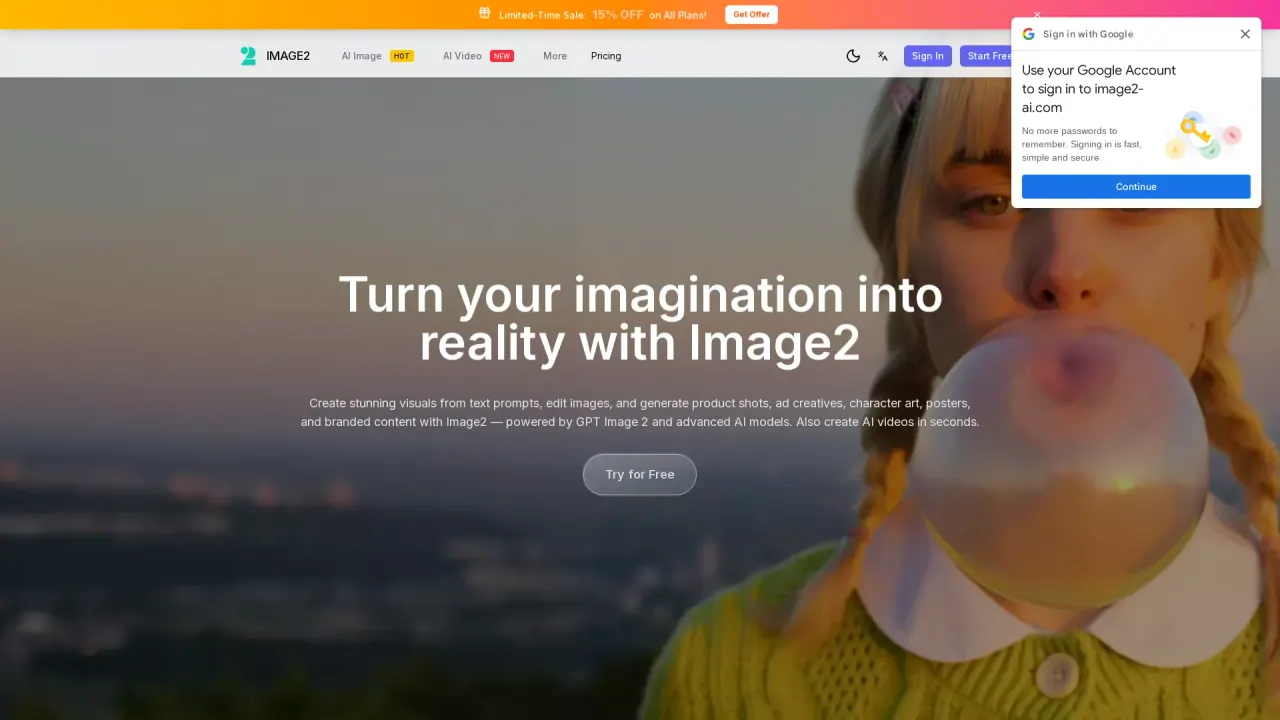
What does Image2 do?
Image2 (GPT Image 2) is an online AI image generator and editor for turning text prompts—or reference images—into production-ready visuals. It’s designed for legible text in posters, ads, and UI mockups, plus photorealistic product shots and marketing graphics.
With GPT Image 2 you can generate and refine images for common creative workflows like marketing and social media, ecommerce product photography, brand concepting, and UI/presentation visuals. Choose a workflow such as text-to-image or image-to-image, pick an aspect ratio, and iterate quickly: generate in seconds, then refine the result by editing with natural-language instructions.
Image2 also supports a multi-model workflow in a single workspace, letting you switch between generation and editing instead of moving across tools. The output is intended for design-ready use, including transparent PNG assets and high-resolution marketing visuals.
Plans and credits: you can start free with limited free credits (“Start Free Now” / “Try for Free”). There’s also a credits system shown in the pricing area (for example, “Cost 100 credits”), with the option to buy credits for additional generations and advanced needs.
What can I create with Image2’s GPT Image 2?
You can generate product images, ad creatives, posters, UI mockups, and other branded visuals from text prompts or reference images, then refine them with editing instructions.
Can Image2 generate images from a text prompt and edit existing images?
Yes—Image2 supports both text-to-image and image-to-image workflows, so you can create from prompts or transform/edit an uploaded reference image.
Does Image2 handle readable text inside images?
Image2 is built for legible text for real-world graphics like posters, ads, product labels, and interface mockups, aiming to reduce the need for constant cleanup.
What image sizes and aspect ratios can I use?
You can choose aspect ratios like 1:1, 9:16, 16:9, 4:3, 3:4, 3:2, 2:3, and 21:9, and select resolution tiers such as 1K, 2K, and 4K.
Is there a free option to try Image2?
Yes. Image2 offers free usage with limited credits so you can try generating and exploring its core features online.
Can I use the images commercially?
Yes—Image2 includes commercial rights for using your GPT Image 2 images in client and commercial work.
This listing is claimed
Own Image2? Sign in with the email used to claim it to manage this listing, or upgrade to Pro for featured-first placement and a newsletter feature.